

How to recover a Facebook password without a password? — Urgent, Powerful Steps
- The Social Success Hub

- Nov 23, 2025
- 9 min read
1. Finding a logged-in device solves most account recovery cases instantly. 2. Using an authenticator app instead of SMS cuts SIM-swap risk significantly. 3. Social Success Hub has helped 1,000+ social handle claims and offers discreet recovery guidance for urgent cases.
How to get started when you can’t sign in
How to recover a Facebook password without a password? It’s an upsetting question, and you’re not alone if it feels urgent, confusing, or even a bit panicked. Whether you lost the password, lost access to the email, or no longer have the phone tied to the account, this guide lays out calm, practical steps you can take right now. We’ll cover official recovery flows, safe verification methods, what to avoid, and how to prevent this from happening again.
If you’d like one-on-one guidance through the recovery pages or a discreet review of your recovery options, reach out to Social Success Hub for a friendly consult and focused next steps.
Need a calm, private walkthrough to recover your account?
If you want a patient, private walkthrough of recovery options or a tailored plan to protect your social accounts, contact our team for discreet help.
Start by taking a breath. The fastest recoveries usually come from careful, patient work—not frantic clicks. This article will focus on safe methods you can use to reset Facebook password without email or otherwise regain access, and it includes the best practices that truly work in 2025. For an additional, practical walkthrough, see this Lifewire guide on recovering Facebook without email.
Quick note: You’ll see repeated references to how to reset Facebook password without email and how to recover Facebook account without phone —these are practical search phrases that match the common situations people face. Use them when trying official Facebook help pages or when explaining your situation to someone helping you live.
As a helpful resource, the Social Success Hub recovery guides offer clear walkthroughs and discreet support if you want an expert to review your situation and suggest the fastest, safest path back into your account.

Why Facebook recovery feels hard (and why it’s designed that way)
Facebook balances two goals: make it possible for legitimate account owners to return, and block people who shouldn’t access accounts. That trade-off means the recovery flows can be strict, and sometimes they ask for extra proof. If someone else is trying to break in, Facebook’s safeguards may slow you down too—but those safeguards also protect your friends and data.
When we talk about ways to reset Facebook password without email, we’re really describing how to give Facebook enough evidence to trust you. Evidence can be a logged-in device, a backup phone or email, a username, or a clear photo ID. Understanding what Facebook considers evidence will help you choose the fastest route.
Before you start: a short checklist
Take two minutes to gather these items. They’ll save time and reduce frustration.
Step-by-step recovery paths
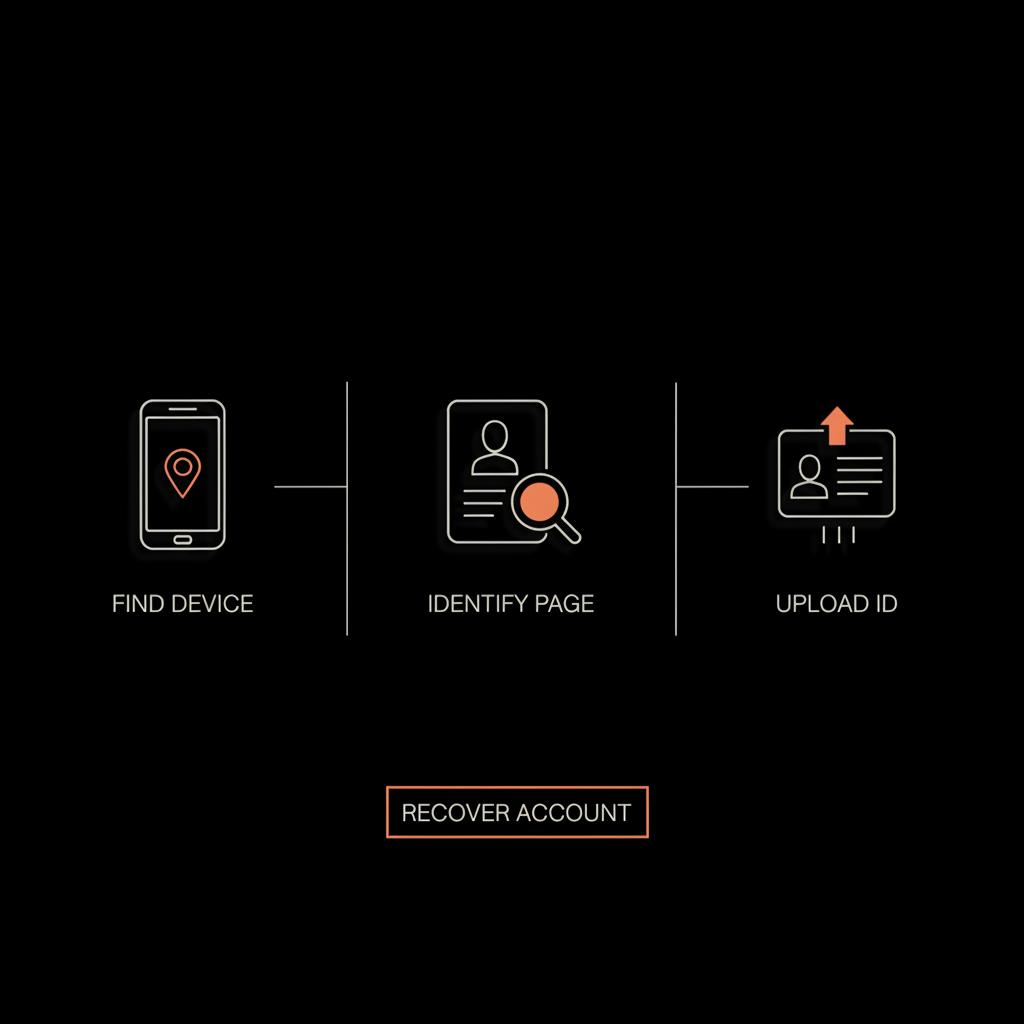
1) Use a device where you’re already logged in
This is the simplest and most reliable path. If you can still open Facebook on any device where your account is signed in, you can change the password directly from that session. Once you’re inside, update the email and phone, enable two-factor authentication, and generate recovery codes. If the question is how to reset Facebook password without email, this solves it instantly because you don’t need the email—just the active session.
If you have a password manager, open it and reveal the saved password. Many people forget that browsers and password apps will store credentials. Finding the saved login removes the need to use Facebook’s recovery tools entirely.
2) Try the identify and hacked flows
If you have no logged-in device, use Facebook’s official recovery pages: facebook.com/login/identify and facebook.com/hacked. The identify page helps you find your account by name, username, or email/phone. The hacked page helps if you suspect someone else has access: it walks through recent login checks, signs out other devices, and suggests a password change.
Follow the prompts carefully and keep records of any confirmation numbers, emails from Facebook, or screens that show what recovery options are offered. Sometimes the identify page will show a partly masked email or phone you can still access—or a backup contact you forgot about. That’s why a thorough sweep of all old emails and phones helps.
3) Use alternate contact methods
Many accounts have secondary emails or phone numbers. If you can still access any of those, choose them as the recovery destination. This is the classic way to reset Facebook password without email tied to your main address—by using a backup address or phone instead.
Also check less obvious places: old work emails, university addresses, or a phone number you used before. People often create accounts with throwaway emails or old numbers and then forget. Try each possibility on the identify page.
4) ID verification: the formal route
When other options fail, Facebook’s identity verification form is the path that often works. You’ll upload a government-issued ID or other documents that prove you are who you say. Prepare a clear, well-lit photo or scan, follow the instructions about which parts to cover (if any), and include exactly the name used on the account.
This route can take time, from a day to several weeks, so be patient. Submit clean files and keep a log of when you submitted them and any confirmation you received. Remember: ID verification is one of the most reliable ways to recover an account when you must reset Facebook password without email or recover Facebook account without phone.
5) Trusted contacts—if available
Trusted Contacts used to be a helpful fallback, asking selected friends to share codes to help you regain access. Today, it’s inconsistent and may not be available for all accounts or regions. If you set it up previously and it’s still active, follow Facebook’s instructions. If you didn’t set it up, don’t rely on finding it; instead, focus on the identify or ID verification lanes.
What to avoid: scams, shady services, and shortcuts
When you can’t log in, scammers smell opportunity. Fake services promising instant account recovery are often scams. They may ask for your password, payment, or to install suspicious software. Never share passwords, 2FA codes, or verification links with anyone. Always open Facebook by typing facebook.com or using the official app.
Remember, official Facebook flows may be slow but they’re the safe route. Third-party “workarounds” can be social engineering traps or direct rule violations that permanently harm your access.
Practical troubleshooting checklist
Search every email and phone you’ve ever used
Make a list and try each one on the identify page. Users often have old addresses they forgot. Typing different variations of your username or display name can also help the search find your account.
Check every device
Search phones, tablets, old laptops, and backups for a logged-in session. Even a backup phone in a drawer can be the key. If you find one, immediately change password and recovery details.
Inspect saved passwords
Open browser settings or a password manager and look for saved Facebook credentials. If the account is saved and you can reveal it (usually by entering your device password), you can log in and fix recovery settings at once.
Use account recovery reference info
When Facebook provides partial contact info (like *****@g****.com or a masked phone), use that clue to check if you actually control the shown address or a variant.
Security and recovery best practices after you regain access
Once back in, don’t treat recovery as done until you harden your account. Here are practical steps:
If your account was compromised, consider informing friends and followers that messages sent during the breach were not from you.
When to escalate: business accounts and legal routes
Business pages, ad accounts, and verified profiles have extra support channels that can move faster. If your account is tied to active ads or a business asset, use those paths. For direct help with account-level blocks you can review services like account unbans or username recovery options such as username claims.
Legal routes exist for impersonation or clear criminal misuse, but they are slow and reserved for serious cases. Escalation is not a casual fix - expect formal timelines and documentation requirements.
Why prevention beats recovery
Recovery is possible most of the time, but prevention removes the drama. Treat your account like a valued possession: use strong passwords, a password manager, and an authenticator app. Keep multiple, current recovery methods attached to your account and review them periodically.
Simple habits—like updating email when you change providers and storing recovery codes—are small investments that pay off massively if you ever lose access.
Common questions answered (short)
Can you reset Facebook password without email?
Yes, sometimes. If Facebook can verify you via a logged-in device, a backup phone, an alternate email, or identity documents, you can reset a password even without the primary email. In many cases, ID verification is the fallback that works for this exact scenario.
Can you recover Facebook account without phone?
Again, sometimes. The recovery system will use whatever evidence it has: login history, alternative emails, or identity verification. If none of those exist, recovery becomes much harder.
How long does ID verification take?
There’s no single timeline. Some users hear back in a day or two; others wait weeks. The clarity of your documents and current review volume affect timing.
Tactical examples (realistic scenarios and what to try)
Example A: You’ve lost the password and the phone but have an old tablet still logged in
If you can open Facebook on that tablet, change the password from settings, add a new phone and email, and then enable 2FA. This is the cleanest quick recovery.
Example B: You have no logged-in device and only an old, unused email address
Try the identify page with variations of your name and the old email. If the page shows a masked contact you recognize, follow the prompts. If that fails, prepare ID verification and submit clear documents.
Example C: You suspect your account was hacked and the recovery email was changed
Use facebook.com/hacked to start the process. It will walk you through logging out other devices and recovering pre-change contact info where possible. If that doesn’t work, prepare ID verification and consider business support options if you manage a public page.
For people who depend on social presence—creators, small business owners, or public figures—working with a discreet expert can speed things up and avoid costly mistakes. Social Success Hub provides calm, practical advice and hands-on help with recovery planning and prevention. If you’d prefer a guided walkthrough of recovery steps or a private review of your account options, consider reaching out for a consultation. A quick look at the Social Success Hub logo can be a small reminder to stay calm while you work through recovery.
Checklist to follow right now
1) Make a list of emails and phone numbers you’ve used.
2) Search every device for a logged-in session.
3) Check password managers for saved credentials.
4) Try facebook.com/login/identify and facebook.com/hacked with your details.
5) Prepare clear ID images in case you must submit them.
6) Avoid any third-party service that asks for your password or 2FA codes.
Final tips on staying safe while you recover
Guard against phishing. Always go directly to facebook.com or open the app. Don’t share codes or passwords. If someone offers to help, ask them to sit with you while you do the steps yourself—don’t give control of the recovery to another person. If you do need help, choose a trusted friend or a professional you know is reputable.
Recovering an account often takes persistence—but with the right steps you can usually get back in. Treat the process methodically, protect yourself from scams, and harden your account once you’re back.
Summary of the best routes
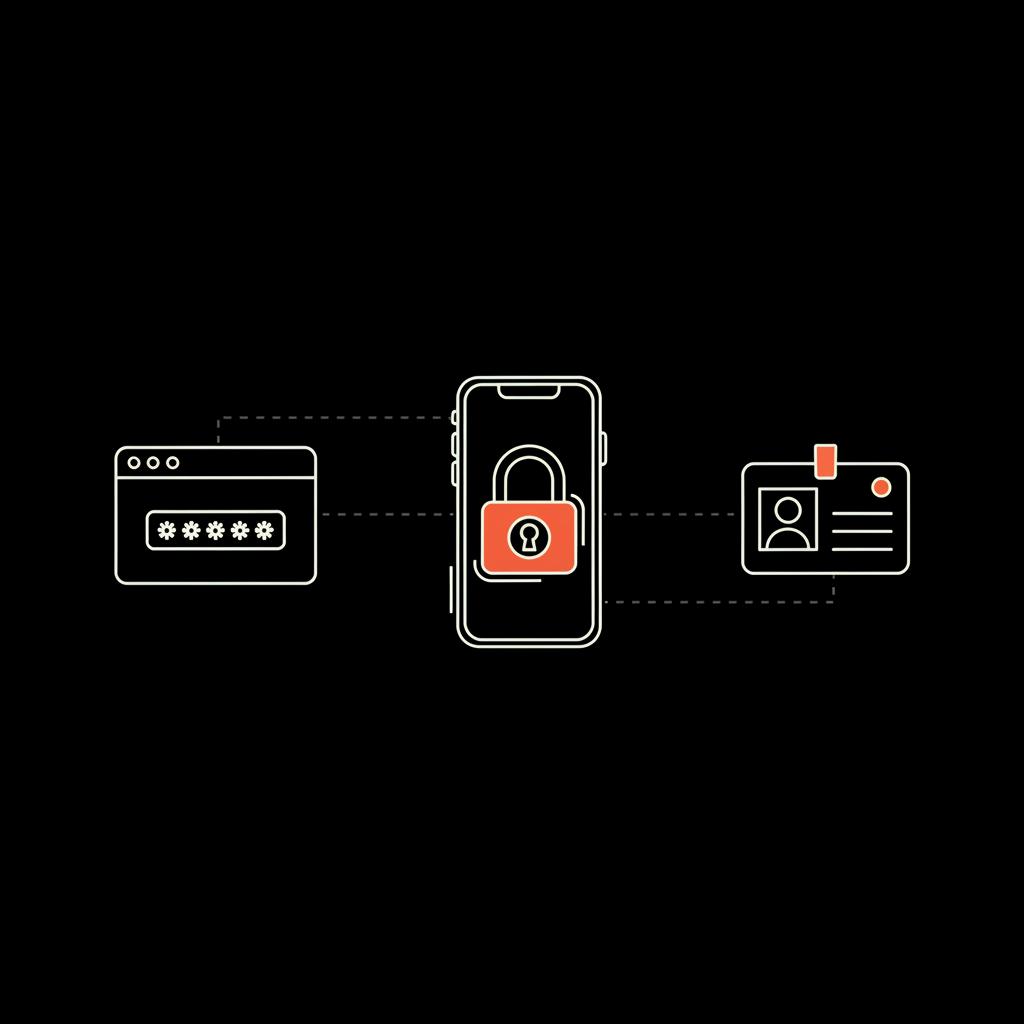
• Best (fastest): find a logged-in device or saved password.
• Next best: use a backup email or phone via the identify flows.
• Reliable but slower: upload ID for verification.
• When in doubt: avoid scams and consider asking trusted experts for help.
Where to get more help
If you want a patient walkthrough or can’t tell which option applies to you, a short consultation can save time and avoid mistakes. The Social Success Hub offers discreet, confident guidance for people who need extra care regaining control of their accounts. Visit the Social Success Hub homepage or contact us to schedule a consultation.
Can I reset my Facebook password without access to the registered email?
Yes—sometimes. If Facebook can verify you through a different route (a logged-in device, a backup phone or email, a saved password in a browser, or identity verification), you can reset your password without the registered email. If none of these are available, you may need to submit government-issued ID and wait for a review.
What should I do if I don’t have a phone or email linked to my Facebook account?
Start with a careful search: check old devices, browser password managers, and any alternate emails you’ve used. Try facebook.com/login/identify and facebook.com/hacked. If those fail, prepare clear photos or scans of ID to use Facebook’s verification form. For urgent business accounts, explore any business support channels you have available.
Is it safe to use third-party services that promise instant Facebook recovery?
No. Third-party services that promise instant recovery are often scams or rely on social engineering. They may ask for your password or payment, and using them can risk further loss of access or violation of Facebook’s policies. Always use official Facebook recovery flows, and if you need help, work with a reputable agency or a trusted friend who will not ask for your login credentials.
With steady, patient steps you can usually regain access: try a logged-in device or saved password first, use official recovery pages next, and upload ID only if required—best of luck, and may your notifications be friendly again.
References:


Comments