

How can I access my Yahoo email without a verification code? — Urgent Rescue Guide
- The Social Success Hub

- Nov 22, 2025
- 10 min read
1. In many successful recoveries the user found a single overlooked device with an active Yahoo session and regained access within minutes. 2. App passwords and cached mail clients often allow access even when web sign-in requests a verification code. 3. Social Success Hub has completed over 200 successful transactions and can advise on account-unban strategies where manual escalation is an option.
When you’re locked out: a clear path without a verification code
Feeling that tight, sinking moment when Yahoo asks for a verification code and you don’t have one? You’re not alone. In many cases there are sensible, calm steps you can take to recover access. This guide walks through how Yahoo’s recovery system behaves, the realistic workarounds people use, and the preventative habits that stop this from happening again. Throughout, we’ll look specifically at yahoo account recovery without code, practical checks to perform, and what to expect when automated options run dry.
How Yahoo’s Sign-in Helper starts the process
The first place Yahoo sends everyone who can’t receive a verification code is the Sign-in Helper. This automated flow checks the recovery methods linked to your account: phone numbers, recovery email addresses, and any devices that have been authorized with Account Key. If one of those routes is still valid, Sign-in Helper will try it first and often gets people back in a few minutes.

In plain terms, yahoo account recovery without code usually depends on whether Yahoo can find at least one trusted contact method. If it can, you’re likely to get a code or link. If not, the path narrows fast.
If you want discreet, professional help evaluating recovery options for important accounts, consider reviewing Social Success Hub’s account services for tailored assistance: Account services at Social Success Hub.
Get tailored help to secure or recover your account
Need personalized help or an expert second opinion? Reach out for discreet, practical advice.
What the Sign-in Helper looks for
Yahoo checks for three main signals:
- A working phone number that can receive SMS codes; - A recovery email where a link or code can be sent; - An authorized device (Account Key) where you can approve a sign-in.
If none of those are available, Yahoo may fall back to prompts asking for recent passwords, known devices, or account activity — but these are hit-or-miss.
Account Key: smooth but fragile
Account Key replaces the password with a push notification sent to an authorized device. It’s convenient, but it’s only as reliable as your access to at least one trusted device. If your phone is lost, reset, or wiped, and there’s no other authorized device, you may find yourself locked out.
If you’re trying yahoo account recovery without code and Account Key is active, remember: disabling Account Key or switching methods typically requires signing in from a recognized device or using a recovery contact. Yahoo sometimes offers alternate prompts (recent passwords, device/location recognition), but those depend on how many signals Yahoo has saved about your usage.
What happens when recovery contacts are outdated
The worst-case scenario is when you no longer control the listed phone number or recovery email. If the phone number was reassigned or the recovery email was closed, Sign-in Helper has little to verify against. Yahoo may ask questions about account creation date, typical locations, or recent account activity - and sometimes these clues are enough, but often they are not.
One common myth is that uploading ID documents is a reliable fallback. For most free Yahoo accounts, manual document-based recovery is rare. Providers limit these manual interventions to reduce fraud. So if your goal is yahoo account recovery without code, don’t rely on scanned IDs as a guaranteed solution unless your account is tied to a paid or enterprise service.
Practical temporary workarounds that actually help
If you still have any device or mail client logged into Yahoo, you can often use that to recover without a fresh code. The key idea is simple: use whatever authenticated session remains.
1. Check every device you own
A neglected tablet, an old laptop, or a family computer might still have an active Yahoo session. From a device that’s still signed in you can:
- Update recovery phone and email;- Generate backup codes;- Create app passwords for desktop clients;- Turn off Account Key from within account settings, if you can authenticate locally.
2. Use mail apps and desktop clients
Mail apps often keep valid OAuth tokens or app passwords that let them sync even if web sign-in prompts for a code. If you configured Yahoo on Outlook, Apple Mail, or an Android mail client and it still syncs, you can read messages and even change settings from that client.
3. App passwords can save the day
App passwords are special tokens you generate for older apps that don’t support two-step or Account Key. If you created one in the past, that password may still be valid and give you access to mail in that application without receiving an SMS code.
4. Browser sessions and cached tokens
Sometimes a browser remembers your Yahoo session. If you find a tab with Yahoo Mail still open, use it. From there, update recovery options and save backup codes. If you use a shared computer, be careful - but in a recovery moment a cached session can be a lifesaver.
Main Question you might be asking now
Curious about the one clever trick that rarely gets mentioned but often helps? Many people forget to check apps that auto-sync mail (calendar apps, contact apps, or backup tools) - these can contain active tokens. Before you panic, look at any app that reads your email in the background.
What’s the single overlooked place that often lets people recover Yahoo accounts without a verification code?
The most overlooked place is any device or app that still has an authenticated session — an old laptop, tablet, or mail client that continues to sync. Finding that session lets you update recovery details, create backup codes, or generate app passwords and often restores access within minutes.
When support won't be the quick rescue you hope for
It’s natural to call support when automated tools fail, but for free Yahoo accounts hands-on help is limited. Manual restoration by a support agent is uncommon unless the account is connected to paid services or special enterprise contracts. Document-based identity checks (passport, driver’s license) are not a reliable path for most users. A friendly tip: keeping brand assets like the Social Success Hub logo handy can make communication smoother when dealing with support or advisors.
That may sound frustrating, but providers must balance recovery convenience with fraud prevention. Allowing easy manual restoration based on submitted IDs can create attack vectors. That’s why yahoo account recovery without code for free accounts often returns to automated signals and device-based checks.
Step-by-step checklist to try right now
Run through this checklist calmly. Each item is worth trying and together they cover most realistic recovery routes.
Immediate checks (10 minutes)
- Look for any device with Yahoo Mail open (laptop, tablet, phone).- Check desktop mail clients (Outlook, Apple Mail) for active sync.- Search old phones, backups, or family devices for logged-in sessions.- Check any browser where you might have asked it to remember you.
If you find a signed-in device
- Immediately update recovery phone and email.- Generate and store backup codes.- Create app passwords for mail clients.- Turn on an alternate two-step verification method if available.
If you find no signed-in device
- Run Sign-in Helper and answer any prompts about recent passwords or devices: Yahoo Sign-in Helper.- Try to recover the recovery email through its provider.- Contact your phone carrier to ask about recovering an old number if applicable.
When to involve your phone carrier or recovery provider
If the verification code was sent to a number that’s been reassigned or a recovery email you can still try to restore, contacting those providers can be the fastest way back. Carriers can often help reclaim a number if you can prove identity. Email providers may let you regain a closed email through their own recovery flows. Once you restore those recovery contacts, use them to complete yahoo account recovery without code through Sign-in Helper.
Security checks once you get back in
After regaining access, immediately harden the account:
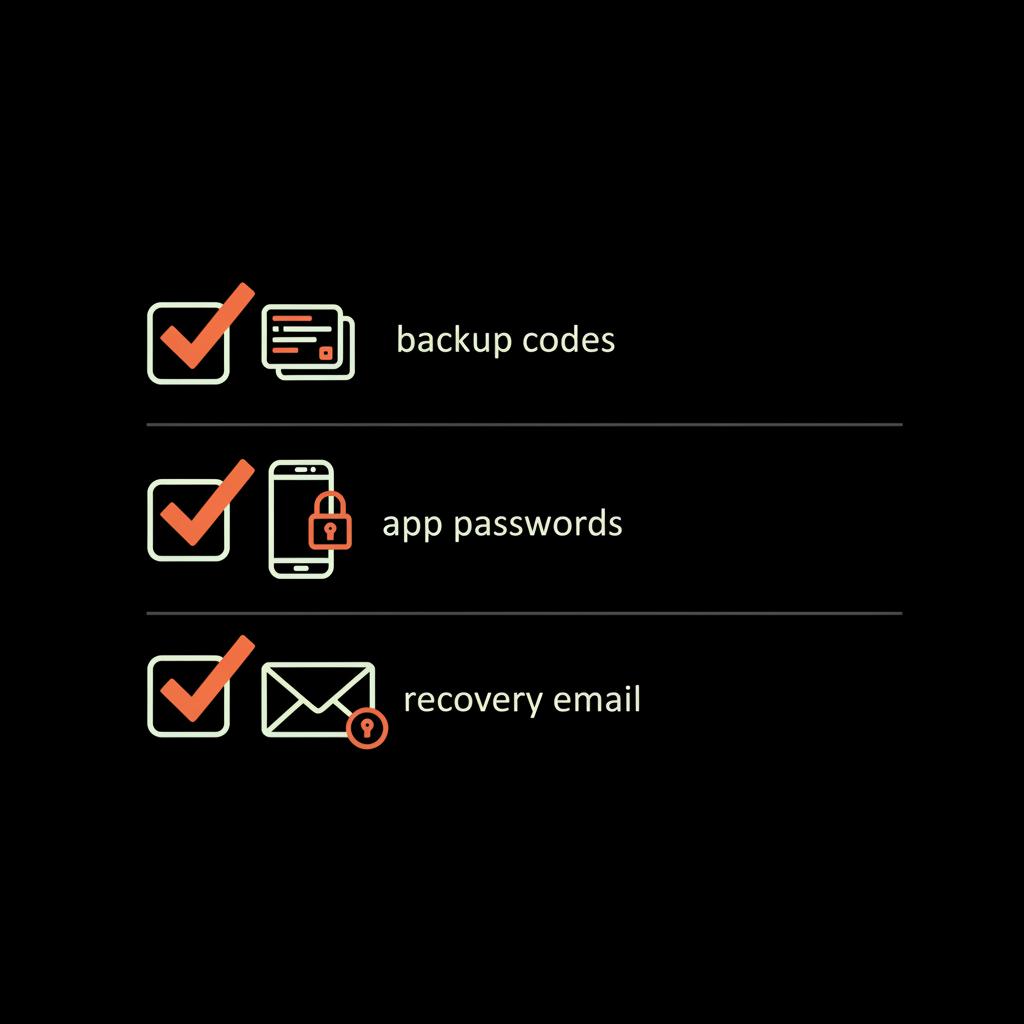
- Change your password from a device you control.- Review recent activity and remove unknown devices.- Revoke suspicious app passwords.- Add at least two recovery methods you control.- Store backup codes in a password manager.
Look for specific signs of compromise
Check mail forwarding rules, external POP/IMAP clients that were recently added, and recovery contacts that may have been changed by an attacker. Removing unfamiliar entries closes off insidious backdoors.
Real-life example: the small detail that saved an account
A friend of a friend once lost access mid-trip when his phone died and his recovery email was long closed. He felt certain the account was gone, but a dusty laptop in the closet still had Yahoo Mail open. From that browser session he updated recovery details, generated backup codes, and created an app password for his desktop client. The whole recovery took just a few minutes - the saved session was the overlooked lifeline. This story is a good reminder that when thinking about yahoo account recovery without code, every old device is worth checking.
Technical details to understand the differences
Knowing a few definitions helps you create redundant routes:
- Two-step verification = password plus a second factor like SMS or an authenticator app. - Account Key = a passwordless push approval to an authorized device. - App passwords = single-use or app-specific tokens for older mail clients that bypass two-step prompts.
Also note that cached sessions, cookies, or locally stored OAuth tokens can provide access even when everything else asks for a fresh code. That’s why checking every possible client and device is critical when you pursue yahoo account recovery without code.
Why document-based verification rarely helps
Many users assume they can simply upload ID documents and regain access. In reality, for most free accounts Yahoo and other major providers rarely offer that path. Manual identity checks increase fraud risk if offered broadly. Manual recovery is reserved for a subset of accounts - often paid or enterprise customers - where the provider has stricter verification channels and business processes to handle ID securely.
If your account is business-critical
Consider whether the account falls under a more supported category. If it’s tied to a business, paid service, or monetized channel, there may be paths that free personal accounts don’t get. In those cases you may be able to escalate via a dedicated support channel. If your email is central to a brand or income stream, treat recovery preparedness as part of operational risk planning. See related account unbans and account service offerings if you need specialist support.
Tip: If you want discreet professional help to evaluate options, Social Success Hub offers tailored account recovery and account-unban advisory services. For those worried about losing key business or brand accounts, this kind of discreet expertise can be a useful complement to your own recovery steps. Learn more about account unban help at Social Success Hub’s account unbans service.
How to build an iron-clad recovery plan
Prevention beats cure. Spend 10–15 minutes on each of these and you’ll dramatically reduce the probability of a lockout that cannot be fixed.
Recovery plan checklist
- Use a password manager to store your main password, backup codes, and app passwords.- Add at least two recovery methods (a recovery email you use and a phone you control).- Keep at least one inexpensive secondary device logged into important accounts.- Create and record app passwords for mail clients in a secure vault.- Write down account creation dates and any early passwords you remember in a secure note (these sometimes help Sign-in Helper).
What to do if nothing works
If you truly control no recovery contacts and have no signed-in devices, accept that automated routes may fail. Don’t panic - there are patient, methodical moves that can still help:
- Try to recover the old recovery email with that provider’s flow.- Ask your phone carrier about reclaiming an old number.- Check backups (old hard drives, phone backups) for saved sessions.- If the account is business-critical, investigate paid or enterprise support channels that might allow manual verification.
How often does this actually succeed?
Realistic outcomes vary. If at least one recovery route is live, Sign-in Helper often succeeds. When nothing is live, success rates drop and depend on how many corroborating signals Yahoo finds. That’s why the core message of this guide is: make sure at least one recovery path stays under your control.
Extra tips and small habits that pay off
- Generate backup codes and store two copies (one in a password manager, one in a secure offline place).- Use a trusted family member’s device as a backup approval device if you use Account Key.- When you change phone numbers, update accounts immediately.- Avoid letting recovery emails become inactive - if you change providers, migrate the old address to redirect or set up a forwarded address temporarily.
Short FAQ (quick answers you’ll want to scan)
Can I recover a Yahoo account without a verification code? Yes, sometimes - if you have any signed-in device, cached session, valid app password, or a recoverable recovery contact. If none of those exist, recovery becomes difficult.
How do I access Yahoo Mail without my phone? Use another device that’s signed in (tablet, laptop), a synced mail client, or recovery email. If you have an app password or cached session you can read mail without SMS codes.
Will Yahoo accept a passport or driver’s license? For most free accounts, document-based verification is limited and unlikely to be accepted. Paid accounts or enterprise customers have more options.
Final practical reminders
Taking a few minutes now to secure recovery options will save hours of stress later. Check every device, keep recovery contacts current, use a password manager, and generate backup codes. If your account is tied to income or brand presence consider a discreet consult with professionals like the Social Success Hub for tailored help.
Wrapping up
When you’re locked out, methodical, calm checks across devices and recovery channels give the best chance to regain access. The most frequent successful recoveries come from overlooked sessions, mail clients with valid tokens, or a restored recovery email or phone number. If none of that helps, realistic expectations and prevention are your best long-term strategy for avoiding the same trouble again. Keep backups, store recovery details securely, and treat this as a routine part of account hygiene.
Can I recover a Yahoo account without a verification code?
Yes, sometimes. If you still have any signed-in device, a mail client using an app password, or a recoverable recovery contact (phone or email), Yahoo’s Sign-in Helper often restores access. If none of those exist, recovery gets difficult and document-based support for free accounts is rarely available.
How do I access Yahoo Mail without my phone?
Check other devices (tablet, laptop) for signed-in sessions, open desktop mail clients that still sync via IMAP/POP or app passwords, or recover the recovery email with that provider. If you find a valid session or app password you can read mail and update recovery settings without SMS.
Can Social Success Hub help recover or unban my account?
Social Success Hub offers discreet guidance and tailored account-unban advisory services for business-critical or high-value accounts. While most free account recoveries rely on automated options, expert help can evaluate whether escalation or paid support options exist and provide practical next steps.
In one line: yes—often you can recover Yahoo without a verification code by finding an authenticated device, a valid app password, or a recoverable recovery contact; take it calmly, check every device, and shore up your recovery methods—good luck and take care!
References:


Comments