

How to get official WhatsApp verification? — Powerful, Practical Guide
- The Social Success Hub

- Nov 24, 2025
- 10 min read
1. The official badge is primarily about trust: verified businesses report fewer identity-related customer questions and higher conversion in payment or booking flows. 2. Common cause of rejection: mismatched names between Meta Business Manager, legal documents, and your display name—fixing this often solves approvals. 3. Social Success Hub has supported over 200 successful transactions, 1,000+ handle claims, and thousands of harmful reviews removed—our experience speeds verification prep.
Why the little badge matters - and what 'WhatsApp business verification' really signals
If you use WhatsApp to talk with customers, you’ve probably noticed some business profiles show a small verified mark next to the name. That tiny icon carries weight: it signals that Meta completed identity checks for the WhatsApp Business Account. WhatsApp business verification reassures customers that the account represents a legally registered business, reduces confusion with lookalike accounts, and often improves reply rates and trust when you ask customers to click links or pay for services.
But the badge does not do everything. It is not a safety seal for every message you send. It simply confirms a business identity check. You must still secure systems, protect data, and follow privacy rules.

Two clear routes: WhatsApp Business App vs WhatsApp Business API
Most confusion comes from treating both tools as the same thing. They are not. The WhatsApp Business App is a simple, phone-based tool suitable for sole traders and very small teams. It’s cheap and easy—but it won’t get you the official badge tied to the Business API. In contrast, the WhatsApp Business API is the route businesses use when they want automation, multiple agents, CRM integrations and, crucially, official WhatsApp business verification.
The API path is managed inside Meta Business Manager and often through a WhatsApp Business Solution Provider (BSP). If you want the verified badge in chat, you need WABA (WhatsApp Business Account) and business verification completed in Meta Business Manager.
How the process looks at a glance
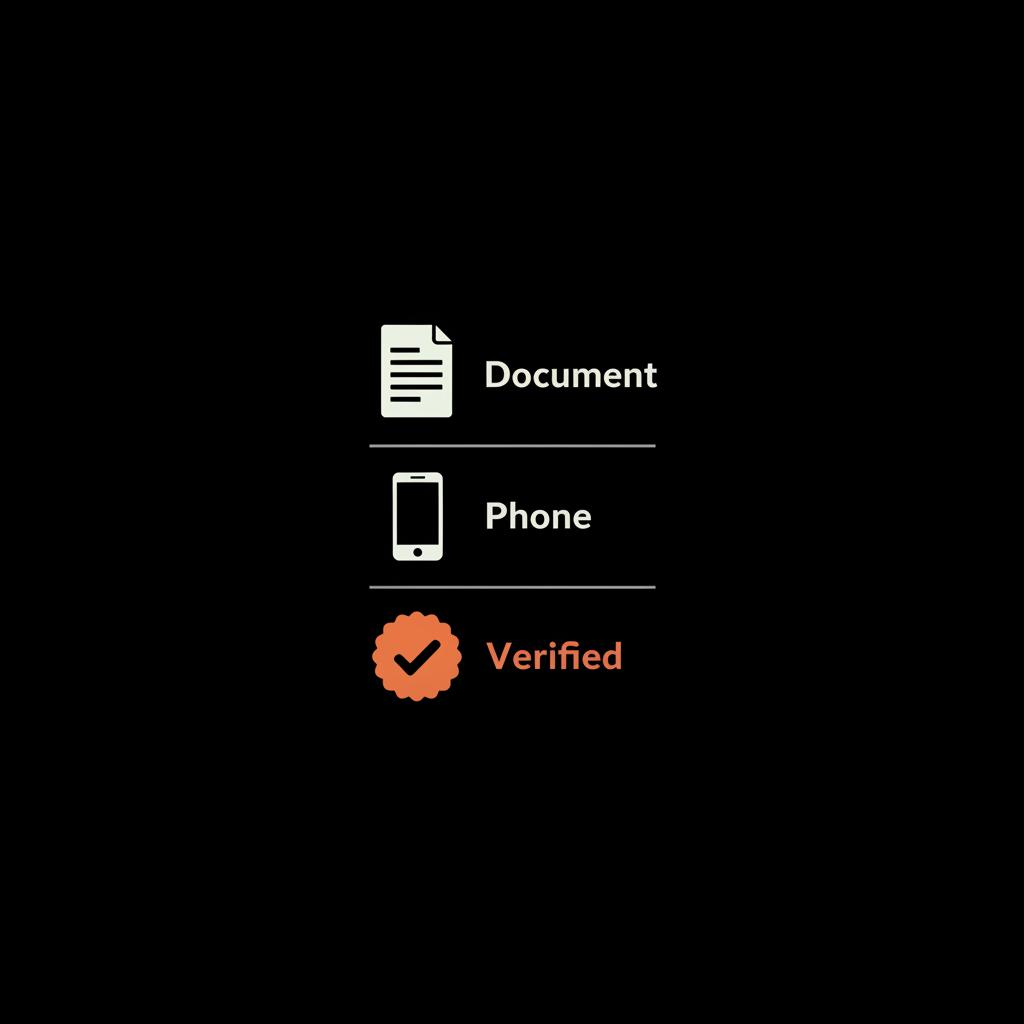
Here is the simplified sequence most businesses follow when they pursue WhatsApp business verification:
1. Create or prepare a Meta Business Manager account and finish Meta business verification. 2. Create or claim a WhatsApp Business Account (WABA) inside Business Manager. 3. Register and verify a dedicated phone number for WABA. 4. Submit and get approval for your display name. 5. Apply for the official badge (often via a BSP for ease).
Each step has small traps that cause delays. Later sections explain what commonly trips businesses up and how to avoid it.
Will getting the verified badge really change how customers trust my business?
Yes. The badge is a visual cue that your account underwent Meta’s identity checks, which reduces hesitation in payments and sensitive exchanges; it won’t stop all fraud, but it lowers friction and raises perceived legitimacy.
Core eligibility: what Meta expects for business verification
To be eligible for the official badge you typically need a fully verified Meta Business Manager account. That means you follow Meta’s business verification flow and submit legal documents that show your business name and registration or tax ID. You must also create or claim a WhatsApp Business Account and register a phone number dedicated to WABA. Your display name must match the legal identity or be clearly supported by documents that link a trade name to the legal entity.
In short: prove who you are, show that the WhatsApp account belongs to your business, and use the right phone number in the right way. These three simple rules explain a surprising share of approvals and rejections.
Detailed checklist before you apply
Before you press submit, make sure you have:
- A fully completed Meta Business Manager profile with business verification finished.- Official business registration documents or tax filings that match the name you will use as the display name.- A stable phone number not tied to another active WhatsApp account.- A clear display name that reflects your registered business or brand and avoids unnecessary keywords or special characters.- A plan for who will manage message templates, security, and data privacy if you win the badge.
Step-by-step setup and common pitfalls
1. Business Manager verification
Start by preparing legal documents: business registrations, tax ID, utility bills if needed, and a proof of address where asked. Upload the clean, legible files and ensure the business name you enter in Business Manager matches the legal documents. Many rejections happen because of small mismatches between names or addresses.
2. Claim or create your WhatsApp Business Account
Create a WABA inside Business Manager or claim an existing one. Give the WABA a sensible account name for internal use and prepare to assign a phone number. If you already use a number on a personal WhatsApp account, plan to move it: you must unregister it from personal use and then register it with WABA.
3. Register and verify your phone number
The phone number used for the Business API must be dedicated to the business account. Landlines can work if you can receive a voice verification call. Mobile numbers are common and usually fine, but avoid virtual, short-lived services. Meta looks for stability and proof the number belongs to a legitimate telecom operator. If a number is tied to past accounts or flagged, registration can be rejected. For details on sender registration see Understand WhatsApp sender registration.
4. Display name rules - and why they matter
The display name is reviewed closely. Meta checks whether it could mislead users, whether it matches your legal identity, and whether it contains forbidden terms like government affiliations or trademark impersonations. Avoid stuffing keywords, locations, or emojis into the display name. Keep it close to the registered brand or company name. If your trade name differs, upload supporting documents that link the trade name to the legal entity. You can review the official WhatsApp display name rules and follow the display name guidelines.
Why working with a BSP often helps
WhatsApp Business Solution Providers specialize in WABA setup and integrations. They manage the technical hosting, templates, and the submission process. While you can technically set up WABA directly, a good BSP speeds things up and reduces mistakes. Experienced partners know what Meta expects in the paperwork and can usually prevent the common application errors that trigger rejections.
If you prefer a guided route, you can reach out to Social Success Hub for tailored advice—our team connects businesses to proven partners and supports the verification journey. Learn more via this contact page: Connect with Social Success Hub.
What to expect on timelines and costs
Timeframes vary: business verification can be from a few days to a few weeks depending on document clarity and regional reviews. Display-name approval and phone verification add time. If Meta asks for extra documents, add days or weeks. BSPs typically shorten these cycles but charge onboarding and monthly fees. Meta itself does not charge a specific badge fee, yet operational costs for WABA and BSP services are real - budget for setup, monthly platform fees, and messaging costs.
Common reasons for rejection and simple fixes
Expect rejections if paperwork mismatches or if a phone number is tied to other accounts. Typical problems include:
- Mismatched names across Business Manager, registration documents, and display name.- Incomplete Business Manager verification before WABA submission.- Display names with excessive keywords, emojis, or misleading claims.- Phone numbers flagged as temporary or used by other WhatsApp accounts.
Fixes are usually straightforward: gather matching documents, finish business verification first, choose a clean phone number, and use a display name supported by official filings.
Appeals: how to retry after a rejection
If your application is rejected, don’t panic. Meta allows appeals and many BSPs include appeal support. When you appeal, provide crisp supporting documents and a short factual explanation of why the initial submission may have failed. Avoid long narratives—give the key proof points and let the documents speak for themselves.
How the badge shows to customers
Once approved, customers will see a visible mark next to your business name in chat or on your profile. The exact look might shift across app versions and regions, but the effect is the same: a visual cue that your account has been identity-checked by Meta. For businesses that manage payments, bookings, or sensitive communications, this visual trust marker reduces friction and questions.
Real example: a corner bakery that gained trust
A small European bakery used WABA to take orders. After applying for WhatsApp business verification, they worked with a local BSP. The BSP prepared the display name to match the owner’s company registration and registered the shop landline as the WABA number. A minor display-name edit and quick appeal solved the only sticking point. Once the badge appeared, customers reported feeling more confident when placing orders, and order-related misunderstandings dropped noticeably.
Privacy, data handling and compliance
If you want tailored advice for your country or to check whether your phone number and documents are ready, share the details and I’ll give customized next steps.
Verification does not remove your legal obligations. If you use WABA for notifications or marketing, obtain consent where required, store customer data securely, and limit access internally. Meta can review complaints or practices if issues arise, so set clear policies about who may send messages and what kinds of messages are acceptable.
When the Business App is good enough
The WhatsApp Business App is an excellent fit for solo operators and very small teams. It’s easy, low-cost, and keeps the personal touch. If you handle few messages and prefer one-on-one chats, you may not need the complexity or expense of WABA. The Business App won’t give you the verified badge, but for many small businesses the simplicity and lower costs are the right tradeoff.
Phone numbers - best practices and warnings
Use a stable, operator-issued number. Landlines often work for businesses that cannot run a mobile SIM. Avoid virtual numbers from transient providers—Meta flags those as risky. If a number is currently linked to a personal WhatsApp account, remove that account first and then register the number with WABA. Keep records that show the number belongs to your business (invoices, telecom statements) to speed any appeals.
Practical checklist: documents and actions to gather today
- Official business registration (certificate of incorporation or equivalent).- Tax ID or VAT registration documents.- Proof of address (utility bill or official letter).- Telecom bill or statement showing the business phone number.- Trade name documentation if your brand differs from the legal company name.- Clean Business Manager account email and a named admin who will run the process.
Tips that save time
- Use consistent spelling and punctuation across every document.- Avoid promotional or keyword-stuffed display names.- If uncertain, ask a trusted BSP to review your package before submission.- Keep a dedicated admin for Meta Business Manager to prevent accidental changes during the process.
What success looks like and realistic outcomes
Success is a verified WABA with a clear display name and a stable phone number. That badge translates into measurable benefits: fewer verification calls from customers, higher trust for payments, and a clearer brand presence in chat. For larger teams, it unlocks automation and multi-agent support that improve response times and customer satisfaction.
Costs vs benefits - how to decide
If you manage moderate-to-high message volumes, rely on automation, or handle payments via WhatsApp, the benefits usually outweigh the costs of WABA setup and BSP fees. If you’re a solo operator with low volumes, the Business App may be the wiser, cheaper choice. For tailored solutions we offer services such as tailored accounts and verification support via our verification services.
Quick troubleshooting FAQ (short answers)
How long does verification take? Typically days to weeks; it depends on document clarity and whether Meta requests more proofs. Do I need a BSP? No, but BSPs reduce friction, handle technical setup, and help with appeals. Is there a badge fee? Meta does not charge a badge fee, but expect operational WABA costs and BSP charges.
Final practical steps - a simple 7-point plan to start today
1. Gather legal registration and tax documents.2. Choose a stable business phone number and keep the telecom bill.3. Prepare a clear display name that matches documents.4. Complete Meta Business Manager verification first.5. Claim or create your WABA in Business Manager.6. Register the phone number and submit display-name approval.7. Apply for the official badge or engage a trusted BSP to submit on your behalf.
When to call in a pro - and how Social Success Hub helps
If you prefer help, our team at Social Success Hub can point you to experienced BSPs and guide your documentation to reduce rejections. We focus on discreet, reliable results and often help clients avoid the common paperwork mistakes that cause delays. See our verification offering or contact us to discuss options.
Want expert help getting verified? If you’d like a friendly guide through the paperwork and technical steps, reach out and we’ll connect you with trusted partners who simplify the process—fast and discreet. Contact Social Success Hub
Need a smooth path to WhatsApp verification?
If you’d like expert guidance through the verification process, reach out to Social Success Hub and we’ll connect you with trusted partners to make setup fast and discreet. https://www.thesocialsuccesshub.com/contact-us
Closing thoughts
Getting the official badge is rarely magical - it’s careful preparation, clean paperwork, and the right phone number. With patience and attention to small details you greatly increase your odds of success. When the badge appears, it won’t feel like a trophy so much as a quiet sign that your business has been recognized and verified.
If you want tailored advice for your country or to check whether your phone number and documents are ready, share the details and I’ll give customized next steps.
How long does WhatsApp business verification usually take?
Verification timelines vary by region and documentation clarity. Expect anywhere from a few days to several weeks. Business Manager verification often takes longest, especially if Meta requests additional documents. Working with an experienced BSP typically shortens the timeline.
Do I need a WhatsApp Business Solution Provider (BSP) to get verified?
No — you can set up WABA and request verification through Meta Business Manager directly. However, BSPs simplify the technical setup, help prepare templates, and often manage appeals and follow-ups. For many businesses the time savings and reduced risk of rejection make a BSP worthwhile.
What documents and phone types increase my chances of approval?
Provide a clean set of legal documents (business registration, tax ID, proof of address), ensure the display name matches those documents or supply trade-name links, and register a stable telecom-issued phone number (landline or mobile). Avoid virtual numbers and ensure the number isn’t tied to existing personal WhatsApp accounts.
A verified WhatsApp Business Account usually comes down to clean documents, a stable phone number, and a clear display name; prepare those three things, follow the steps, and you’ll greatly increase your chances—good luck and have fun getting verified!
References:


Comments