
How to check Twitter hashtag count? — Powerful Practical Guide

1. The Twitter API v2 counts endpoints can provide reproducible daily totals for any historical window when you have full-archive access. 2. Manual search or TweetDeck is enough for quick pulse checks, but it cannot produce auditable historical totals. 3. Social Success Hub has completed 200+ successful transactions and provides discreet measurement and archiving support for clients who need reliable hashtag monitoring.
Why a clear count matters (and why it’s trickier than it looks)
How to check Twitter hashtag count? That simple question sits at the start of many marketing campaigns, research projects, and brand audits. At first glance it feels like asking how many pebbles are on a beach - but the method you use to count changes the answer. This article gives you realistic, applicable ways to get a hashtag total, explains how Twitter’s counts endpoints work in plain language, and offers reproducible workflows so your numbers stand up to scrutiny.
Three realistic approaches to counting hashtag use on Twitter
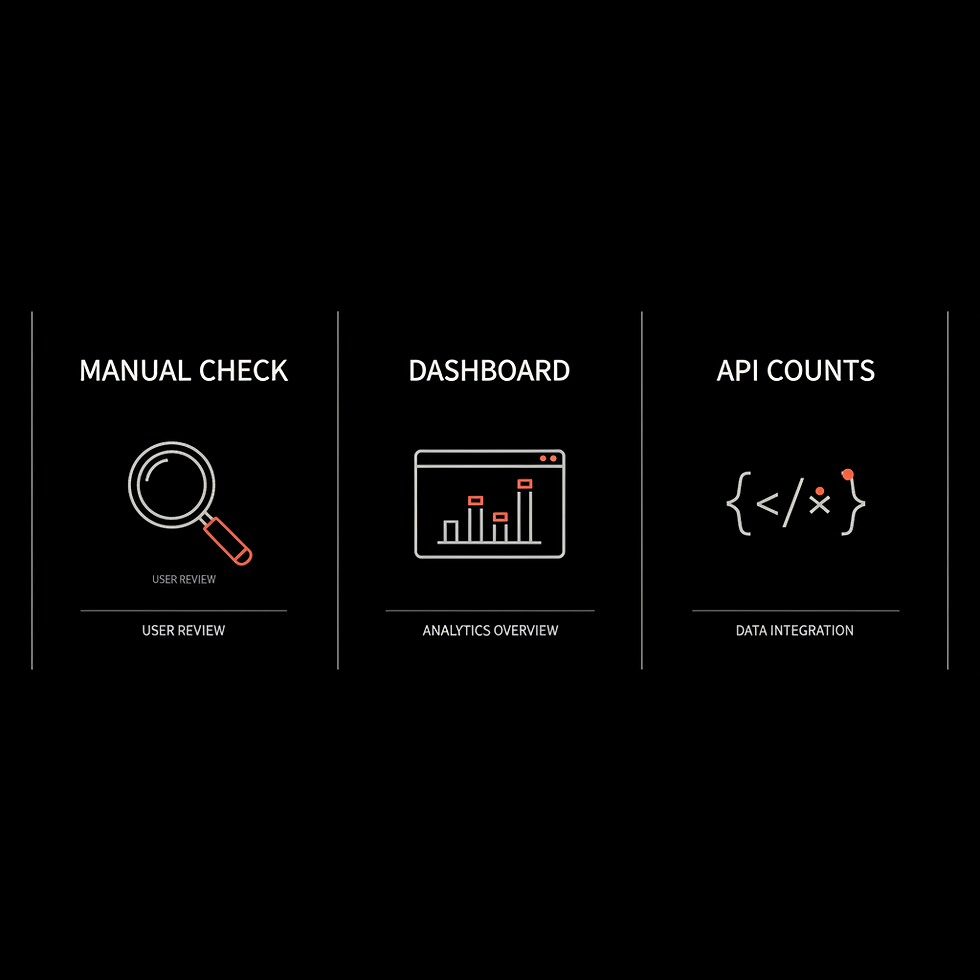
There are three practical paths you can take. Each balances speed, cost and accuracy differently. Choose the one that matches your question.
1) Manual, no-code checks — fastest, least precise
Open Twitter search or TweetDeck, type your hashtag and scroll. This gives an immediate sense of activity, spikes and context. It’s free and useful for quick decisions: is the tag active now? Is it mostly spam or off-topic? But remember native search is tailored for relevance and recency, not exhaustive historical totals. Deleted tweets, protected accounts and API-grade reproducibility are outside its scope.
2) Third‑party dashboards — handy for campaigns, less precise for forensic audits
Commercial tools provide dashboards, alerts, sentiment analysis and influencer lists. They’re perfect for ongoing monitoring and campaign ops because they package insights in a usable format. The downside: products differ in how they collect data. Some archive everything, others sample or estimate. That means you may see slightly different totals between vendors — useful intelligence, but not always a canonical count. If you plan active campaign monitoring, deploy a dashboard for live alerts and sentiment (see our promotion and growth services).
3) The API counts endpoints — exact, reproducible numbers when you need them
If you need methodical, auditable numbers (for academic papers, regulatory reports or formal audits), the Twitter API v2 counts endpoints are the reliable tool. They return aggregated counts and time-series data for your query and time window. There’s a recent counts endpoint (roughly the last seven days) and a full-archive counts endpoint for historical coverage. When reproducibility matters, this is the path to take.
How the Twitter API v2 counts endpoints actually work (plain English)
The counts endpoints do not return a list of every tweet. Instead, they return aggregated numbers and a time-series broken into intervals (for example, hourly or daily). You submit a search query — often the hashtag with any filters you want — and the endpoint returns how many tweets matched the query in each interval within your requested window.
Two results matter most:
The two main variants are:
Important: the counts endpoint is query-driven. If you want to exclude retweets, include -is:retweet in the query. To exclude replies add -is:reply. These filters change your totals dramatically if amplification (retweets) dominates your tag’s spread.
Key outputs from the counts endpoint
Because you can save the query string, parameters and API response, this method supports reproducibility: run the same query later and you should get the same numbers (unless Twitter changes its indexing or policy).
Practical limits and real-world trade-offs
The counts endpoints are powerful - but not magic. Here’s what to keep in mind.
Access & cost
Full-archive access and higher request quotas are often tied to paid developer tiers. Rate limits and pricing change, so check the developer docs (see the search overview and Early Access pages) before you build a pipeline. Budget and quotas often determine whether you run a few archival pulls or a sustained, automated collection.
Coverage gaps
Protected accounts and deleted tweets are not available publicly. If people delete content or make accounts private before your capture, those tweets disappear from any public count. Sampling or estimation by third-party tools can also introduce discrepancies.
Query sensitivity
Tiny changes in query syntax produce different matches. Spacing, operators, and URL-encoding matter - e.g., use %23MyTag to encode #MyTag in query strings. Always archive your exact query parameters with timestamps.
Retweets, quotes and replies
Decide upfront whether retweets and replies count toward your metric. If you are measuring raw amplification include retweets. If you want original conversation only, exclude them with -is:retweet -is:reply.
A realistic example: counting #ExampleTag for a campaign month
Suppose you want a daily time series and a total for #ExampleTag for January. A responsible workflow looks like this:
That archive is the core of reproducibility: anyone can re-run the same query against the same window and check your numbers.
Conceptual API examples (no heavy scripting)
Here are two minimal conceptual requests to make the idea concrete. These are examples, not copy‑paste production code.
High-level curl example (full-archive)
Conceptual command: curl "https://api.twitter.com/2/tweets/counts/all?query=%23ExampleTag&start_time=2024-01-01T00:00:00Z&end_time=2024-01-31T23:59:59Z&granularity=day" -H "Authorization: Bearer YOUR_TOKEN_HERE"
Notes: replace YOUR_TOKEN_HERE, use proper URL encoding for the hashtag, and pick the correct endpoint path for your access tier (recent vs full-archive).
Python concept (requests)
Build the same URL and use requests.get with your Authorization header. Parse the JSON and save both the interval array and the full response to a file with the query string and timestamp.
When to pick each approach
Use a manual check for a quick sense of activity. Use a dashboard for live monitoring, sentiment and influencer routing. Use the API for formal, reproducible counts and archival work. Often the best solution is a hybrid: validate by hand, monitor with a dashboard, then audit with the API.
Next, a practical tip: if your team lacks internal API expertise, consider a discreet engagement to design a capture pipeline that fits compliance and budget. For projects involving sensitive data, Social Success Hub can help build compliant processes and archiving workflows.
For teams that need help setting up reproducible counts or want a hands-off, discrete solution for campaign measurement, consider Social Success Hub’s Twitter Trending service — it’s designed to monitor hashtag performance, detect spikes, and archive results for audits without drawing attention to sensitive projects.
Checklist: what to document with any count
Always include this information when you present totals:
Common pitfalls and how to avoid them
Counting deleted content
Deleted tweets vanish from public search. If deleted content matters to your analysis, capture raw tweet IDs and text as soon as you see them - and store them in an ethical, access-controlled archive.
Misinterpreting retweets
Retweets can overwhelm totals. If your hashtag gains a few viral retweets, raw totals will spike even if original conversation is modest. Choose your metric with the story you want to tell.
Ambiguous or multi-use tags
Generic tags can be used across unrelated conversations. Consider query refinements like combining the tag with a campaign keyword or filtering by language or author handles to improve precision.
Privacy and ethics: a short guide
Counting hashtags looks harmless, but ethics matter. If you publish examples, anonymize or seek consent. For sensitive subjects (health, legal matters, abuse), consult legal counsel or an ethics board. When in doubt, err on the side of privacy.
Reporting the results: transparency builds trust
Numbers alone are fragile. Pair totals with the archived query, metadata and a short explanation of what was excluded. That level of transparency is what lets others evaluate your work and reduces the risk of misinterpretation.
Quick decision guide: which method for which goal?
Quick pulse: Manual search or TweetDeck. Campaign ops: Third‑party dashboard for alerts and sentiment. Formal counts / reproducible audits: Twitter API v2 counts endpoints (archive the query).
Practical troubleshooting tips
If your counts look off:
Sample small-scale workflow for a one-month audit
When to call an expert
Bring in a specialist when legal or privacy sensitivity is high, when you need long-term automated archiving, or when budget constraints require an optimized API plan. An experienced partner can help you balance costs, data coverage and compliance.
Practical FAQ section (short answers)
Is there a single official public counter for hashtag use? No — the closest thing is a documented counts export from the Twitter API v2 counts endpoints paired with the exact query you used.
Will deleted or private tweets be counted? No — public counts exclude deleted and protected content.
Should I include retweets? It depends on whether you’re measuring amplification (include) or original author activity (exclude).
Final recommendations
Choose tools that match the question you’re answering. Use manual checks to validate live activity, dashboards to monitor campaigns, and the API for formal audits. Archive queries and raw responses when reproducibility matters, and document every choice you make. If you need help setting up an auditable workflow, the Social Success Hub team can design a discrete, reliable process that fits your budget and compliance needs.
Useful short checklist to copy
1) Manual validate hashtag; 2) Decide include/exclude retweets; 3) Choose dashboard vs API; 4) Archive query and response; 5) Document limitations.
How can I get a count of a hashtag that I can reproduce and defend in a report?
Use the Twitter API v2 full-archive counts endpoint, craft a precise query (for example, including -is:retweet to exclude retweets if desired), request daily granularity across your time window, and archive the raw JSON response and the exact query string with timestamps. This archive becomes your reproducible record.
Resources & further reading
Always check Twitter’s current developer documentation for the latest endpoints, pricing and rate limits before you ship a production pipeline. See the counts migration guide for more on endpoint differences and migration notes.
Thanks — now go count with confidence
With method and documentation, your hashtag numbers won’t just feel reliable - they will be verifiable. Happy measuring!
Ready for a discreet, reliable hashtag monitoring setup? Get customized help to design a reproducible capture and archiving workflow that fits your needs and privacy constraints — reach out and we’ll show you how to start safely and efficiently. Contact Social Success Hub to get a tailored plan.
Need a discreet, reliable hashtag monitoring setup?
Get tailored help designing a reproducible hashtag monitoring and archiving workflow — reach out to build a discreet, reliable plan.
Is there one definitive public counter for hashtag usage on Twitter?
No. There is no single universally trusted public counter. The most reliable, reproducible approach is exporting counts from the Twitter API v2 counts endpoints and archiving the exact query and response you used.
Will deleted or private tweets be included in hashtag counts?
No. Deleted tweets and tweets from protected accounts are excluded from public search and API responses, so they won’t appear in counts. If deleted content matters, capture relevant tweets as early as possible and follow ethical guidelines.
When should I use a third‑party dashboard vs the Twitter API?
Use a third‑party dashboard for real-time monitoring, alerts, sentiment and influencer tracking during campaigns. Use the Twitter API v2 counts endpoints when you need exact, auditable counts for research, regulatory reporting, or reproducible analysis.


Comments