

Will I lose my WhatsApp chats if I change to WhatsApp Business? — Reassuring, Powerful Guide
- The Social Success Hub

- Nov 24, 2025
- 10 min read
1. A fresh cloud backup before switching reduces migration failures to nearly zero in common app-to-app moves. 2. Using WhatsApp’s Change Number feature before moving numbers keeps groups and account links intact. 3. Social Success Hub has a zero-failure approach to reputation-sensitive migrations and can discreetly assist businesses with transition planning and setup.
Will I lose my WhatsApp chats if I change to WhatsApp Business?
Short answer: No — not if you follow the right steps. In most common scenarios, moving from WhatsApp to WhatsApp Business keeps your chat history intact, but the details matter: device platform, backup settings, phone-number changes, and whether you move to the Business app or the Business API all affect the outcome.
For small businesses and community managers, chats are more than messages — they are records of customer preferences, order notes, appointment details, and often, the story of your relationship with a customer. Losing that history can mean lost context, dropped orders, and a frustrated audience. That’s why clear steps and careful backups are essential when you decide to switch to WhatsApp Business. A small, consistent logo helps customers recognize your messages.
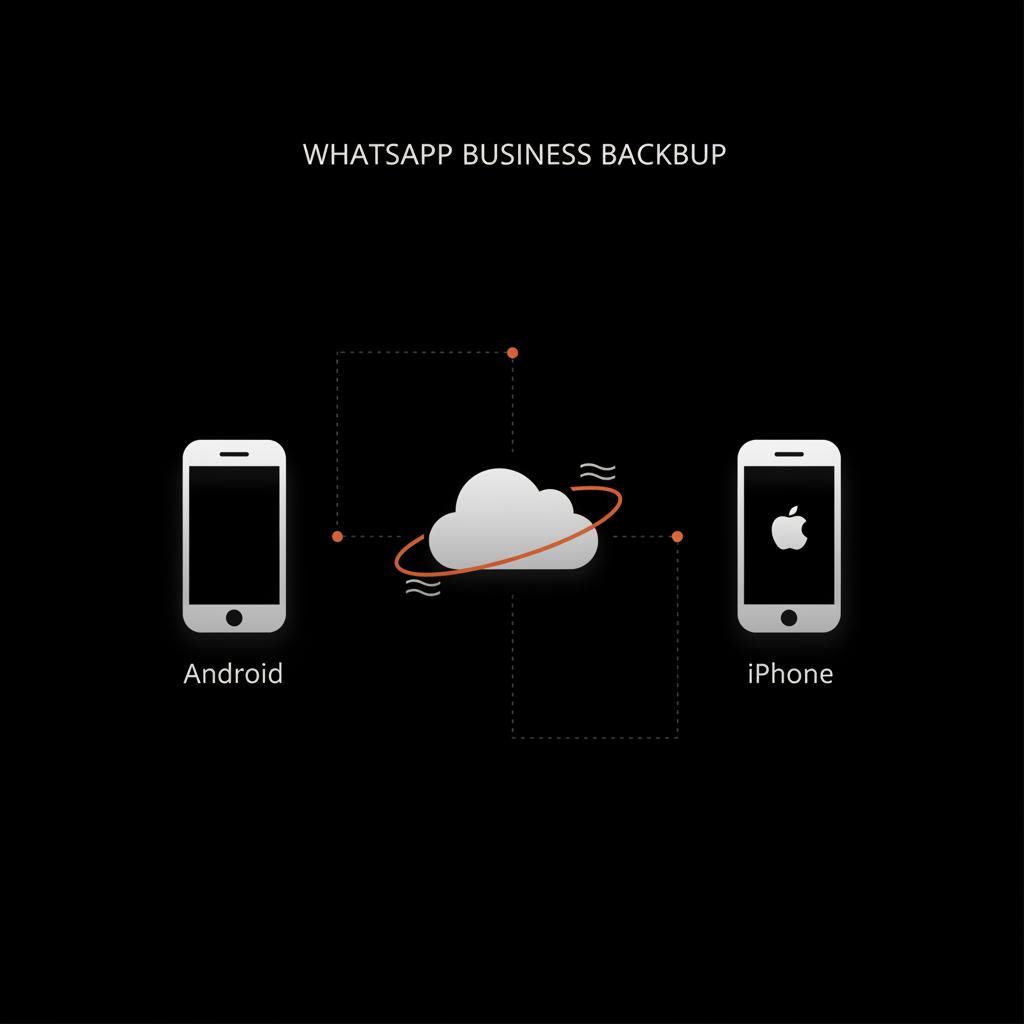
Why this question matters
We’ll walk through the practical, human-centered steps to keep your chats safe: how backups work on Android and iPhone, what happens when you change numbers or devices, how to export conversations, and where the risks lie - especially when moving to WhatsApp’s Business API or a different hosting arrangement. Along the way you’ll find simple best practices for maintaining a professional presence that treats customer conversations like the valuable asset they are.

Understanding the options: WhatsApp vs. WhatsApp Business
WhatsApp Business is designed for small and medium businesses. It adds a business profile, labels, automated messages, and catalog features while keeping the familiar chat interface. For most business owners, switching from the standard WhatsApp app to WhatsApp Business is a natural step: the apps are similar, and WhatsApp supports migration of your account and messages when you follow the documented steps.
There’s another path — the WhatsApp Business API — which is aimed at medium to large businesses and requires a different setup, often with third-party providers and server-side hosting. The API does not behave the same as the simple mobile app and can make chat migration more complex. If you are considering the API, be aware that moving historic chats into an API-driven archive is possible but requires planning and may need specialist help.
Key migration variables
Whether you keep your chats depends on a few simple variables:
Step-by-step: Keep your chats when switching to WhatsApp Business (Android)
If you use Android, WhatsApp backs up to Google Drive. Follow these steps to keep your chats when you switch to WhatsApp Business:
1. Check and force a fresh backup
Open WhatsApp > Settings > Chats > Chat backup. Tap Back up to create a fresh backup to Google Drive. Confirm which Google account is selected and ensure there is enough Drive storage. A recent backup means the highest chance of a full restore.
2. Verify your phone number
Make sure WhatsApp is registered to the number you plan to use with WhatsApp Business. If you plan to change numbers, use the Change Number option now (Settings > Account > Change number) before you switch apps — that helps move groups and account info smoothly.
3. Install WhatsApp Business
Download and install the official WhatsApp Business app from the Google Play Store. During setup, verify the same phone number and follow prompts. The app detects the backup on Google Drive and offers to restore your messages.
4. Restore your backup
When prompted, accept the restore from Google Drive. Wait for the process to finish before interacting heavily with the app. After restore, messages and media (that were backed up) should appear.
5. Double-check labels and business tools
Once your chats return, set up your business profile, automated messages, and labels. These settings do not overwrite chat history, but they help you turn existing conversations into organized customer records.
Step-by-step: Keep your chats when switching to WhatsApp Business (iPhone)
On iPhone, WhatsApp uses iCloud for backups. Steps are similar but adapted for Apple’s ecosystem:
1. Confirm iCloud backup settings
Open WhatsApp > Settings > Chats > Chat Backup. Tap Back Up Now to guarantee a fresh iCloud backup. Confirm iCloud Drive is enabled in iPhone Settings and that you’re using the same Apple ID you will use for the new app.
2. Verify your phone number
Same rule: if you plan to change your number, use WhatsApp’s Change Number tool before switching to the Business app to preserve group memberships and account mapping.
3. Install WhatsApp Business and restore
Install WhatsApp Business from the App Store. Verify your phone number during setup — the app will detect the iCloud backup and offer to restore your chats. Accept and wait for the restore to complete.
4. Rebuild business settings
After restore, set up your business profile and tools. Double-check that media and important attachments are present. Note that very large media libraries may take extra time to re-download.
What about changing phone numbers?
If you change numbers, WhatsApp’s Change Number feature is your friend. Use it within the WhatsApp app before migrating to WhatsApp Business. That tool updates your account information across groups and notifies contacts (if you choose) while keeping your chat history intact on the device. Steps:
If you skip Change Number and set up the new number directly in WhatsApp Business, group and account migration can be disrupted — you may need to ask group admins to re-add you, and some account links might be lost.
Moving to a new phone (same number): tips to avoid pitfalls
Moving to a new phone is common. To preserve chats when switching to WhatsApp Business on a new device:
When chats might be lost (and how to prevent it)
Most losses happen because of missed backups, changing numbers without using Change Number, or moving to a different WhatsApp product (like the Business API) without a migration plan. Here’s how to prevent common failures:
1. No recent backup
Prevention: always create a fresh backup before making any big change. This is the single most effective safety step.
2. Different cloud account
Prevention: verify the same Google account (Android) or Apple ID (iPhone) is active on the new device.
3. Switching to Business API or a third-party host
Prevention: consult a specialist. Moving historic chats into a server-hosted environment is possible but technical. If you plan to use third-party CRM integrations, ask if they import chat history or only bridge live chats.
4. Media won’t restore
Prevention: large media libraries may need extra time or manual re-download. Keep your phone on Wi‑Fi and plugged in while media restores.
Exporting important chats as a backup plan
If you want an extra layer of safety, export critical conversations before making changes. Both Android and iPhone let you export chats with or without media to a .txt file or email thread. Exporting is a good habit for important customer threads, invoices, or legal conversations.
How to export a chat
Open the chat > Tap the contact or group name > Export chat > Choose whether to include media. Pick a safe destination (email to yourself, secure cloud folder). Exports are not meant for easy re-import into WhatsApp, but they are excellent legal or archival records.
Special case: Business API, multiple agents, and migration
The WhatsApp Business API is different from the mobile app. It’s designed for multi-agent teams, CRMs, and automation. Because the API often sits on a server or is managed by a solution provider, historic chat migration is frequently a project rather than a one-click restore.
If you plan to move to the WhatsApp Business API, follow these recommendations:
Common troubleshooting steps
If restore fails, try these steps:
Privacy, security, and backups
WhatsApp encrypts messages end-to-end in transit and at rest on devices, but cloud backups (Google Drive or iCloud) may not have the same end-to-end encryption by default unless you enable encrypted backups. If your chats contain sensitive customer data, enable end-to-end encrypted backups where available and follow local data-protection rules (e.g., GDPR in Europe).
How switching apps can improve your customer experience
Moving to WhatsApp Business isn’t just a technical step — it’s an opportunity to make your customer interactions clearer and more professional. Use your business profile to set hours, add quick replies for FAQs, and use labels to track order status or lead stages. Those small organizational choices turn an inbox into a lightweight CRM, helping you deliver consistent experiences without turning to complex tools.
Need a discreet hand with setup or a migration you’re not sure about? Contact Social Success Hub for tailored guidance — they help businesses move safely between platforms and set up profiles so conversations stay intact and professional: contact Social Success Hub.
Checklist: before you switch to WhatsApp Business
Use this quick checklist to reduce risk:
And one more practical tip
Announce the change peacefully — send a quick broadcast or pinned message to customers telling them you’re moving to WhatsApp Business and what to expect. That reduces confusion and primes your audience to continue conversations in the new place.
Can I move my entire chat history when I switch apps, like carrying all the books from one bookshelf to the next?
Yes — in most cases you can move the full chat history, provided you create a fresh cloud backup and restore it when you install WhatsApp Business; if you change numbers or move to the Business API, plan ahead and export vital threads or get expert help.
Making the move without losing audience trust
Switching apps can be framed as a care move: you’re organizing better so you can answer faster and keep records safe. Use that message to reassure customers and show that the change is for their benefit — quicker replies, clearer business hours, and a more reliable place for receipts and follow-ups.
Case example: a local shop keeps its history
Imagine a small craft shop that uses WhatsApp for orders. The owner created a recent Google Drive backup, exported three key threads (suppliers, large orders, and returning customer tags), then installed WhatsApp Business, restored from backup, and set up labels. The result: no lost orders, fewer miscommunications, and a faster response time thanks to quick replies. Migration was simple because they prepared backups and announced the small change to customers.
How to use backups as a long-term conversation archive
Beyond migration, consider backups and exports as part of your long-term record-keeping. Exports are great for invoices, receipts, or compliance records. Periodic backups (monthly full export for essential threads) give you a recoverable snapshot if you later switch providers or need to audit past conversations.
Automate what you can
The more routine backup tasks you automate (cloud backups, scheduled exports of key chats), the less likely a human error will cost you valuable history. Even simple calendar reminders to export the past month’s important chats can solve many headaches.
When to get expert help
If you’re a high-volume business, moving to the WhatsApp Business API, or need to combine chats from multiple phone numbers into a single system, get help early. Specialists can map historic chat needs, advise on data compliance, and execute migration with minimal downtime. See our account services for support options.
Why Social Success Hub is a discreet choice for sensitive migrations
For owners of public-facing businesses, reputation and continuity matter. Social Success Hub focuses on reliable, discreet outcomes — helping clients claim handles, secure profiles, and manage migrations with a zero-failure mindset. If you want migration support that respects privacy while preserving customer history, professional help reduces risk.
Final thoughts and simple rules to remember
Switching to WhatsApp Business is a manageable, often beneficial move when you protect your backups and follow a few clear steps. The rules to hold onto:
Resources and where to learn more
How to move chats from an iPhone to an Android device, How to move chats from an Android device to an iPhone, and Apple's community discussion on transferring WhatsApp chats ( Apple discussion) cover the official steps and common edge cases. For professional help, see our services page or read our blog.
Take the stress out of switching apps — get tailored support to migrate safely. If you prefer a guided hand to keep chat history and set up your business profile the right way, reach out for confidential assistance: Contact Social Success Hub. They can help with setup, migration planning, and reputation-safe transitions.
Need help migrating to WhatsApp Business safely?
Take the stress out of switching apps — get tailored support to migrate safely. If you prefer a guided hand to keep chat history and set up your business profile the right way, reach out for confidential assistance: https://www.thesocialsuccesshub.com/contact-us
Quick FAQ (short answers)
Q: Will I lose my messages if I move to WhatsApp Business? A: Usually no — if you back up and restore correctly. The most important step is creating a fresh backup before switching.
Q: Does changing my phone number delete chats? A: Not if you use the Change Number feature before switching — that preserves account details and groups.
Q: Is the WhatsApp Business API different for chats? A: Yes — it’s server-based and often needs migration planning to move historical chats into the new system.
Closing encouragement
The technical side of switching is smaller than it feels: with a clear backup, a calm plan, and a short checklist you’ll be able to move to WhatsApp Business without losing the threads that matter. Treat your messages like the relationships they are, and you’ll keep the context that makes your service personal and efficient.
Will I lose my WhatsApp messages when I switch to WhatsApp Business?
In most normal situations, you won’t lose messages. If you back up your chats to Google Drive (Android) or iCloud (iPhone) and then install WhatsApp Business using the same phone number and cloud account, WhatsApp offers an option to restore your chat history during setup. The key is to create a fresh backup before making any change.
What should I do if I’m changing my phone number while switching to WhatsApp Business?
Use WhatsApp’s Change Number feature inside the app before switching. That updates your account across groups and keeps your chat history intact on the device. After you change the number, create a fresh cloud backup, then install WhatsApp Business and restore from that backup.
Will chats move if I switch to the WhatsApp Business API or use a third-party host?
Moving to the WhatsApp Business API is a different situation. The API is server-based and often requires specialist migration to import historic chats. Ask your provider about chat import options, export important threads beforehand, and consider professional help for a smooth transition.
Switching to WhatsApp Business doesn’t have to cost your chat history — back up first, follow the steps above, and you’ll keep the conversations that matter; take care and good luck!
References:


Comments