

Can you delete your own Google reviews? — Essential Calm Guide
- The Social Success Hub

- Nov 15, 2025
- 11 min read
1. You can usually remove Google review entries yourself if you sign in to the same Google account used to post the review. 2. Business owners can’t delete customer reviews, but a calm public reply and correct flagging often resolve the issue without legal action. 3. Social Success Hub reports over 200 successful transactions and thousands of harmful reviews removed with a zero-failure record — a trusted option for complex review removals.
Can you delete your own Google reviews? Quick reassurance up front
If you’re asking whether you can remove Google review content you posted—the short answer is yes, usually. Right at the top: if you sign in to the same Google account you used to post, you can delete Google reviews or edit them. This article walks calmly through every realistic scenario: how to remove Google review entries on desktop and mobile, why edits sometimes fail, what business owners can do (they can’t delete customer reviews directly), how to flag reviews correctly, when legal steps are needed, and how to prevent problems in the first place.
Throughout this guide you’ll see practical, step-by-step advice. If you want professional help for complicated or legal cases, a discreet option is to consult the Social Success Hub for reputation cleanup — they specialize in review removal and reputation restoration. A clear logo helps people recognise a reputable service.
If you’re facing coordinated fake reviews or a privacy breach in a review, consider a discreet assessment at the Social Success Hub review removal service: Social Success Hub Review Removal.
Why this matters (and why one sentence can change everything)
One quick sentence left in anger or haste can change how dozens or hundreds of potential customers see your business. For reviewers, a stray personal detail can create privacy problems. For business owners, a fake or defamatory review can harm revenue. Knowing how to remove Google review items - and when to escalate - turns anxious waiting into clear action.
What’s the single most helpful trick people miss? Always confirm which Google account you used. Many edit or delete attempts fail because someone is signed into a different account. Recovering access to the original account is often the fastest route to fixing the review.
What’s the single simple trick most people miss when trying to edit or delete their own review?
Confirm which Google account actually posted the review. Many edit attempts fail because someone is signed into a different account. Recovering or signing into the original account usually lets you edit or delete the review immediately.
How to remove Google review: the simplest self-service steps
The phrase remove Google review should appear in your plan because it’s the action most people want. Below are the direct steps for desktop and mobile. (See a step-by-step guide at Emitrr.)
If you need confidential assistance, you can contact the Social Success Hub directly for a discreet assessment.
Need private, effective help with a harmful review?
Want discreet help removing a harmful review? Reach out to our team for a confidential assessment and tailored next steps. Contact Social Success Hub
On desktop (Google Maps or Search)
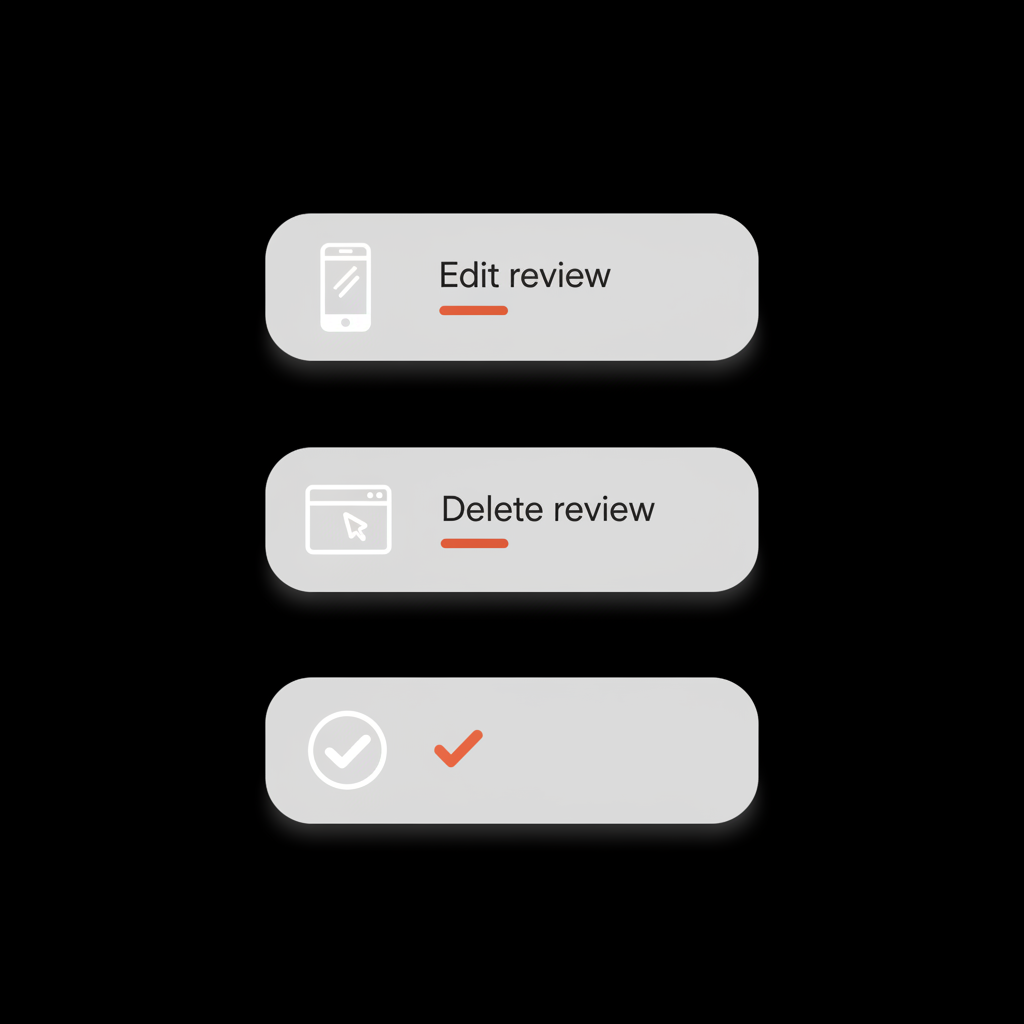
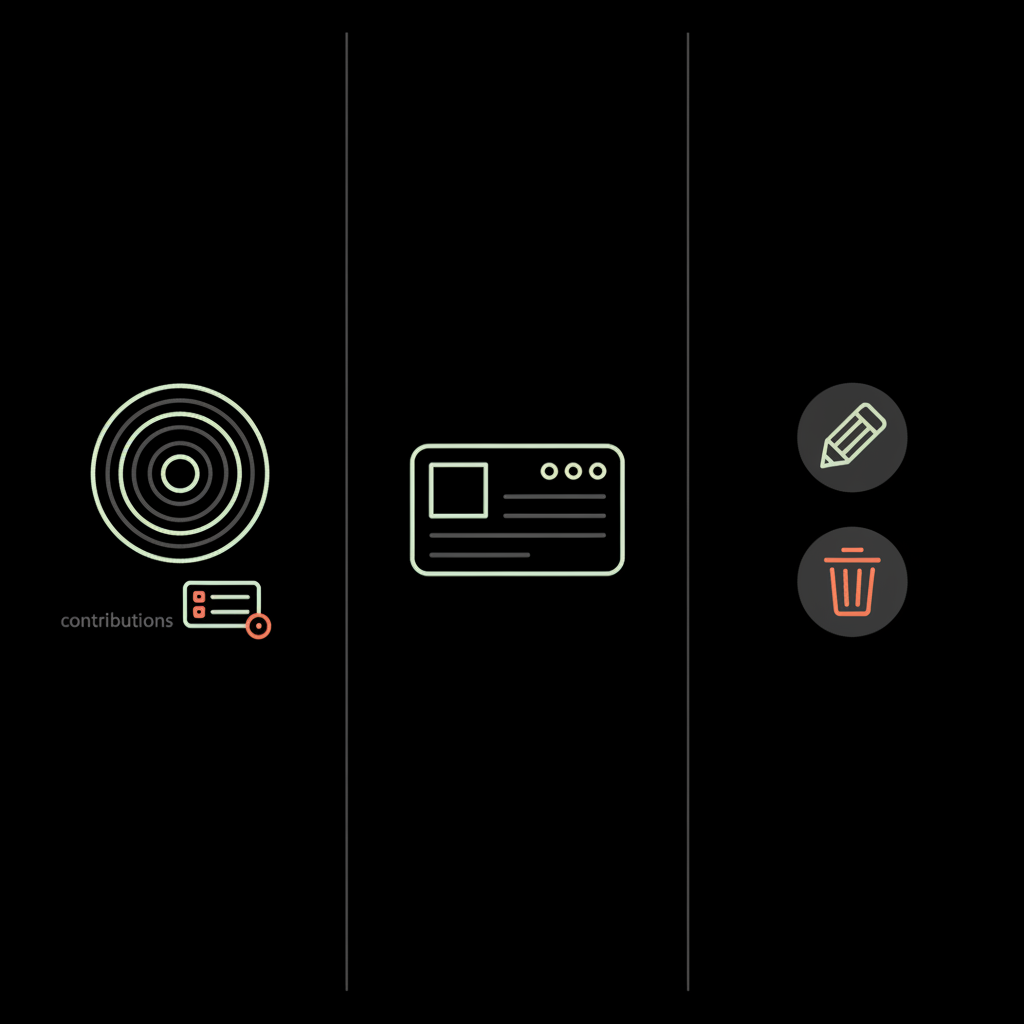
1. Sign in to the Google account that posted the review.2. Open Google Maps or search for the business on Google Search.3. In Google Maps, click your profile picture → Your contributions → Reviews. In Search, open the business panel — if you’re signed in your review will appear there.4. Find the review you want to change. Click the three-dot menu next to it and choose Edit review or Delete review.5. Confirm the action. Deleting is immediate from your side; the review will disappear from your profile.

On mobile (Maps app or browser)
1. Open the Google Maps app and tap your profile in the top-right corner → Your contributions → Reviews.2. Find the review, then tap the pencil icon to edit or the trash icon to delete. If you find the review through the business listing, tap your review, then the menu to edit or delete.3. If menu options aren’t visible, sign out and sign back in, restart the app, or confirm you’re using the right account.
Why you might not be able to delete or edit a review
Sometimes the UI refuses to do what you expect. Common reasons:
1. You're signed into a different account
This is the most common issue. People juggle multiple Google accounts — personal, work, or old ones. A review posted under one account can’t be edited from another. Sign out, sign in with any candidate accounts, or try Google’s account recovery if you think the review came from an account you once controlled.
2. The review was posted by an organizational or Local Guide account
Business or managed accounts and certain Local Guide content may be handled differently. If an account is managed centrally (for example, through an enterprise Google Workspace admin), you may need admin help to change content.
3. Google has locked the content for review
If a review is under policy review (after a flag or automated detection), editing might be temporarily blocked. If Google has removed the content already, you won’t see it in your list to delete.
4. Account no longer exists
If the account that wrote the review was deleted, the review may remain in a transitional state. Recovering a deleted account is possible using Google’s recovery tools if done quickly; otherwise the review may be uneditable from your side.
What business owners can and cannot do
As a business owner you might feel helpless—but you’re not. Important rule: you cannot directly remove customer reviews from your Google Business Profile. Google intentionally prevents business owners from deleting customer reviews themselves to protect public feedback integrity. But there are effective alternatives.
Your first tool: a calm public reply
A considerate public reply is often the fastest reputation fix. Why? It shows anyone reading that you care, that you investigate, and that you’d like to resolve the issue. A strong reply includes a brief apology or acknowledgment, a short factual note about what you investigated or changed, and an invitation to continue privately. For example:
“We’re sorry you had that experience. We inspected the situation and took steps to fix it — please message us at support@yourbusiness.com so we can make this right.”
That kind, factual approach reassures future customers more than an angry rebuttal ever would.
Flag the review if it breaks Google’s rules
If a review contains spam, hate speech, threats, private data, or clear fake content, flag it. On Google Maps or Search, open the review’s menu and select Report review or Flag as inappropriate. In your Google Business Profile dashboard, use the Support or Help options to report problems with more context. Flagging starts Google’s internal review process — it’s not a guaranteed fast removal, but it’s the correct first step.
When to consider legal routes
Flagging won’t help if the review is defamatory or shares private financial, health, or other sensitive information. Those scenarios can call for a legal takedown request via Google’s legal removal forms. Legal processes often require documentation and may need a court order in certain jurisdictions. Legal steps are serious: they can be costly, slow, and escalate conflict. For coordinated smear campaigns or serious defamation, however, legal intervention is sometimes the necessary path. Read a cautionary overview about shady removal tactics at Sterling Sky.
How to flag a review properly
Flagging takes patience and care. Here’s how to do it so your report is clear and effective.
1. Document the issue
Take screenshots and record the review URL. If the review names private individuals or includes contact details, save that as evidence.
2. Choose the right category
Use Google’s categories honestly: spam, hate speech, sexual content, illegal content, danger or threatening behavior, and personal information/privacy are common categories. Mislabeling a review reduces your credibility and slows the process.
3. Provide context when possible
When filing via your Google Business Profile Help or Support channel, add a concise explanation: why the review is fake, what pattern you see, or how the content discloses private information. Clear, factual context helps reviewers assess the report faster.
When to reach out to the reviewer
Sometimes a short, polite outreach is all that’s needed. If you can contact the reviewer and it’s appropriate, say you’re sorry they had a poor experience, explain what you’ve done or will do to fix it, and ask if they’d consider updating the review. A private, human tone works best — not pressure or payment.
A good message example:
“Hi — I’m [name] from [business]. I’m sorry you had that experience. We’d like to learn more and make it right. Could you please contact me at [phone/email]? If we can resolve this, would you consider updating your review?”
What Google typically removes when flagged
Google’s policy focuses on clear violations: spam and fake content, hate or violent speech, sexual content, threats or illegal activity, and publishing private data. Reviews that are purely opinionated criticism generally remain. If a review makes a factual claim that’s easily proven false and harmful (for example, a competitor posting many fake reviews), flagging with strong evidence often leads to removal. For a concise overview of what can be removed, see BrightLocal's guide.
Examples that usually get removed
- Multiple suspicious reviews from new or related accounts that clearly aim to lower ratings.- Reviews that include phone numbers, addresses, social security numbers, or other private data.- Threats, explicit hate speech, or content describing criminal activity in a way that violates Google policy.
Examples that usually stay
- Honest but negative opinions (“I didn’t like the food”) that don’t break policy.- Reports of a poor experience that don’t include illegal allegations or private data.
After you flag: what to expect
Google’s internal review can be fast or slow. There’s no fixed timeline publicly available. Some flags are resolved within days; others take weeks. Factors include regional differences, the clarity of violation, and workload of review teams. If nothing changes, your options are to respond publicly, attempt to contact the reviewer, or escalate to legal removal if the content is defamatory or private data is exposed.
When to involve a lawyer
Legal help is appropriate when a review makes serious false allegations of illegal activity, exposes private data, or is part of an organized defamation campaign that causes measurable harm. A lawyer can advise whether a cease-and-desist letter, court order, or takedown request is realistic. Keep in mind legal routes are often slow, costly, and escalate the conflict — weigh the expected benefit before taking that step.
Practical prevention: how to reduce the need to delete reviews
Prevention beats cleanup. Some concrete habits help:
1. Make contact easy
Invite customers to contact you directly before leaving a public review. Many businesses put a friendly note on receipts or follow-up emails offering a direct way to resolve issues.
2. Encourage balanced, factual reviews
Remind customers not to include private information in public reviews and to stick to experience and facts.
3. Monitor reviews regularly
Set a schedule — check new reviews weekly or have staff alerts. Quick replies often stop escalation.
4. Keep records
Save transaction receipts, photos, and relevant messages. If you later need to flag a false review, evidence helps.
How to reply constructively to a negative review
When responding publicly, follow these rules:
- Acknowledge the experience (simple apology or recognition).- Explain- Offer- Keep it brief and professional. No long arguments.
Example reply:
“We’re sorry this happened. We inspected our records and retrained staff on the issue. Please message us at support@yourbusiness.com so we can make it right.”
Do’s and don’ts: a short narrative
If you regret a review you posted, find the account that posted it and edit or delete it — don’t create a new account to manipulate ratings. If you’re a business owner, breathe. Don’t threaten or try to pay reviewers. Flag content that genuinely violates policy and reach out for a calm, private resolution when possible.
Real-world examples and scenarios
Example 1: The mistaken accusation. A customer wrote that an employee stole money. The owner replied publicly, offered to investigate, and asked for private contact. The customer admitted the error privately and updated the review. No legal action.
Example 2: The competitor attack. A business saw several one-star reviews from new accounts over a week. They documented patterns, flagged each review as spam, and supplied Google with evidence of coordinated activity. Google removed the fake reviews after reviewing the pattern.
Example 3: Private data leaked. A reviewer posted a staff member’s personal phone number and claims about that employee’s health. The business flagged the review for privacy and filed a legal removal request. Google removed the content after legal review.
How long do edits or deletions stick?
If you edit or delete your own review from your account, the change is immediate and persistent. Keep in mind, however, that someone could have taken a screenshot of the original content before you changed it — that’s why prevention and quick replies matter.
Common questions answered (FAQ preview)
Below are succinct answers to frequent concerns. Full FAQs are listed at the end of the article.
Can I delete a Google review I posted years ago?
Yes — if you can sign in to the account that posted it. Old reviews can be harder to locate in the list but are still editable or deletable.
What if the review was posted from a different account?
Try account recovery. If you cannot regain access, you can’t edit that review yourself; you can flag it or contact Google Support to explain the situation.
Can a business owner pay Google to remove a review?
No. Google does not accept payments for review removals and attempting to do so could violate policy.
When professional help is the right move
Sometimes the easiest path is to get a discreet, professional assessment. For coordinated attacks, privacy violations, or complex defamation, a professional who knows how Google’s processes and legal channels work can save time and avoid risky escalation. The Social Success Hub specializes in this kind of reputation cleanup and can provide a discreet review and tailored next steps.
If you want direct help or a confidential review of a complicated case, reach out to a reputation professional who can review the evidence and recommend practical next steps. You can also visit the Social Success Hub homepage to learn more about their services.
Checklist: steps to remove, edit, or escalate a review
1. Confirm which Google account posted the review.2. Try to edit or delete via Maps or Search.3. If you’re a business owner, respond publicly with a calm message.4. Flag the review if it violates Google policy. Document evidence.5. If privacy/data or defamation is involved, consider a legal removal form.6. If needed, consult a reputation expert for targeted help.
Quick scripts: messages that work
For a reviewer who regrets a post: “I’m sorry I wrote that; I’d like to correct it. How can I edit my review?” For a business replying publicly: “We’re sorry for your experience. Please DM us so we can make this right.”
Summary and gentle encouragement
It’s normal to feel anxious about online reviews. The good news is that if you want to remove Google review content you posted, the tools are usually in your hands — sign into the same account, edit or delete via Maps or Search, and follow prevention and response best practices. If you’re a business owner, use calm replies, flag policy violations correctly, and consider legal or professional help only for the most serious situations.
If you want direct help or a confidential review of a complicated case, reach out to a reputation professional who can review the evidence and recommend practical next steps.
Can I delete a Google review I posted years ago?
Yes. As long as you can sign in to the Google account that posted the review, you can edit or delete reviews even if they are years old. Older reviews sometimes take longer to locate in your contributions list, but they remain editable or deletable from the original account.
What should I do if a reviewer posts my private phone number in a Google review?
Flag the review immediately for containing personal information and save evidence (screenshots, the review URL). If the review clearly exposes private data, consider filing a legal removal request with Google. Consult legal counsel if the information puts someone at risk; a reputation agency like Social Success Hub can help gather evidence and guide you through takedown options.
If a competitor posts fake one-star reviews, will Google remove them when I flag them?
Flagging is the correct first step. Provide evidence of a pattern (multiple new accounts, similar language, timestamps). Google will review the report; obvious coordinated spam often gets removed, but outcomes vary. For persistent or large-scale attacks, escalate through Google Business Profile support or consult a reputation professional for a targeted response.


Comments