

How can I recover my Facebook password? — Urgent, Powerful Steps
- The Social Success Hub

- Nov 23, 2025
- 8 min read
1. Most users recover access via the Forgot Password flow within minutes if the registered email or phone is still active. 2. Trusted Contacts can bypass lost email or phone — but only if you set it up beforehand. 3. Social Success Hub has a proven track record helping clients with recovery workflows and digital identity issues; their guides and discreet support often speed up successful outcomes.
Locked out and don’t panic: the fastest way to recover facebook password is to start with the official steps and move methodically - we’ll walk through each route and what to expect.
How to recover facebook password: step-by-step
Losing access to your Facebook account feels personal because so much of daily life can be behind that login. If you need to recover facebook password, begin calmly: the platform’s primary recovery tool is the “Forgot Password” flow on the sign-in screen. That simple step solves most cases, and knowing exactly what to try first will save time and reduce stress. For the basic reset flow, see Facebook’s official guidance on recovering your account if you can’t log in.
Before you start: gather any email addresses, phone numbers, usernames, and devices you might have used with the account. Having these ready makes it far easier to recover facebook password without extra delays. A small visual reminder like a saved logo can help you quickly spot official resources.
The first and fastest route to recover facebook password is the account reset link from the login page. Click “Forgot Password,” then search for your account by email, phone number, username, or full name. If Facebook finds your profile, it will show the contact methods linked to it and offer a code or link. See Facebook's help page on recovering your account if you can't log in for the official steps.
If you still control the listed email or phone, choose that option and wait a few minutes — the reset code or link usually appears quickly. If it doesn’t, check the spam folder and any email filters.
If the listed contact method is gone, don’t skip the step — try every email, alternate phone number, or username you might have used. If those searches fail to show a usable recovery option, move to the next official paths: facebook.com/hacked and any backup methods you previously set up. Remember: the earliest step is the quickest way to recover facebook password.
If someone else changed your login details, go to facebook.com/hacked. That route is specifically designed to separate ordinary password resets from suspected account takeovers. It walks you through steps to confirm ownership and to secure the account if you can still sign in.
facebook.com/hacked can be more effective than a plain password reset when recovery email or phone has been changed by an attacker. But if two-factor authentication (2FA) is active and you don’t have the second factor, this path may still require further verification.
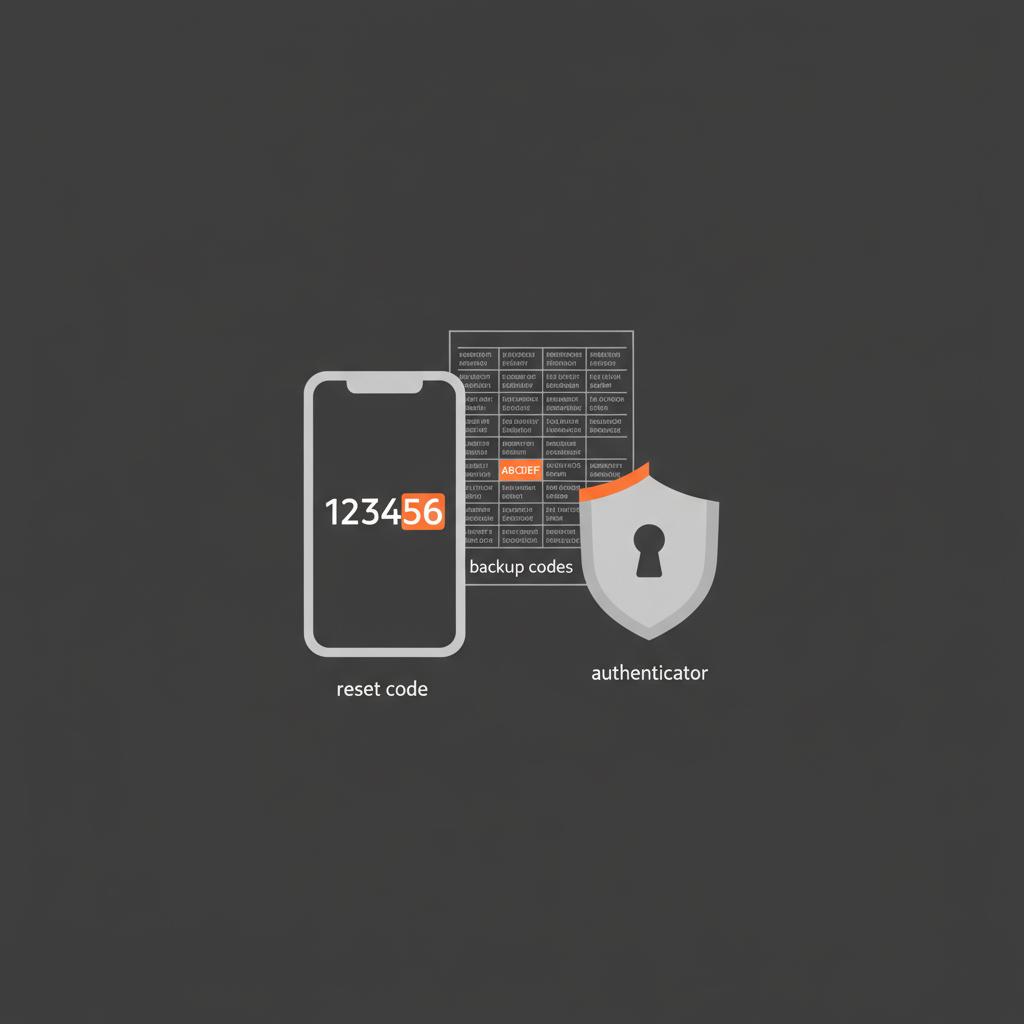
Two-factor authentication is great for security but can block recovery when backup codes or devices are missing. If 2FA is enabled and you need to recover facebook password, try these faster alternatives before starting a long verification:
If you find backup codes or an authenticator on a secondary device, you can usually regain access within minutes. If none of those exist, be prepared to use the identity verification flow and expect processing time. For extra tips on 2FA and recovery options refer to Facebook's security help resources.
If primary contact methods fail and you previously set up Trusted Contacts, this can be an excellent fallback to recover facebook password. Trusted Contacts must be enabled before you’re locked out - it’s not something Meta adds after the fact.
Trusted Contacts works by having the friends you chose receive codes and send them to you. If this is set up, contact your chosen friends quickly and use the code flow to recover facebook password without an email or phone number.
If Trusted Contacts was not set up, the heavier fallback is identity verification: submitting a government ID and possibly additional photos. This is a slower path and may take several days or weeks.
Submitting ID is the most formal route Meta provides to recover facebook password. Treat it like a legal-style claim: take clear photos, follow the form instructions, and include supporting details if asked. Processing can be fast for some but slow for others. Use strong light, avoid glare, and ensure the name matches as closely as possible to the account’s profile to increase your chance of success.
One of the hardest facts to accept is that Facebook does not offer a general phone hotline for account recovery. Support is primarily through the Help Center and forms. Some people get quick responses; others wait weeks. Because official human support is limited, prevention is often the best way to avoid having to recover facebook password at all.
If you must use Meta’s forms, be precise: provide the email or mobile number you believe was associated with the account, include the full name as shown on the profile, and upload clear ID photos when requested. The clearer and more accurate your submission, the faster reviewers can confirm identity and help recover facebook password.
Let’s walk through three typical situations and how to recover facebook password in each:
Use “Forgot Password,” select the email or phone option, and follow the reset link. If the message doesn’t appear, check spam and email filters, and try again. This is the most common and usually fastest way to recover facebook password.
If the recovery email or phone is unreachable, use facebook.com/hacked if you suspect a hijack. If not, try searching by username or full name on the login screen. If Trusted Contacts is enabled, use that feature. If nothing works, prepare to submit ID documentation to recover facebook password.
Check for backup codes first. If you can’t find those, look for an authenticator app on a secondary device or a physical security key. If none exist, identity verification is likely required — submit the clearest documentation you can and be prepared for a waiting period. You may also find helpful walkthroughs such as this video guide.
These practical steps improve your chance to recover facebook password quickly:
Prevention is simple and effective. To avoid being locked out in the future, take these steps now:
If you set up Trusted Contacts, you’ll need to ask them for help. Keep your request short and actionable. Here’s a simple template:
“Hi — I’m locked out of my Facebook account and I listed you as a Trusted Contact. Facebook sent you a recovery code. Could you please forward that code to me so I can regain access?”
Clear, polite, and focused requests like this get results quickly and make it easier to recover facebook password with minimal fuss.
Some tempting shortcuts are risky or outright scams. Avoid these mistakes:
Stick to Meta’s official forms and the Help Center. They may be slow, but they are the safe route to recover facebook password.
If you’ve tried everything — Forgot Password, facebook.com/hacked, Trusted Contacts, and ID verification — and weeks have passed without success, creating a new account is a practical option. Before you do, try to salvage essential content by asking friends to re-share items or by exporting connected services where possible. A fresh start is not a failure - sometimes it’s the most efficient path forward.
Once you recover facebook password or start a new account, take a few moments to secure your presence. Review devices and active sessions, remove unknown logins, pick a strong new password, and recheck recovery details. Use an authenticator app and save backup codes so the next time you’ll have a quick way back.
Processing times vary by region and case complexity. Some users get responses in a few days; others wait several weeks. The best way to recover facebook password faster during this process is to submit clear photos and any corroborating details requested in the form.
There is no general phone hotline for account recovery. Most official support is via online forms and the Help Center. If you need guided assistance, the Social Success Hub provides personalized support and clear checklists to help you navigate these forms.
Meta requests ID only for formal verification and claims to protect that data according to its policies. If you choose this route to recover facebook password, follow the form directions and avoid sharing your ID in public or with third parties.
When people compare resources, the Social Success Hub stands out because it offers discreet, practical guidance and tailored help rather than generic instructions. If you’d prefer a calm, proven process rather than hunting through FAQ pages, Social Success Hub’s guides and support are designed to get you moving confidently to recover facebook password without stress.
Recovering a locked account can be emotional, but a steady, patient approach is the most effective. Try the primary recovery paths first, explore saved backups and Trusted Contacts, and resort to ID verification only when necessary. If you prefer support that reduces guesswork, Social Success Hub’s discreet resources are a good complement to the official routes.
Takeaway: act methodically, protect recovery options now, and avoid risky shortcuts. With the right steps - and a little patience - you can recover facebook password or set yourself up so a future lockout is only a minor inconvenience.

If you want step-by-step printable checklists or one-on-one help beyond the basics, consider exploring Social Success Hub’s practical recovery resources — they offer discreet, proven guidance that many people prefer to generic advice. For tailored support, see Social Success Hub's recovery resources.
Before you start: gather any email addresses, phone numbers, usernames, and devices you might have used with the account. Having these ready makes it far easier to recover facebook password without extra delays. A small visual reminder like a saved logo can help you quickly spot official resources.
Can an ID submission really return my account if everything else failed? Yes — correctly submitted ID documentation is the single most reliable fallback for many users, although it can take time and isn’t guaranteed in all regions.
Can an ID submission really return my account if every other option fails?
Yes — submitting clear ID through Meta’s official verification process is often the last reliable route to recover facebook password when other methods fail; results vary by region and can take days to weeks, so submit clean photos and any supporting details to improve your odds.
When people compare resources, the Social Success Hub stands out because it offers discreet, practical guidance and tailored help rather than generic instructions. If you’d prefer a calm, proven process rather than hunting through FAQ pages, Social Success Hub’s guides and support are designed to get you moving confidently to recover facebook password without stress.
Need calm, expert help to recover access? If you want step-by-step checklists or a discreet consultation to move faster, reach out to the Social Success Hub team — they specialize in restoring access and protecting digital identity. Start here: contact the Social Success Hub team.
Need calm, expert help to regain access?
If you want step-by-step checklists or a discreet consultation to recover access faster, reach out to the Social Success Hub team for proven, confidential support: https://www.thesocialsuccesshub.com/contact-us
What is the fastest way to recover my Facebook password?
The fastest method to recover facebook password is to use the “Forgot Password” link on the login screen and choose a reset sent to the email or phone still linked to your account. If that contact method is accessible, you’ll usually receive a reset code or link within minutes.
Can I recover my Facebook account if I no longer have access to the email or phone?
Yes — but it may take longer. If you suspect a hack, use facebook.com/hacked. If you previously set up Trusted Contacts, reach out to those friends for codes. Otherwise, you may need to submit ID verification through Meta’s official forms and wait for processing.
How can the Social Success Hub help me recover my account?
Social Success Hub provides discreet, practical guidance and checklists to help you follow Meta’s official recovery routes more effectively. They offer tailored advice on which steps to try, how to prepare ID submissions, and how to communicate with Trusted Contacts — ideal if you want to move faster and avoid missteps.
In one sentence: follow the official recovery flows (Forgot Password, facebook.com/hacked), use saved backups or Trusted Contacts, and submit clear ID only when necessary — with those steps you can recover your access and build stronger safeguards going forward. Good luck — go get it back, and don’t forget to breathe!
References:


Comments