

How do I talk to Instagram support? — Frustrating (Essential Guide)
- The Social Success Hub

- Nov 13, 2025
- 9 min read
1. Use the exact Help Center form for your issue — submitting to the wrong form is the single biggest cause of delayed responses. 2. Identity evidence (clear ID or a proper video selfie) drastically increases the chance of faster human review. 3. Social Success Hub has completed over 1,000 social handle claims and 200+ successful high-impact transactions — a proven option for urgent escalations.
How to reach help fast when your Instagram account breaks
How do I talk to Instagram support? That is the question anyone asks in the middle of a panic: a disabled profile, a hacked account, or suddenly missing content. This guide walks you through every practical route you can take in 2024–2025, what to include in each form, realistic timelines, and the exact words and evidence that improve your chances of a fast, successful outcome.
Why the right route matters
Instagram doesn’t use a single phone number or generic support email. Most requests are routed through in-app tools and the Help Center forms; for business and advertiser accounts, Meta Business channels often provide prioritized chat and ticket access. Choosing the right path determines who sees your case and how quickly it is handled.
Quick overview of official channels
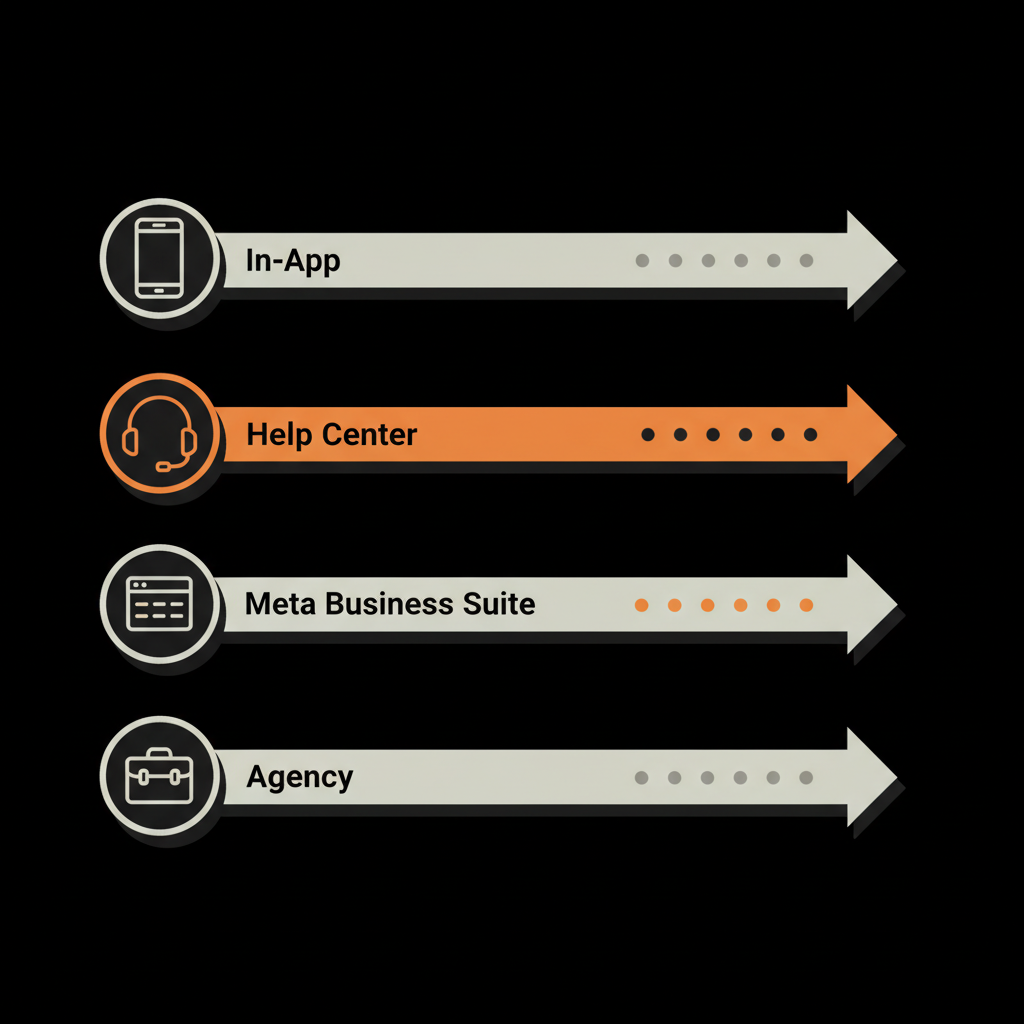
Where to start: the app. Settings → Help → Report a Problem. For account security, choose “Trouble logging in?” or the “My account was hacked” route. For disabled accounts and copyright takedowns, use the specific Help Center web forms. If you manage ads or a business account, open Meta Business Suite and look for the support chat or ticketing options. For business chat specifics see the Instagram Help Center: business chat.
Tip: The phrase How do I talk to Instagram support? is more than a question — it’s the search that will lead you to the exact form you need. Use it as your guide while navigating menus and the Help Center.
If you manage a brand profile and need a practical partner who knows which forms to file and how to package evidence properly, consider a discreet specialist like the Social Success Hub’s account unbans and handle-claim team. They handle sensitive escalations and prepare the documentation that speeds reviews: handle-claim and reputation management services.
Step-by-step: immediate actions to take (first hour)
When you first notice trouble, move deliberately. The first hour often sets the tone for recovery. If you work with partners, save their logos for quick identification.
1. Don’t panic — document
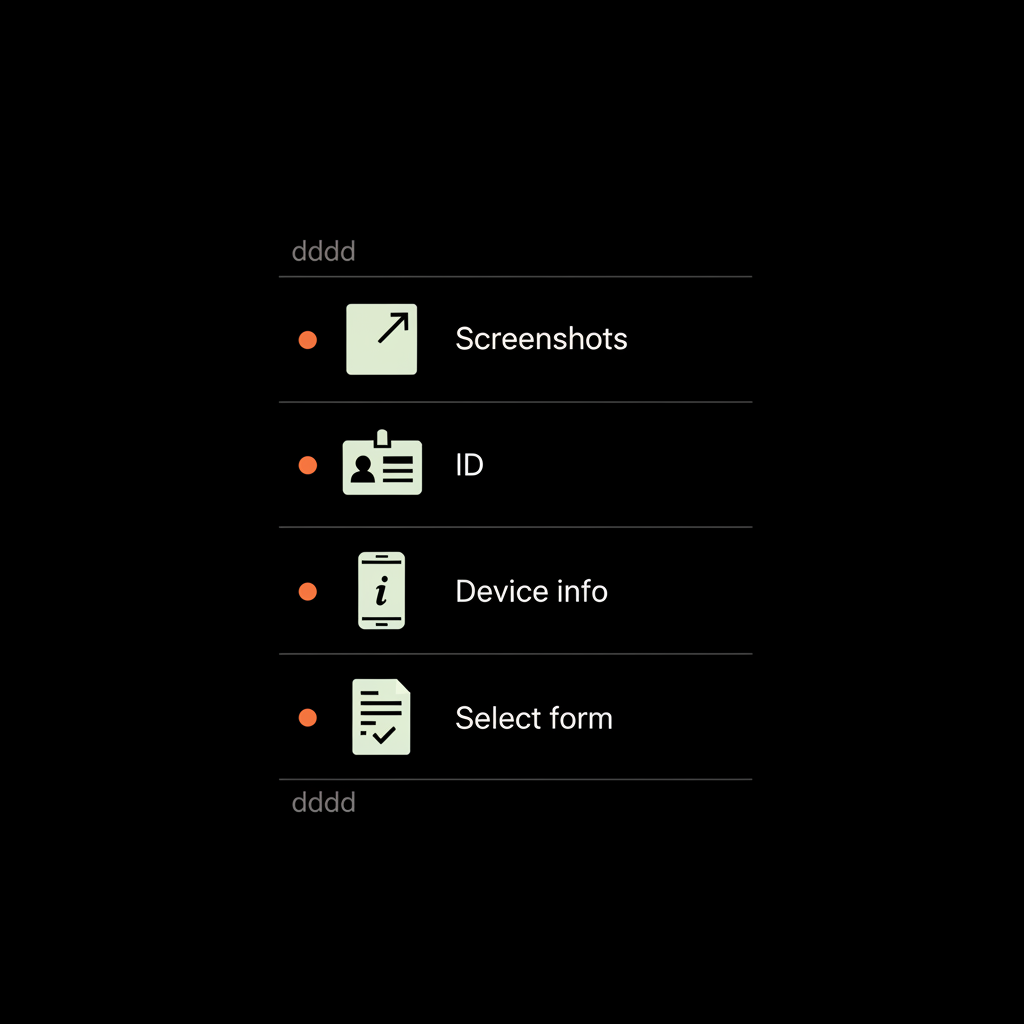
Take screenshots immediately: profile page, any error messages, the settings page showing linked email or phone numbers, and the exact notification text. Save timestamps. If possible, copy the full profile URL and paste it into a saved note or email draft.
2. Check official emails
Look for messages from Instagram (noreply@mail.instagram.com or other official addresses). If the hacker changed your account email, Instagram often sends a notice allowing reversal - act on it quickly.
3. Use in-app reporting
Open the app on the device you usually use. Go to Settings → Help → Report a Problem and choose the flow that matches your issue. For login problems, use the built-in “Trouble logging in?” prompts.
4. Switch devices and networks
Try logging in from a trusted device and network. If you suspect a hack, don’t change passwords from a public or insecure connection.
Which Help Center form to pick and why it matters
Instagram categorizes problems. The support backend looks at which form you used and routes the ticket accordingly. Pick the best matching form — it matters more than how long your message is.
Common forms and their best uses
Disabled account appeal: Use this for accounts showing a “disabled” notice. Provide ID if asked and, for businesses, registration documents.
Hacked account / trouble logging in: Use the dedicated hacked-account flow and follow identity verification instructions exactly.
Copyright / IP takedown: Use the DMCA and intellectual property forms and read the takedown notice carefully before submitting a counter-notice.
Report a Problem: Good for bugs, abusive content complaints, and general technical issues - but not for account recovery or legal disputes.
How to find the exact form
Search the Instagram Help Center for the reason phrase (eg. “disabled account appeal”, “my account was hacked”, or “copyright takedown”) and use the first official link you find. Paste that link into your saved notes - it helps if you need to re-submit.

What to include in every report or form
Clarity wins. Keep messages short, factual, and evidence-backed.
Essential fields and attachments
Core facts: username, full name on account, the email and phone number that were linked (if known), and the approximate date/time of the incident.
Device & app details: device model, OS version, and Instagram app version (found in the app’s settings).
Screenshots: error messages, the disabled notice, or proof of content ownership. Attach these as PNGs or JPGs—high-resolution and uncropped.
Identity proof: If requested, upload a government-issued ID or business registration documents. For video selfies, follow instructions exactly: center your face, keep neutral lighting, and hold still for the full duration.
Sample appeal message (short & effective)
Use this template and adapt it to your situation:
"Username: @yourusername. I cannot access the account since [date/time]. The account is linked to email: youremail@example.com. I believe this account was [hacked/disabled/unfairly removed]. Attached: screenshot of error message and my ID (if requested). Please advise on steps to restore access. Thank you."
Recovering a hacked account: practical checklist
Hacked accounts often require identity verification and a clear timeline.
Checklist
1) Find and save any Instagram emails regarding changes.2) Attempt the “Forgot password” flow and try all known emails.3) Submit the “My account was hacked” form with a clear narrative and evidence.4) Upload ID or a video selfie if requested and follow the exact camera prompts.5) Check for reversal emails from Instagram about changed account details and act quickly.
Why Instagram asks for ID and video selfies
These checks are uncomfortable but designed to stop fraudulent takeovers. Submission quality matters: blurry or cropped images are rejected and delay the review.
Appealing a disabled account: tone and evidence
Disabled accounts are usually flagged for policy violations. Be calm and focus on facts.
How to structure an appeal
Start with a one-line summary of what happened. Add one or two pieces of evidence: ID for personal accounts or business registration for commercial pages. Avoid emotional language — stick to the timeline and proof.
Resubmit every seven days if you don’t hear back; that cadence is what the Help Center recommends.
Handling content removals and copyright claims
Copyright and DMCA have distinct legal processes. If your content was removed due to a takedown, read the notice and decide: withdraw, accept, or file a counter-notice (which has legal consequences).
When to get counsel
For content crucial to your business, consider legal advice before filing a counter-notice. The process can escalate and may require formal statements under penalty of perjury.
Escalation paths: when and where to press harder
If you’re a business, advertiser, or verified account, Meta Business Suite is your escalation hub. For regular users, persistence via the Help Center (weekly resubmissions) and careful logging of ticket numbers is the best route.
Using Meta Business Suite
Open your Business Suite dashboard → Help or Support → Contact Support. Use chat when available and attach the same clear evidence you’d provide in the web forms. For guidance on Meta support options see the Meta Business Help Center: Contact Support.
When to hire outside help
If an account is critical to revenue or reputation, specialist agencies can coordinate forms, prepare identity documents, and use business-level channels to push escalation. This is especially helpful when there are cross-platform impacts, complicated IP disputes, or legal risk. For a focused service, consider an account unbans offering such as our account unbans service.
Practical examples and timelines
Outcomes vary, but here are real-world examples to set expectations.
Case 1: Influencer with hacked DMs
She submitted the hacked-account form, included a video selfie and prior device info, and received an automated reply in 48 hours. A human review resolved the case in about ten days.
Case 2: Small business disabled
The owner filed a disabled-account appeal with business registration. After one week with no reply, he re-submitted and received restoration about three weeks after the first submission.
Common mistakes that slow recovery
Avoid these traps.
Wrong form
Submitting a hacked-account problem via the generic bug report will route your case to the wrong team. Use the specific Help Center flow to match the issue.
Poor evidence quality
Blurry ID, cropped screenshots, or missing profile URLs all lead to delays and requests for resubmission.
Over-submitting
Sending the same message daily clogs ticketing queues. Stick to the Help Center’s seven-day re-submission guidance.
Writing an appeal that works — templates and tone
Short, factual, and polite beats long and angry every time.
Template: disabled account appeal
"Hello, my account @yourusername shows as disabled as of [date]. I believe this is a mistake. The account is linked to [email/phone]. I have attached a government ID / business registration to prove ownership. Please review and advise on restoration steps. Thank you for your help."
Template: hacked account report
"Username: @yourusername. On [date/time] I lost access. I attempted password reset and received [message]. Attached: screenshot of that message and my ID. Last actions: posted at [time], DMed [user], used device [device]. Please help restore access."
Can I actually speed up Instagram support responses by changing how I submit my request?
Yes. Picking the exact Help Center form for your specific problem, attaching high-quality identity evidence (ID, clear screenshots, or a proper video selfie), and using business-level channels like Meta Business Suite (if available) reliably increases the chance of faster review and resolution. Keep a log of submissions and follow the Help Center’s weekly resubmission guidance to stay organized and persistent.
Small habits that protect you later
Enable two-factor authentication on your account. Keep a screenshot diary of your profile (profile, settings, connected email). Have a dedicated email folder for Instagram communications. Use a password manager and change passwords periodically.
Security, privacy, and scams to avoid
Never share your password. Official Instagram communication will not ask for your password directly. Avoid third-party services that request login credentials or guaranteed recoveries for a fee with no verifiable track record.
Red flags
Requests to provide your password, offers that guarantee instant recovery for payment, or alleged phone numbers claiming to be Instagram support - these are usually scams.
When legal action might be necessary
Most user-level recoveries don’t require lawyers. But if your business suffers large financial harm, or if a counter-notice is legally sensitive, consult an attorney before filing formal legal responses.
Keeping a recovery log
Record every submission, ticket number, date, and what evidence you attached. This log is the best record to demonstrate persistence and can be helpful if you later need agency or legal help.
How agencies like Social Success Hub help (brief note)
Specialist agencies streamline evidence collection, choose the right Help Center flows, and use business-level channels to escalate when appropriate. They can also handle sensitive communications so you don’t have to expose credentials or personal details repeatedly.
Realistic timelines and what to expect
Expect variation: some problems resolve in hours, others take weeks. Advertisers and verified profiles receive priority. Strong identity documentation shortens reviews.
Final checklist before submitting any form
• Clear, short message.• Username and linked contact info.• High-quality screenshots.• Device and app version details.• Government ID or supporting documents when requested.• A log of previous submissions and ticket numbers.
Extra tips: social proof and public escalation
Publicly tweeting at @Meta or @instagram won’t usually speed internal reviews, but for high-impact issues, a well-timed, factual public message can generate visibility. Use this sparingly and avoid sharing sensitive details publicly.
Summary: what truly helps you get a response
Choose the right form, attach high-quality evidence, and resubmit weekly if needed. Business channels and agencies speed escalations; identity evidence speeds decisions. Keep calm and follow the steps — clear, factual submissions beat emotional outbursts every time.
Next steps
If you want direct help preparing an appeal or bundling the documents Instagram needs, reach out for tailored assistance.
Ready for a helping hand? If your account is high-value or time-sensitive, the fastest option is to contact an experienced team that prepares evidence and files the correct appeals: Get professional help from Social Success Hub.
Need professional help with account recovery or escalation?
If you need step-by-step help preparing an appeal or want a discreet team to manage the escalation for you, contact Social Success Hub for tailored assistance.
Good luck - and remember: accurate evidence and the right form often determine whether a review goes your way.
How do I contact Instagram support right now?
Use the in-app route: Settings → Help → Report a Problem for bugs and general issues. For hacked or login problems, use the "Trouble logging in" or "My account was hacked" flows. For disabled accounts or copyright issues, use the specific Help Center web forms. If you manage ads or a business account, open Meta Business Suite and use the chat/ticketing options for prioritized help.
What should I include in an appeal for a disabled Instagram account?
Keep your appeal short and factual: list your username, the email/phone linked to the account, the date/time the issue started, and one or two strong pieces of evidence (government ID for personal accounts or business registration documents for business pages). Attach high-quality screenshots of the disabled notice and any relevant messages. Resubmit every seven days if you don’t receive a reply.
When should I use a service like Social Success Hub?
If your account drives revenue, reputational value, or you need discreet, high-priority escalation, specialist help is worth considering. Agencies like Social Success Hub know which Help Center forms to file, how to package identity evidence properly, and how to use business-level channels to speed reviews. Consider professional help when time is critical or the case is complex.


Comments