

How do I regain access to my Hotmail account? — Calm, Powerful Rescue
- The Social Success Hub

- Nov 23, 2025
- 8 min read
1. Quick code-based resets can restore access in minutes when recovery phone or alternate email is current. 2. Providing several previous passwords and exact month/year of account creation significantly increases recovery success. 3. Social Success Hub has a proven track record in digital identity management—reach out for discreet help if recovery stalls (200+ successful transactions).
How do I regain access to my Hotmail account? — Calm, Powerful Rescue
Feeling locked out? If you’re asking how to regain access to Hotmail account right now, you’re not alone — and there are practical, proven steps to get back in. Start by taking a breath. This guide lays out clear paths: the quick code-based reset, the detailed Microsoft Account Recovery form, what to do if your account was hacked or closed, and how to prevent the whole situation from happening again.
Why this matters
When you wonder how to regain access to Hotmail account, you’re really facing a moment where communications, accounts, and proof of identity are paused. Quick wins are possible, and even the slower routes work if you collect accurate details and stay patient. This article keeps the instructions practical and friendly, showing exactly what to prepare and how to present it.

Start with the fastest route: code-based verification
The first thing to try when you need to know how to regain access to Hotmail account is the built-in "Forgot password" flow at account.live.com. Enter your Hotmail address, choose "Forgot password," and Microsoft will show the recovery options it has on file. If you still control the recovery phone number or alternate email, a verification code will arrive and you can reset your password within minutes. This quick path is clean and usually successful when your recovery info is current.
When code verification isn’t available
If you no longer control the recovery phone or alternate email, don’t panic — the Account Recovery form is the next tool you’ll use. Many people searching for how to regain access to Hotmail account find the recovery form intimidating, but it’s just a structured way to present evidence that you own the account.
If you want a discreet, professional assist with recovery steps or with securing multiple accounts after a compromise, a gentle tip: consider reaching out to the Social Success Hub through their contact page for tailored help and practical guidance. You can contact them here: Social Success Hub contact page.
How to complete the Microsoft Account Recovery form
The recovery form ( account.live.com/acsr) asks for facts only the owner would likely know. To improve your chances when filling it in, prepare these items in advance. Microsoft provides official guidance on how to complete the form: see Microsoft's help with the account recovery form for steps and tips.
What to prepare
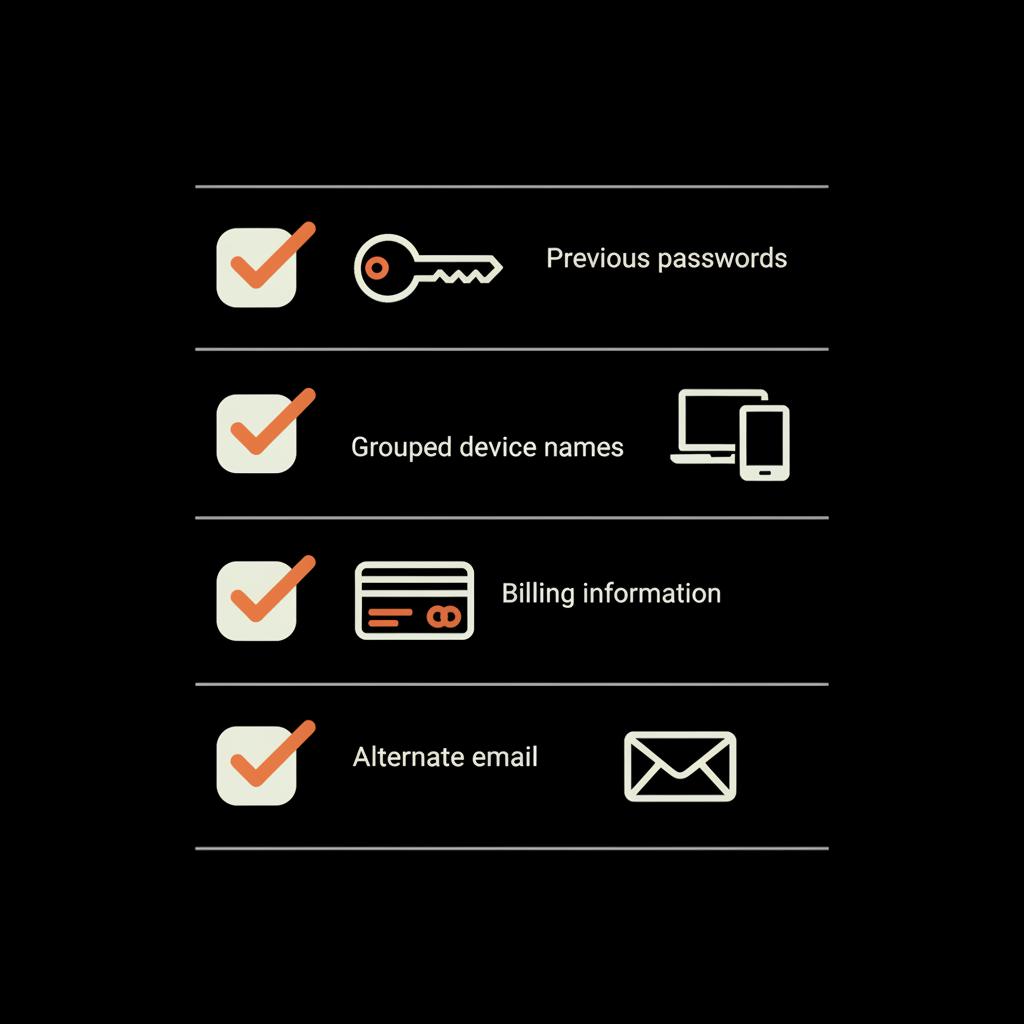
Previous passwords: Gather every password you remember using with the account — even short or slightly incorrect versions help. Microsoft values multiple attempts.
Account creation date: If you can’t remember the exact day, give month and year. For example: "Created June 2011."
Frequent contacts and subject lines: List names and email addresses of people you emailed frequently and subjects of emails you recall receiving.
Devices and locations: Note device names (e.g., "MyDellLaptop2015") and the cities where you commonly signed in.
Billing details: If you used Microsoft services, list the last four digits of payment methods and order dates if remembered.
How to write your answers
Be honest and specific. Approximate answers are better than guesses. For many people trying to find out how to regain access to Hotmail account, this is the moment to make a short list and be precise: months, years, common contact names, and several previous passwords.
Pro tips for the form and evidence
Small details matter. If you can provide several previous passwords, include them. If you remember the exact month you created the account, say so. Forgot details? Look through other accounts tied to the Hotmail address for clues — invoice emails, subscription notices, or calendar entries often show helpful dates and subjects.
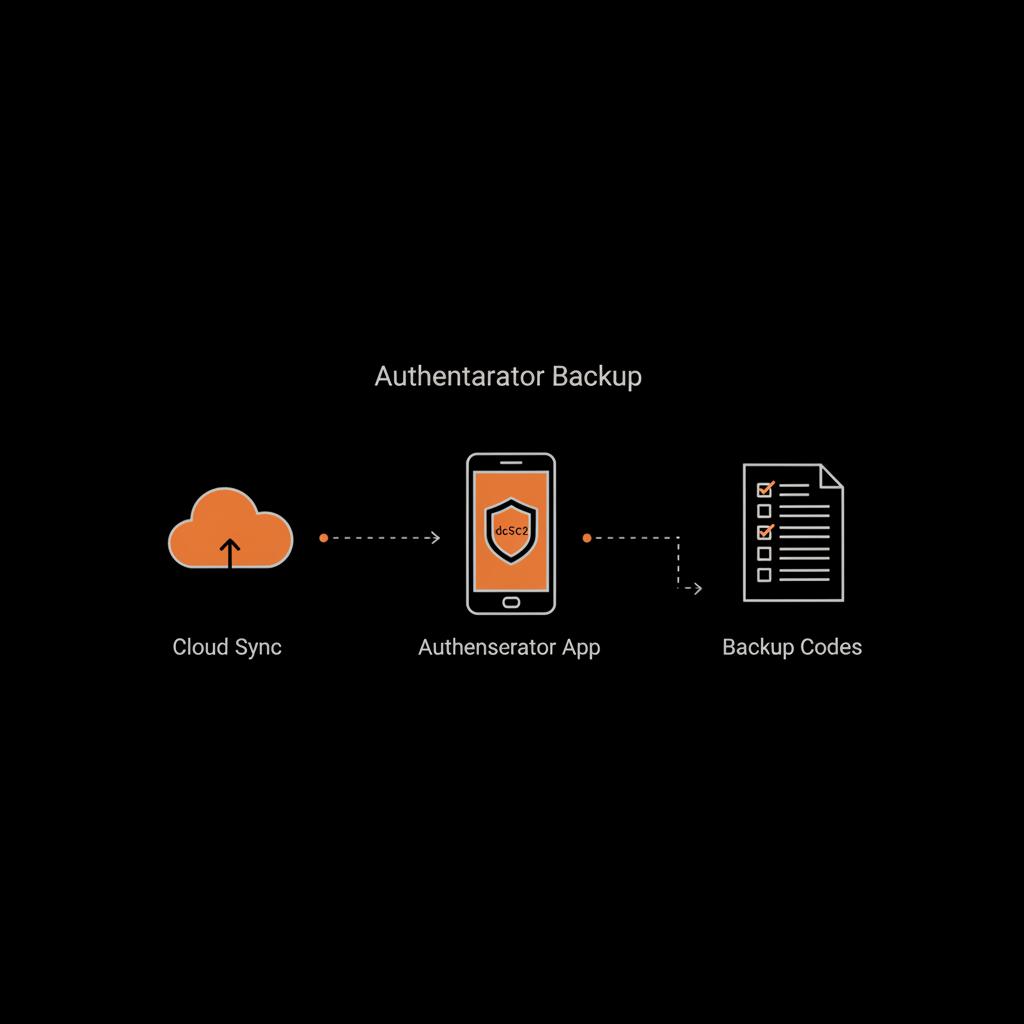
For people who wonder how to regain access to Hotmail account after losing a phone or losing access to an authenticator app, two pieces of backup can save hours: Authenticator cloud backup and recovery codes.
Microsoft Authenticator backup and recovery
If you used Microsoft Authenticator and had cloud backup enabled, restoring the app on a new phone can bring back your two-step verification tokens quickly. If you saved recovery codes when you enabled two-step verification, keep those somewhere secure — they are the most direct back door to your account when device-based codes aren’t available.
Troubleshooting a hacked or compromised Hotmail account
When your concern is specifically how to regain access to Hotmail account because it was hacked, immediate priorities shift to security:
Immediate steps
On any devices you use to sign in, run antivirus and antimalware scans. Change passwords on other services where you reused the Hotmail password. If you can still sign in, change the Hotmail password immediately, review security settings, and remove unfamiliar recovery options.
If a hacker has already changed recovery info and you can’t sign in, use the Account Recovery form and include as much detail as possible about when and how the compromise happened. Attach any screenshots or evidence of suspicious messages if the form allows it or prepare to describe the timeline clearly. For step-by-step guidance on hacked accounts, see Microsoft's guide to recovering hacked accounts.
How to present a compromise on the form
Describe the sequence of events: when you noticed suspicious messages, what signs you saw (unrecognized sign-ins, messages sent from your account), and the devices you use. Microsoft’s team uses this timeline to evaluate claims, so specificity helps.
What’s the single most useful thing to have when trying to get back into a Hotmail account after you’ve lost access?
A list of previous passwords — even short or slightly altered versions — is often the single most useful piece of evidence because Microsoft’s recovery system prioritizes matching historical credentials alongside other signals.
Timing: how long will recovery take?
If the verification code path is available, you can be back in within minutes. When the Account Recovery form is required, expect Microsoft to take about 24-72 hours to review evidence. Some cases resolve faster; complex or region-specific reviews can take longer. Important: avoid submitting the form multiple times with low-quality or conflicting information - that can slow things down. Instead, wait and gather more precise evidence if needed before resubmitting. Community discussions on review timing can provide extra insight: see this Microsoft Q&A thread.
Recovering a closed or deleted Hotmail account
Microsoft commonly allows a 30- or 60-day grace period to reopen closed accounts. If you find you were locked out because the account was closed and it’s still within that window, try signing in to reactivate. After the grace period, many accounts are permanently deleted. Even then, it’s worth attempting the recovery form, but set realistic expectations: permanent deletion often means unrecoverable data.
Examples of effective answers for the form
Here are practical examples that many people use when they ask how to regain access to Hotmail account:
Previous passwords: "Password1 from 2013, Password!23 in 2016, mybluecar1992 in 2019."
Account creation: "Created June 2011."
Recent email subjects: "Confirmation for Amazon order, Flight booking to Chicago March 2020, Resume attached for Acme Corp job application."
Frequent contacts: "Jane Doe (janedoe@example.com), my bank notifications, and my college admissions office."
What to do when the form stalls
If you feel stuck and the form seems to stall, review what you submitted. Can you provide clearer dates, more previous passwords, or additional contacts? If you used a particular Windows device with the Microsoft account, include the device name and when it was first used with the account. If subscriptions were tied to the account, provide partial payment details or billing address snippets. Each piece of corroboration helps Microsoft’s verification team connect the dots.
Support channels and what they can (and can’t) do
Microsoft Support can guide you through the process and confirm you’ve used the correct forms and contact methods. However, they usually can’t bypass the Account Recovery system or speed up the verification process. Treat support as a map and the recovery form as your passport: both are useful, but the form is where ownership is proven. If you prefer professional help, consider reviewing the Social Success Hub account services or their account unbans offering for managed support.
The Social Success Hub specializes in digital identity and reputation. If you manage multiple accounts professionally or need discreet, tactical help securing or reclaiming crucial accounts, they offer guidance and managed services tailored to these challenges. The link above points to a contact page if you want direct assistance - think of it as a calm, professional nudge when the recovery path feels overwhelming. A calm glance at the Social Success Hub logo can be a small, reassuring prompt before you start the recovery steps.
Final practical tips before you start the form
Don’t rush the form - take fifteen minutes to collect accurate details. Use a current, working alternate email for updates and check that inbox frequently. If Microsoft asks for more info, respond quickly and factually. Avoid resubmitting slightly different versions of the form; instead, gather stronger evidence and resubmit when you have it.
Understand how Authenticator cloud backup works and enable it. Many password managers have secure version history - use that to find older passwords. Run antivirus scans if compromise is suspected and consider using a dedicated device to handle recovery steps rather than a public or shared computer.
Summary of steps
1) Try the "Forgot password" code path at account.live.com. 2) If that fails, prepare details and complete the Account Recovery form at account.live.com/acsr. 3) Secure your devices and scan for malware. 4) If hacked, change passwords elsewhere and gather screenshots. 5) If the account was closed, try to reactivate during the 30-60 day window. 6) Use a password manager, keep recovery info current, and enable Authenticator cloud backup to avoid repeat lockouts.
FAQ (Quick reference)
Q: How do I reset my Hotmail password without a phone? A: Use the "Forgot password" flow and choose alternate email if available, or complete the Account Recovery form if not.
Q: How do I recover a deleted Hotmail account? A: Try signing in during the 30–60 day grace period to reopen. If past that window, the account is often permanently deleted, but you can still attempt recovery with the form.
Q: How long will Microsoft take to respond to the recovery form? A: Often 24–72 hours, but timelines vary. Provide precise details and avoid repeated low-quality submissions to speed resolution.
Closing encouragement
Regaining access to your Hotmail account is usually a matter of following the right steps and giving accurate, consistent evidence. Try the code-based reset first; if that fails, treat the Account Recovery form as an evidence checklist and fill it carefully. Secure your devices, gather facts, and be patient - with the right approach, many accounts are successfully restored.
If you’d like personal, discreet help with account recovery or security best practices, get in touch for expert support: Contact Social Success Hub
Need discreet help recovering an important account?
If you’d like personal, discreet help with account recovery or security best practices, get in touch for expert support: https://www.thesocialsuccesshub.com/contact-us
How can I reset my Hotmail password if I no longer have access to my phone?
If you no longer have the recovery phone, try the alternate email option in the account.live.com "Forgot password" flow. If that’s not available, complete the Microsoft Account Recovery form (account.live.com/acsr) and provide prior passwords, account creation date, frequent contacts, and device details. Use a working alternate email to receive updates.
What should I do if my Hotmail account was hacked and recovery info was changed?
Secure your devices first—run antivirus scans and change passwords on other accounts using the same password. If you can’t sign in because the hacker changed recovery options, fill out the Account Recovery form with a clear timeline of the compromise, previous passwords, and device information. Provide screenshots or other evidence of suspicious activity if possible.
Is it possible to recover a Hotmail account that was deleted months ago?
Microsoft typically offers a 30–60 day grace period to reopen a closed account. After that, many accounts are permanently deleted and recovery becomes unlikely. Still, it’s worth attempting the Account Recovery form with as much corroborating information as you can gather, but prepare for the possibility that recovery may not be possible.
Regaining access is usually possible with the right steps: try the code reset first, then use the Account Recovery form with accurate evidence—good luck, and may your inbox return swiftly!
References:


Comments