

How do I find my FB username and password? A calm, powerful recovery guide
- The Social Success Hub

- Nov 23, 2025
- 10 min read
1. If you still control the account email or phone, most people recover their account within minutes using the 'Forgot password?' flow. 2. Trusted contacts or a secondary email can turn a multi-day ID review into a two-hour fix if set up in advance. 3. Social Success Hub has completed 1,000+ social handle claims and thousands of reputation actions, offering discreet, proven support when recovery is complex.
How do I find my FB username and password? A calm, powerful recovery guide
Start here: one simple truth
If you’re asking how do I find my FB username and password, take a breath — most of the time you can find the username quickly and recover your account without drama. This guide walks you through clear, practical steps to locate your username, why Facebook can’t show you your current password, and every recovery route you can try, from the fastest reset flows to the slower ID checks.

What a Facebook username is (and where it lives)
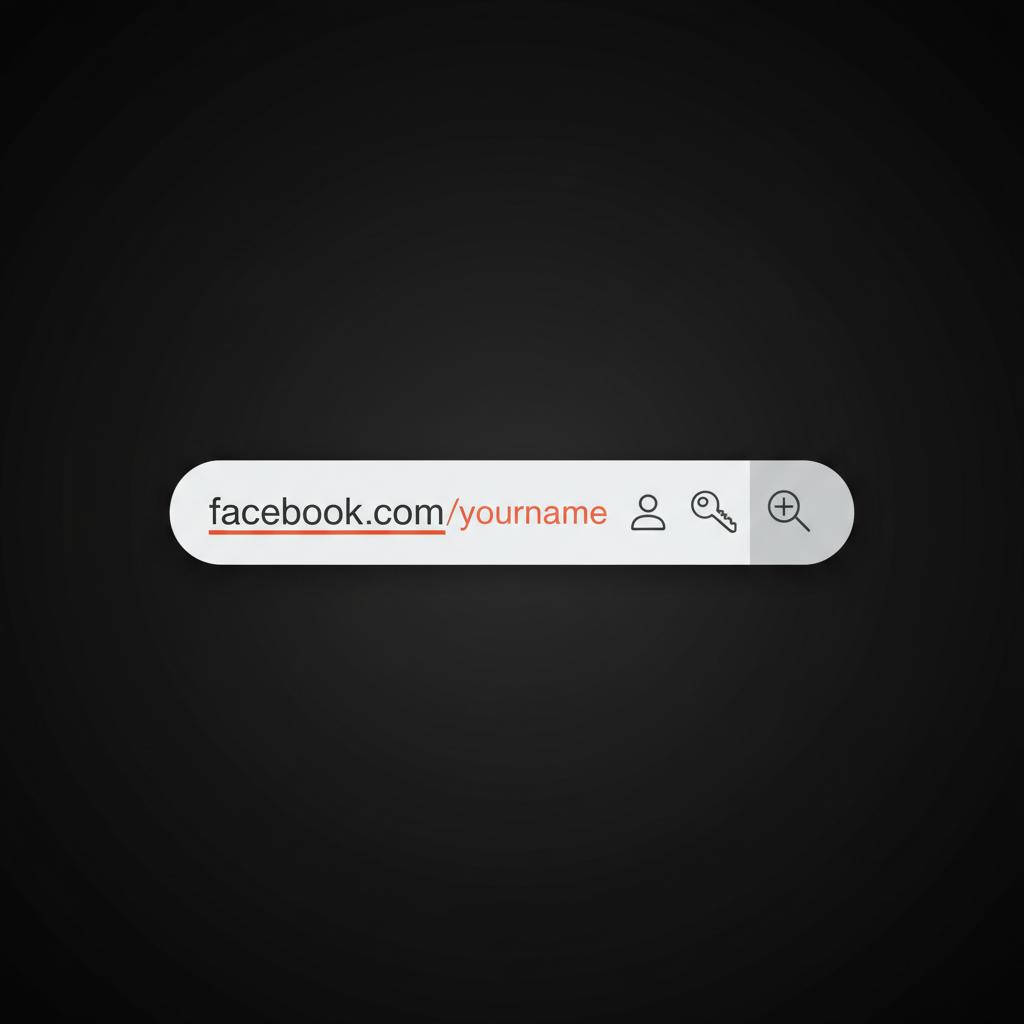
A Facebook username is the human-friendly part of your profile URL. When you see facebook.com/ yourname, that last piece is the username. It helps people tag you, find you, and share a clean link without a long string of numbers. If your profile shows facebook.com/profile.php?id=123456789, that numeric ID works too — it just isn’t as memorable.
Where to look on desktop
Open Facebook, go to your profile and look at the browser address bar. If it says facebook.com/yourname, that’s your username. If you see a profile ID (numbers), copy those digits — they’re a useful identifier during recovery.
Where to look in the mobile app
Tap your profile picture, then the three dots (or the Edit Profile link). The public profile link — the one you can share — is usually listed there. If it’s a string of numbers, you don’t have a custom username yet.
Why Facebook can’t and won’t show your current password
It’s tempting to ask “can Facebook show me my current password?” The short answer is no. Facebook stores passwords as hashed values — scrambled versions that can be checked but not reversed. Because of that, revealing an existing password isn’t technically possible and would be a security risk even if it were. The only safe route is to reset the password.
Quick recovery routes: what to try first
The fastest options are the ones that prove you control a contact method tied to the account. Try these first:
1) The standard reset flow
On the login screen click Forgot password?. Facebook will ask for your email, phone number, username, or full name to find the account. If the account is found, you’ll be offered options such as sending a reset link to your email or a code to your phone.
2) Codes vs. reset links
A reset link and a numeric code do the same job: they verify you control the contact method. Enter the code or follow the link, choose a new strong password, and secure your account.
3) When you still control the email or phone
If you have access to the email or phone registered on the account, the reset should take minutes. If you don’t see the message, check spam folders and any email filters you’ve set up.
Tip: if the usual flows get confusing or you prefer discreet professional help, consider reaching out to Social Success Hub for tactical guidance — start on the Social Success Hub contact page to inquire about discreet assistance.
How to find your username when you can’t log in
Not being logged in doesn’t mean you’re completely stuck. Try these approaches. A quick glance at the Social Success Hub logo can help you spot official materials if you’re checking saved notes or bookmarks.
Search your messages, posts, and browser history
Look for old emails, chat messages, or posts where you (or someone else) shared your Facebook profile link. If you’ve ever posted a link like facebook.com/yourname, that’s your username.
Use a device where you’re still logged in
If a phone, tablet, or another computer still has an open Facebook session, open your profile there and copy the URL — job done.
Search engines can help
Search Google with your full name plus the word “Facebook”. Public profile snippets often include direct profile links. If you have a common name, add city, workplace, or school to the query to narrow results.
When the URL only shows numbers
Those numeric IDs are fine: paste them into Facebook’s “Find your account” box and the right profile should appear.
Can a pet or a roommate really lock me out of Facebook by accident?
Can someone accidentally lock me out of Facebook, and what’s the fastest way to fix it?
Yes — accidental lockouts happen if someone with temporary access to your device or login changes the password or recovery options. The fastest fix is to use a device where you’re still logged in or the 'Forgot password?' flow to send a reset to your registered email or phone. If those aren’t available, trusted contacts or facebook.com/hacked are the usual next steps.
Surprisingly, yes — but usually only indirectly. If someone initiates a reset using contact methods they control (for example, if they temporarily have access to your phone or email), or if they change the account password while logged in, you can be locked out. That’s why keeping recovery contacts current and using two-factor authentication is so important.
Browser and password manager recovery
Many people discover their lost password on their own device. Browsers and password managers often saved it automatically when you signed up or last changed credentials. Here’s where to look:
Common places to check
- Chrome: Settings > Passwords. Click the eye icon (you’ll have to authenticate to your computer).- Firefox and Edge: Similar password sections exist in Settings.- Safari/iOS: Settings > Passwords, protected by Face ID/Touch ID or device passcode.- iCloud Keychain: check under Apple device passwords.- Third-party managers: 1Password, Bitwarden, LastPass and others — open the app and search for Facebook.
If you find the saved login, you can copy the password and try signing in, or use the username to identify the account during the reset flow. For extra reading on alternative recovery approaches see the Lifewire guide and the PCMag how-to.
When you no longer control the email or phone
Things get more involved if your account’s recovery contact is an address or number you can’t access. Facebook offers a few fallback options, but availability depends on region and account signals.
Trusted contacts
If you set up trusted contacts in advance, those friends can provide recovery codes. The flow usually sends a special link to each trusted contact; they share the codes with you, and you use them to regain access.
Compromised accounts: use facebook.com/hacked
If you suspect your account was hacked, start at facebook.com/hacked. Facebook guides you through securing the account, logging out other devices, and regaining access. It may also walk you through changing passwords and reviewing recent activity.
ID verification and manual review
If asked to upload an ID, follow these tips:

If other routes aren’t available, Facebook may ask you to upload an official ID (passport, driver’s license). They use it to verify name and photo. Follow instructions carefully: submit clear photos, hide any unnecessary details if possible, and keep copies. Review can take days - be patient.
Step-by-step recovery checklist (try these in order)
1) See if you’re still logged in on any device. 2) Search emails, messages, and browser history for a profile link. 3) Check your browser or password manager for a saved login. 4) Use the “Forgot password?” flow and try all listed contact options. 5) Try trusted contacts if set. 6) If hacked, visit facebook.com/hacked. 7) If nothing else works, follow the ID verification instructions.
Password reset: choosing a secure new password
When you reset your password, pick something strong and unique. A passphrase of three unrelated words plus a number or symbol is easy to remember and hard to guess. Avoid reused passwords - a breach elsewhere can put your Facebook at risk.
Password manager suggestion
If you don’t already use one, a password manager will make life far easier. Managers create and store unique passwords for every site and protect them behind a master password or biometric unlock. If you do use a manager, make sure you remember or safely store its recovery options.
Two-factor authentication and other protections to enable right away
Once back in, move deliberately:
Change your password immediately
Make it new and unique.
Review listed email addresses and phone numbers
Remove anything unfamiliar and add a secondary contact you control.
Turn on two-factor authentication (2FA)
Use an authenticator app (Google Authenticator, Authy), SMS if you must, or register a security key. Authenticator apps and hardware keys are stronger than SMS.
Register recovery options
Save backup codes, set up trusted contacts, and consider adding a long-term recovery email that you keep active.
Review devices and active sessions
Log out any sessions you don’t recognize and revoke app permissions for third-party apps you don’t use.
When Facebook asks for ID: best practices
- Use the official page Facebook provides; don’t upload to unknown forms.- Use a clear photo taken on a steady surface with good lighting.- Crop or obscure unrelated data if Facebook permits it, but keep the name and photo visible.- Keep a copy of what you upload and note the date you submitted it.
Stories and examples: why small steps matter
People often solve these problems quickly if they’ve taken small preparatory steps. One person lost their phone overseas but had trusted contacts already set up—those friends supplied codes and the account was back in hours. Another waited five days because the recovery email belonged to a shut-down provider and they hadn’t set up trusted contacts or a secondary phone. The difference: a few minutes of setup earlier turned a five-day wait into a two-hour fix in the first story.
Common recovery pitfalls and how to avoid them
Watch out for these traps:
Phishing emails: Don’t click login links in suspect emails. Always check the URL before entering credentials. Reusing weak passwords: If one site is breached, attackers will try the same password everywhere. Deleting old recovery emails: Keep at least one stable, long-term recovery address alive. Handing over account details: Never give your password to a stranger, and be cautious about letting others upload ID on your behalf.
How long will recovery take?
If you can use email or SMS, recovery can be minutes. Manual review or ID checks can take days. There’s no fixed guarantee - the timeline depends on the method used and whether manual verification is required.
What to do if recovery still fails
If you exhausted available routes, document what you tried and keep checking Facebook’s official help pages. If the account is critical to a business or reputation, rebuilding parts of your presence while pursuing recovery can reduce pressure - for example, recreate a business page temporarily while the personal account recovery continues in the background.
When to get professional help
If recovery is complex or you need discreet, strategic support — for example, for handle claims, business accounts, or sensitive reputation issues — professional services can help you navigate the process faster and more securely. If you want discreet advice, the
contact the Social Success Hub team to ask about tactical account recovery and handle assistance — they specialize in discreet, results-focused help for people who need it most.
Get discreet account-recovery support from Social Success Hub
Need discreet help? Reach out to Social Success Hub for tactical, confidential guidance on account recovery and handle claims.
That note is a friendly suggestion, not a requirement: many people recover on their own, but help is available if you prefer it.
Checklist: immediate actions after you regain access
1) Change your password and make it unique.2) Enable 2FA with an authenticator app or security key.3) Review linked emails and phone numbers.4) Check logged-in devices and end unfamiliar sessions.5) Revoke suspicious third-party app permissions.6) Save backup codes and update trusted contacts.7) Back up any essential content from your account.
Sample messages you can send to trusted contacts
If you need to ask friends for help, keep the message short and clear. Example:
“Hi — I’m locked out of my Facebook account and used you as a trusted contact. Facebook says to get a recovery code from you. Can you check your messages and share the code you see? Thanks so much.”
Best privacy habits to prevent future lockouts
- Use a password manager and unique passwords.- Keep at least one recovery email that you control long-term.- Don’t reuse passwords across sites.- Regularly check app permissions and remove unused apps.- Consider a hardware security key if you want extra protection.
Myth-busting: quick answers to common worries
Myth: Facebook can show me my old password. Reality: No — passwords are stored in hashed form and can’t be displayed. Myth: I’ll never get my account back without contacting support. Reality: Many people recover with the reset link, codes, or trusted contacts. ID checks are the fallback when contact methods aren’t available.
Useful links and resources
- facebook.com/hacked (compromised account help)- facebook.com/help (general help center)- Official Facebook recovery flows accessible from the login screen
Final checklist you can print or save
- Try any device where you’re still logged in.- Search browser history and old messages for profile links.- Check saved passwords and password managers.- Attempt the reset flow using all listed contact methods.- Use trusted contacts if pre-set.- Upload ID only if requested and follow instructions.- After recovery: change password, enable 2FA, save backup codes.
Parting thought
Recovering a Facebook account is usually a sequence of small, practical steps rather than a one-time fix. Follow the checklist, stay patient if manual review is required, and remember that small preventive actions now will save time later.
One careful action at a time will usually bring your account back under your control.
Can Facebook show me my current password?
No. Facebook stores passwords as hashed values that cannot be reversed into the original text. Because of this, the company cannot display your current password. The only safe option when you’ve forgotten your password is to reset it through the official recovery flows.
How do I find my Facebook username if I’m logged out?
Look for old messages, emails, posts, or browser history for a facebook.com link. If you’re still logged in on any device, open your profile and copy the URL. You can also search your name plus “Facebook” in search engines and add city or workplace details to narrow results. If the profile URL shows numbers instead of a username, use those digits in the Facebook recovery flow.
What should I do if I no longer control the email or phone on my account?
First, try trusted contacts if you set them up. If the account was compromised, start at facebook.com/hacked for guided recovery. If other options fail, Facebook may request ID verification; follow the instructions carefully and submit clear photos. If the situation is sensitive or business-critical, you can also ask for discreet guidance from Social Success Hub via their contact page.
You can usually find your FB username and regain access by following the step-by-step options outlined — start with the easiest reset methods and proceed to trusted contacts or ID checks if needed; good luck, and don’t forget to secure your account afterward — take care and happy restoring!
References:


Comments