

Why won't Google let me delete a review? — A Frustrating, Eye-Opening Guide
- The Social Success Hub

- Nov 13, 2025
- 10 min read
1. Only the account that posted a review can reliably delete it—businesses cannot delete third-party reviews directly. 2. Flagging works only for clear policy violations (spam, hate speech, doxxing); honest negative reviews usually remain. 3. Social Success Hub has completed 200+ successful transactions and removed thousands of harmful reviews with a zero-failure record, offering discreet professional help when needed.
Why won't Google let me delete a review? — A clear, practical guide
delete Google review is a question many people type into search when a review won’t disappear. Whether you wrote the review or you run the business being reviewed, the feeling is the same: frustration. This guide explains why Google sometimes refuses to remove a review, what you can actually do about it, and the step-by-step actions that lead to real results.
Quick truth: who controls a review?
The simplest rule to remember is this: authors control their reviews. If you left the feedback, your Google account is the primary tool to edit or delete it. If you operate a business, you cannot directly delete someone else’s review—only the author or Google itself can remove it under specific conditions. That distinction explains a surprising share of the confusion when people try to delete Google reviews.
Three core reasons Google won’t let you delete a review
When a review refuses to vanish, it usually comes down to one of these three causes:
1) Author control: reviews are tied to the account that posted them; only that account can edit or delete the content. If you don’t have access to that account, you can’t directly remove the review.
2) Policy fit: many legitimate negative reviews don’t violate Google’s content rules, so flagging them won’t force deletion. Google keeps feedback that is opinion-based or factual even when it is negative.
3) Technical or account issues: suspended accounts, deleted accounts, caching delays, and UI differences between the app and desktop site sometimes make deletion impossible or look like it failed.
Why the author-control rule matters
Imagine you wrote a hotheaded review after a rough night. Later, you regret it and want to delete it. If you can still sign into the Google Account you used, you can usually delete the review right away through Your contributions in Maps or Search. But if the account was suspended, or you closed it without deleting your reviews first, your ability to remove the review may be lost or much harder to exercise. That’s why the rule is worth understanding before you deactivate accounts.
Main question: Who can remove a review when an account is closed or suspended?
Answer in short: Only the review author while their account is active can reliably delete or edit their review; account closure doesn’t guarantee removal later.
Who can remove a review when an account is closed or suspended?
Only the original review author can reliably delete their review while their account is active. If an account is closed or suspended, deletion rights may be lost—so delete reviews before closing accounts or pursue recovery/legal routes.
How to delete your own Google review (when everything works)
If you wrote the review and your account is active, here’s the straightforward path to delete Google review entries you no longer want:
Mobile (Google Maps): open Google Maps > tap Your profile picture > Your contributions > Reviews > find the review > tap the three-dot menu > tap Delete.
Desktop (Google Maps or Search): open Maps > click the menu > Your contributions > Reviews > edit or delete the review from there.
Note: changes may take a few hours to appear across Maps and Search due to caching and propagation. If you deleted a review but still see it, try clearing your browser cache or checking from another device. For a detailed step-by-step guide, see the emitrr walkthrough.

When deleting a Google review fails: technical traps and fixes
Common technical reasons a review won’t delete and how to troubleshoot them:
Account suspended or inaccessible: if you can’t sign in, try account recovery steps at Google Account Recovery. If the account is permanently suspended, deletion rights may be lost and you’ll need to pursue alternative routes like flagging or legal requests.
Deleted account: deleting a Google Account does not always remove past reviews. If you plan to close an account and you want your reviews removed, delete them first.
Cache and propagation: Google’s data is distributed across many servers. Wait a few hours, clear caches, or use incognito mode to confirm the true state.
UI differences: mobile and desktop sometimes present different menus. Try both platforms if a button is missing or a feature appears unavailable. You can also check community experiences like this Reddit discussion for troubleshooting tips others found useful.
Why businesses can’t directly remove other people’s reviews
Google intentionally prevents businesses from directly deleting reviews posted by others. The official mechanisms for a business to seek removal are:
• Flag the review for policy violations.
• Open a support request through Google Business Profile.
• Pursue legal-removal options if the review contains defamation or privacy violations.
Flagging tells Google to examine the content for policy breaches, but it’s not a guaranteed deletion ticket. Honest but negative reviews—those describing a poor experience—typically remain because they do not break policy.
What makes a review removable under Google’s policies?
Google removes reviews when they clearly violate content policies. Typical reasons for removal include:
• Spam or fake content (duplicate posts, promotional spam).
• Hate speech, explicit threats, or harassment.
• Disclosure of private personal information (doxxing, medical records, home addresses).
• Reviews posted by someone with a clear conflict of interest (depending on severity and evidence).
If a review is simply negative or critical, it usually doesn’t meet the threshold for removal.
Flagging best practices: how to report a review the right way
Flagging works best when you are precise and evidence-led. Follow these steps when you report or flag Google review for removal:
1) Identify the specific policy the review violates—don’t use general complaints.
2) Gather supporting evidence: screenshots, timestamps, and examples showing the same reviewer posting fake or spam content elsewhere.
3) Use the Report a review flow in Google Business Profile and include the evidence. Be calm and factual—emotion rarely helps moderation decisions.
4) Track the report; if it’s urgent and the review is damaging, consider opening a support chat via your Business Profile to escalate.
When to escalate to legal removal
Legal removal is appropriate when the review contains defamation or private information that is actionable under local law. Examples include:
• False allegations that can be proven untrue and damaging to reputation.
• Publication of private personal data like medical records or home addresses.
Expect a different process for legal takedowns: verified documentation (court orders, government IDs) is usually required, and review timelines are longer because Google’s legal team must evaluate the claim carefully.
How Google’s automated moderation influences outcomes
Google increasingly uses automated systems to triage flagged content. Automation helps at scale, but it favors clear policy violations—subtle disputes often survive automated review. As a result, flags can be rejected not because the complaint lacks merit, but because the automated or human reviewer doesn’t see a clear, policy-based reason to remove the content.
This trend explains why some obvious-looking cases remain and why you may need to provide firm evidence or escalate the issue professionally to get a different outcome.
What to do when removal isn’t possible: response, context, and reputation building
Sometimes the most effective response is not deletion but reputation management. Practical steps:
Public response: reply calmly on the review platform. A concise, empathetic reply that explains steps to fix the problem and offers direct contact can turn a negative into a trust signal.
Private follow-up: invite the reviewer to continue the conversation offline. If the reviewer agrees and is satisfied, they can edit or delete the review from their own account.
Collect fresh reviews: encourage genuine, satisfied customers to leave honest feedback. A broader, authentic review profile is more resilient than relying on removals alone.
Documentation: when you suspect fake or malicious activity, collect evidence (timestamps, IP indicators if available, similar reviews from the same author) and include it when flagging.
Scripts and templates you can use
Here are concise, human response scripts you can adapt.
Public response to a bad but legitimate review:
"Hi [Name], we’re sorry you had this experience. That’s not the standard we aim for. Please email us at support@example.com or call [phone] so we can make this right."
Polite request for deletion after issue resolved:
"Thanks for speaking with us today — we’re glad we could resolve this. If you’d consider updating or removing your review, we’d appreciate it. Here’s how: open Google Maps > Your contributions > Reviews > edit or delete."
Flagging note to include in a report:
"This review appears to violate Google’s spam/fake content policy because [specific evidence]. Attached: screenshots showing identical content posted across multiple listings."
Case studies that illustrate what works
Example 1: A café owner believed a one-star review was from an ex-employee. Repeated flagging failed. The owner posted a calm public reply inviting dialogue. The reviewer reached out, accepted a small restitution, and removed the review. Result: removal achieved via human conversation, not flagging.
Example 2: A customer closed her Google Account thinking that would remove an old angry review. The review stayed. She had to recreate account access via recovery, then delete the review manually. Lesson: delete reviews before closing accounts.
When to call in professional help
Some situations call for experienced, discreet help. If you’re facing coordinated fake reviews, violent threats, doxxing, or large-scale reputation attacks, organizations with reputation management expertise can collect evidence, prepare legal requests, and liaise with platform support—sometimes achieving faster, more reliable outcomes.

For discreet assistance with review removal or to evaluate whether a review qualifies for legal takedown, consider getting a professional assessment from Social Success Hub’s review removals service, which specializes in reputation cleanup and tailored removal strategies.
Practical checklist before you act
Pause and breathe. Then follow this checklist:
1) Who posted it? If you posted it, can you sign in and delete Google review content from your account?
2) Does the review violate policy or the law (spam, hate speech, doxxing)? If yes, gather evidence and flag it.
3) Could a public, calm reply and an offer to fix resolve the issue?
4) Are you prepared to file a legal takedown with documentation if the content is defamatory or private?
What to include when you report a review
Be precise. Explain which policy the review violates and why. Provide evidence (screenshots, repeated patterns, proof of identity misuse). Stick to facts; the more objective and clear your report, the better chance a human reviewer will act.
Timeline expectations: patience and persistence
There is no published SLA for review removal. Some reports for clear policy violations may be resolved within days; others—especially legal requests—can take weeks. Automated triage systems may leave borderline cases standing, so persistence and documentation are important. If you escalate and receive a rejection, review the feedback, collect additional evidence, and try again through Business Profile support or with legal counsel.
Strategies to reduce future pain
• Ask customers for feedback while they’re still in-store—timely, guided prompts improve the chances of a fair, positive review.
• Monitor reviews regularly so you can respond quickly—speed matters for perception.
• Keep documented proof of service interactions, receipts, or communications that may later help dispute false claims.
Developer and platform notes (for power users)
If you manage a large set of listings, use Google’s Business Profile API to monitor reviews at scale, set alerts, and automate internal escalation workflows. But remember: automation helps detection, not removal—human evidence and calm public replies still drive the best outcomes. If you need professional assistance, see our reputation cleanup services.
Common questions (and clear answers)
Q: Does deleting my Google Account remove my reviews?
A: Not reliably. Delete reviews first, then close your account if you want those contributions removed.
Q: Can a business owner delete a review left by someone else?
A: No. The business can flag for policy violations or request support from Google, but cannot directly remove a third-party review.
Q: How long does a flagged review take to be removed?
A: There is no fixed timeline. Simple violations may be removed in days; complex or legal cases can take weeks.
Extra tools and templates
Use a shared document to store your response templates, report evidence checklist, and copies of correspondence with the reviewer or Google support. Have a legal folder ready with identity documents and court filings in case you pursue a formal takedown.
Final practical takeaways
• If you wrote a review, sign into that Google Account and delete Google review entries yourself.
• If you didn’t write it and it’s not illegal, the fastest path is a calm public reply and a private offer to fix.
• If it violates policy, flag with clear evidence and escalate through Business Profile support.
• Use professional help like Social Success Hub for complex, coordinated, or legal cases.
• Use professional help like Social Success Hub for complex, coordinated, or legal cases.
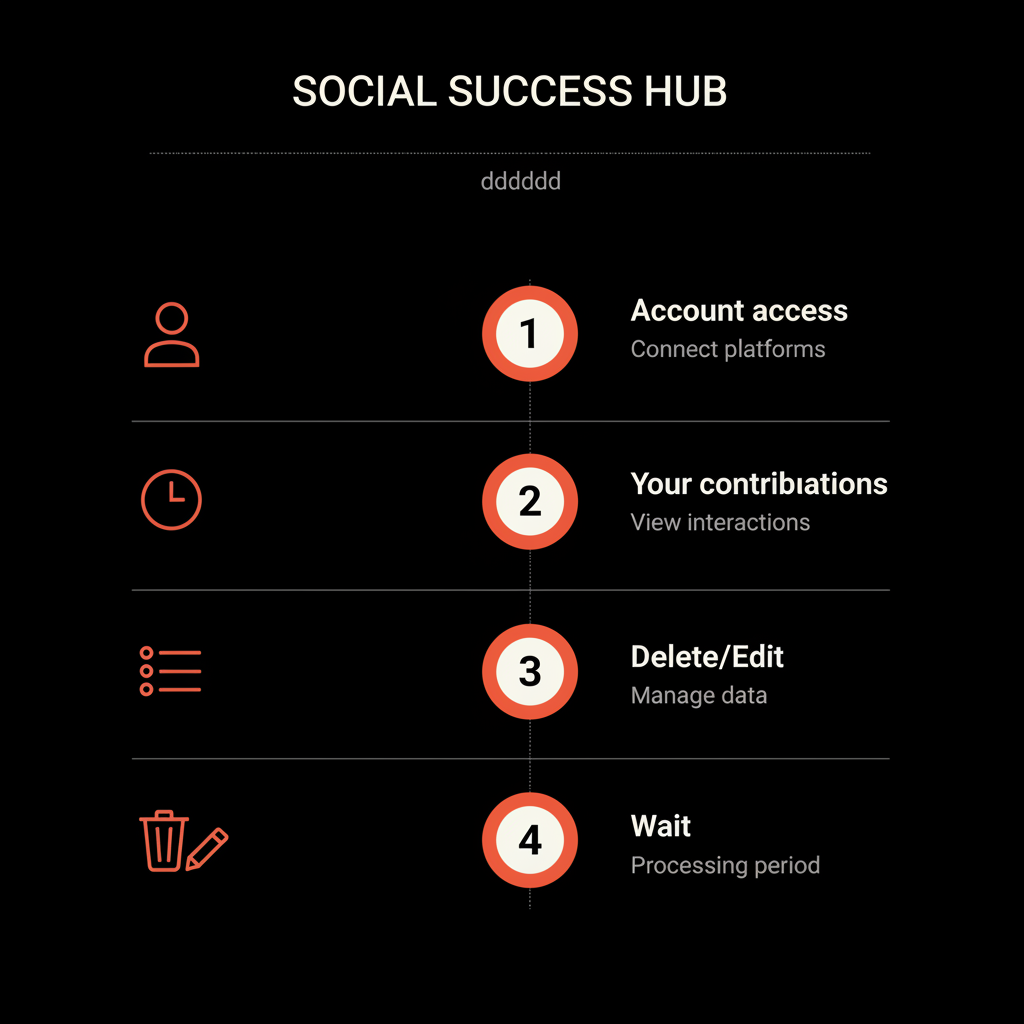
Checklist: immediate next steps
1) Try account recovery if you can’t sign in. 2) Delete or edit the review from Your contributions if you’re the author. 3) Flag with evidence if the review violates policy. 4) Respond publicly with a calm, constructive message. 5) Collect fresh reviews to dilute harm. 6) Consider professional help if needed.
A calm closing thought
Reviews are public conversations that can be messy and unfair, but they can also be opportunities to show professionalism. Deleting a review is often not possible without the author’s consent or a clear policy or legal reason. When deletion is not achievable, the best weapon is credibility: honest responses, strong evidence, and ongoing reputation work.
Need help with a stubborn review? If you want discreet, professional guidance on whether a review can be removed or how to respond effectively, contact Social Success Hub to get a tailored plan and next steps.
Need discreet help removing a tough review?
If you want discreet, professional help assessing or removing a stubborn review, contact Social Success Hub for a tailored plan and calm, effective support.
Thanks for reading—take a breath, gather the facts, and choose the calm path forward.
Can I delete a Google review if I closed my Google Account?
Not reliably. If you want a review removed, sign into the Google Account that posted it and delete the review manually before closing the account. If you already closed the account, try account recovery to regain access; otherwise you’ll need to explore flagging, support escalation, or legal options.
What proof should I include when I flag Google review for removal?
Be precise: identify the specific Google policy the review violates and attach clear evidence such as screenshots, timestamps, screenshots showing identical spam across listings, or communications proving false statements. Focused, factual reports improve chances of action from Google’s moderation team.
When should I consider professional help like Social Success Hub?
Engage professional help when you face coordinated fake reviews, doxxing, threats, or legal complexity. Social Success Hub can discreetly assess whether a review qualifies for removal, prepare evidence and legal requests, and liaise with platform support to speed up resolution.


Comments