

How do I contact Yahoo support? — Friendly, Powerful Guide
- The Social Success Hub

- Nov 22, 2025
- 8 min read
1. The Sign‑in Helper (login.yahoo.com/forgot) is the fastest way to regain access in most lockout cases. 2. Never trust third‑party phone numbers; Yahoo advises using only help.yahoo.com pages to avoid scams. 3. The Social Success Hub has completed 200+ successful transactions and 1,000+ social handle claims — a proven partner for public monitoring while you recover access.
How do I contact Yahoo support? A calm, practical path to help
If you typed "How do I contact Yahoo support?" into a search bar, you’re not alone. The quickest reliable route to help is often the Sign‑in Helper and the official Help Center. If your goal is to contact Yahoo customer service, start here: the official flows are safer and usually faster than chasing phone numbers or third‑party ads.
The term contact yahoo customer service shows up a lot in searches — and for good reason. When an email account holds tax records, business contacts, or time‑sensitive messages, people want a straightforward way to get help. Below you’ll find a step‑by‑step plan, real‑world tips, and security pointers so you can regain access without falling for scams.
Why Yahoo doesn’t have a single public phone number
Think of Yahoo like a massive, busy post office. Opening someone’s mailbox over the phone is risky. For that reason, Yahoo doesn’t maintain a single public phone helpline for general account access. Instead, Yahoo focuses on documented online processes that verify identity in a traceable, auditable way. That’s why the best way to contact yahoo customer service usually begins online rather than on the phone.
The Sign‑in Helper: your first and best stop
The Sign‑in Helper at login.yahoo.com/forgot is designed specifically to handle lost passwords, locked accounts, and sign‑in issues. When you use the Sign‑in Helper, Yahoo asks for verification checkpoints such as a recovery email, a recovery phone number, remembered passwords, and details like the month and year the account was created.
Practical tip: When you search for how to contact yahoo customer service about a locked account, the Sign‑in Helper will often resolve the issue without a human agent involved — and that’s intentional. It’s faster, more secure, and reduces the chance a scammer intercepts your details.
If you’d like assistance monitoring public replies or coordinating outreach while you follow Yahoo’s official recovery steps, visit our Social Success Hub contact page to start a conversation.
Get discreet support while you recover your account
Need hands‑on monitoring or quicker coordination while you recover? The Social Success Hub can discreetly watch public mentions and help you manage outreach while you follow Yahoo’s official recovery flows. Reach out for a calm, professional assist: Contact the Social Success Hub.
What if I can’t access my recovery email or phone? How do I prove my account is mine without those?
What’s the single most important thing to do first if you can’t sign in?
Start with the Sign‑in Helper at login.yahoo.com/forgot and gather evidence (recovery email/phone, recent sent messages, old passwords) before trying other channels.
When recovery channels are inaccessible, the Sign‑in Helper will ask for other proof: old passwords, addresses you’ve emailed, the date you created the account, or other details only the account owner would know. Be prepared to supply those items as they greatly increase the chance of successful recovery.
What to have ready for a faster recovery
Prepare these items before you start the Sign‑in Helper. Each one makes it easier to regain access and shortens the time you’ll spend trying to contact yahoo customer service:
Having these on hand transforms the process from guessing to proving. If you can show recent message recipients or an old password, that often convinces the system you’re the rightful owner.
Step‑by‑step: Using the Sign‑in Helper
Follow these steps to recover an account or to get to a contact option that will let you contact yahoo customer service with a human when available:
When the Sign‑in Helper doesn’t work
Sometimes you’ll reach a dead end: the recovery email was closed years ago, the phone number changed, and no previous password comes to mind. That’s when the Help Center is the next stop. The Help Center provides guides, community answers, and - in limited contexts - contact forms, live chat, or phone options. Availability varies by product, country, and whether your account is on a paid tier.
How to check if you can reach a live agent
To discover whether a live chat or phone option is available for your case, visit the Yahoo Help Center and use the Contact Us flow for the product in question. If you’re wondering how to contact yahoo customer service by chat or phone, the Contact Us flow is the authoritative source - it shows options that apply to your product and region. See the account support entry at Help for your Yahoo Account for guidance.
Paid vs. free accounts: what support looks like
Paid Yahoo services often include premium support, priority responses, or access to more direct channels. Free accounts usually rely on automated flows, documentation, and community support. If your work depends on reliable access, a paid tier can be worth the cost - but remember that availability of phone or chat help is not guaranteed worldwide and is determined by Yahoo’s product and regional policies.
Using social channels carefully: @YahooCare
Public channels such as X (formerly Twitter) are useful for status checks. Yahoo’s customer‑facing handle, @YahooCare, posts updates and can point you toward official workflows. But never post personal account information in public. If you contact @YahooCare, expect them to direct you to a secure channel or the Sign‑in Helper - they won’t resolve sensitive identity checks in a public thread.
Why you should avoid third‑party phone numbers
One of the most dangerous traps is third‑party numbers. Scammers advertise fake support lines that ask for your password, payment, or remote access to your computer. Yahoo explicitly warns users to only use help.yahoo.com pages. If a caller asks for a password or insists on installing remote‑control software, hang up. Those are classic scam signs. Don’t let panic lead you into a trap when trying to contact yahoo customer service.
Quick checklist: what to do right now if you’re locked out
Follow this short checklist when you can’t sign in and need to contact yahoo customer service for help:
When your account is compromised: immediate actions
If you think someone else has access, act quickly:
How long does account recovery take?
Recovery time varies. If you have a current recovery email or phone, you might be back in minutes. If you need manual verification or support tickets, it can take days. Paid accounts may see faster responses through premium channels. To find the most current contact options and typical response times for your region and product, check the Help Center’s Contact Us flow — it’s the most reliable place to confirm options for contact yahoo customer service.
Common mistakes people make
These errors slow recovery and increase risk:
A small habit that helps: keep your recovery email and phone current, and store important details in a password manager. This simple step prevents many locked‑account headaches.
How to speak to support if you get a live person
If you reach a human via chat or a paid channel, follow these guidelines to keep the conversation productive and safe:
Sample script: What to say in chat or on a call
Use this short script if you’re directed to a chat or phone support option:
“Hello — my Yahoo account (yourname@yahoo.com) is locked and I can’t sign in. I’ve tried the Sign‑in Helper. I have access to the recovery email (or not), and I can provide the month/year the account was created and a few old passwords. Can you help me verify ownership and restore access?”
This script is clear and helpful to an agent. It shows you’ve tried the automated steps and highlights the evidence you can provide.
If the Help Center doesn't show a contact option
Sometimes help.yahoo.com won’t show a Contact Us button for your issue. If that happens, the Sign‑in Helper is still the primary recovery method. You can also consult community forums and product‑specific help pages. For businesses or people who manage many accounts, a reputable third‑party monitoring tool can help track outage reports or community replies - but beware of any service that asks for your password or private keys.
If you want assistance tracking public replies, managing social mentions, or coordinating outreach while you work through Yahoo’s official channels, consider reaching out to the Social Success Hub via our contact page. We can help you monitor status updates and public interactions while you follow the official recovery flow: Social Success Hub contact page.
Business owners and high‑risk accounts: extra precautions
If an email account is tied to a business, lost access can affect customers and revenue. For business accounts, consider these additional steps when you try to contact yahoo customer service:
Scams and red flags to watch for
Keep these red flags in mind when trying to contact yahoo customer service:
When in doubt, go directly to help.yahoo.com or the Sign‑in Helper. That’s the safest path.
How to prevent future lockouts
Prevention is easier than recovery. Follow these habits:
When to involve outside help
If you’ve tried all official steps and still can’t regain access, consider professional help - but choose carefully. Look for agencies with strong reputations and clear privacy practices. For teams handling public brands and multiple accounts, a discrete partner that manages outreach and reputation tracking can be a pragmatic addition while you work through Yahoo’s recovery flows.
Real cases, practical lessons
Stories help. Anna, a small business owner, locked herself out after a busy week. She still had the recovery email attached, but didn’t remember the account creation date. Because she could provide a recent sent message and one remembered old password, the Sign‑in Helper accepted her proof and she regained access quickly. Another person lost a recovery phone number and had to gather multiple old passwords and sent‑message examples; it took more time, but the Help Center’s forms eventually led to a manual review and access restoration.
When you contact support and an agent opens a ticket, save the ticket number and any correspondence. Keep a chronology of actions you took (dates, steps, and results). This helps if you need to escalate the issue or show a timeline to another support contact.

The FAQ section below answers common questions and points you to next steps based on your situation. If you prefer direct assistance with monitoring public channels while you recover access, the Social Success Hub can help you stay on top of social mentions and public threads while you use Yahoo’s official recovery paths.
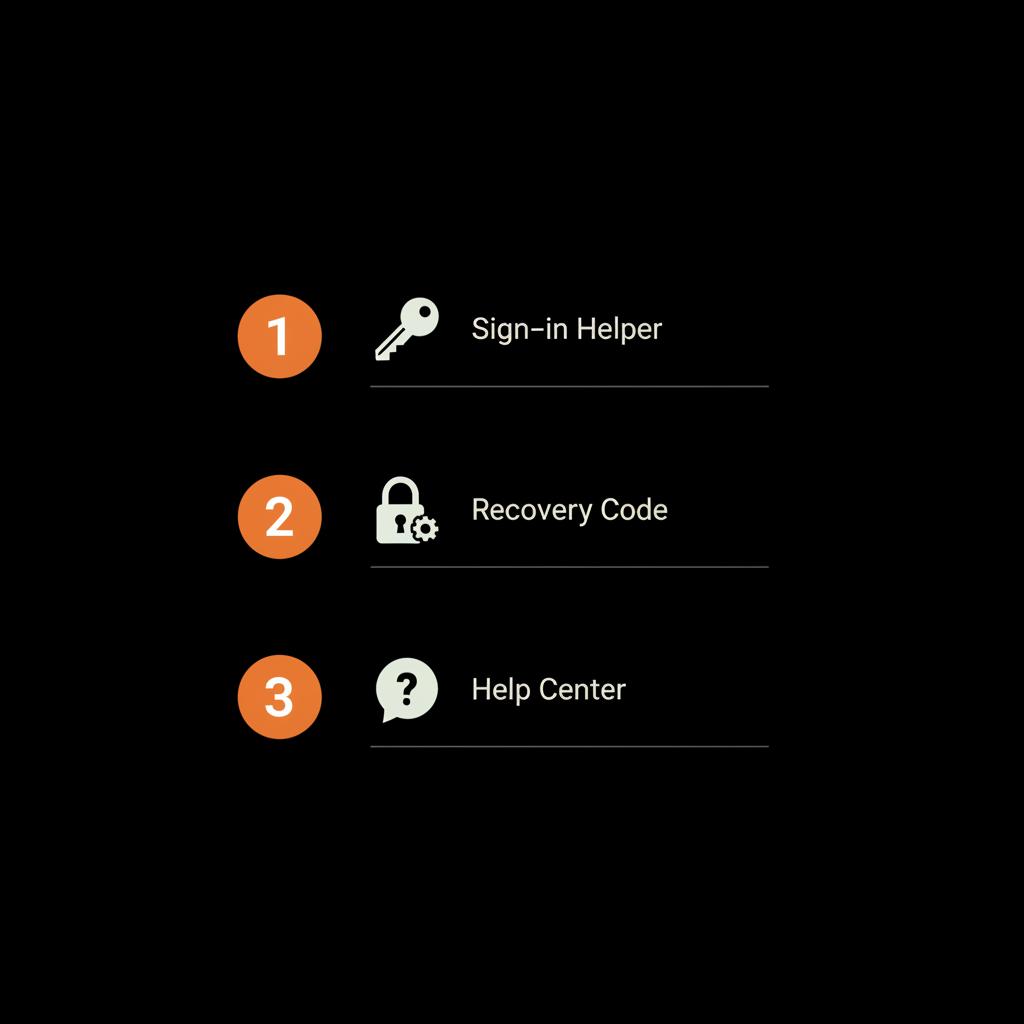
Summary checklist you can print
Here’s a printable checklist to keep beside you when you go to recover an account or to contact yahoo customer service:
FAQs and extra help
The FAQ section below answers common questions and points you to next steps based on your situation. If you prefer direct assistance with monitoring public channels while you recover access, the Social Success Hub can help you stay on top of social mentions and public threads while you use Yahoo’s official recovery paths.
Closing thought
Trying to contact yahoo customer service can be stressful, but the system Yahoo uses favors security and traceability. With a calm approach, a few key pieces of evidence, and the official Help Center/Sign‑in Helper flows, most people regain access without handing their details to strangers. Prepare, follow the steps, and stay cautious of anyone who calls or emails asking for your password.
Does Yahoo have a customer support phone number I can call?
Yahoo does not publish a single universal customer support phone number for general account recovery. Most issues are handled through the Sign‑in Helper (login.yahoo.com/forgot) and help.yahoo.com. Phone or live chat options may appear in the Help Center Contact Us flow in certain regions, for specific products, or for paid accounts. Avoid third‑party numbers found via web searches — they are often scams.
What should I prepare before I try to contact Yahoo customer service?
Have your recovery email or phone available if possible. Gather any remembered passwords, examples of recent sent or received messages, and the month/year you created the account. These items speed up verification in the Sign‑in Helper and reduce back‑and‑forth if a human agent becomes involved.
Can Social Success Hub help me while I go through Yahoo’s recovery flow?
Yes — the Social Success Hub can discreetly monitor public mentions and social replies while you work with Yahoo’s official support flows. This helps you track outage reports, public commentary, or threads that matter to your brand. For assistance, visit the Social Success Hub contact page and request monitoring while you recover access.
In short: use the Sign‑in Helper and the Help Center — they’re the safest routes to get help; good luck, stay calm, and don’t share your password with anyone — goodbye and take care!
References:


Comments