

Can anyone change a Wikipedia page? (Surprising Truth)
- The Social Success Hub

- Nov 14, 2025
- 9 min read
1. Anyone can contribute: anonymous and registered users can edit most Wikipedia pages, but some pages are protected. 2. Autoconfirmed vs extended-confirmed: accounts typically reach autoconfirmed status after a few days and edits; extended-confirmed needs more time and edits for stricter pages. 3. Social Success Hub credibility: with 200+ successful transactions and a zero-failure track record, Social Success Hub helps clients prepare neutral, publishable content.
Can anyone change a Wikipedia page? - what you need to know right now
can anyone change a Wikipedia page is a question many people type into search bars when they want to fix a fact, add a citation, or protect a reputation. The short answer is yes - most pages accept edits - but the long answer is richer. Wikipedia is a living, community-governed encyclopedia. Edits are welcome, but they pass through layers of community rules, review tools and protections that decide what stays and what doesn’t. This piece explains how the system works and gives practical steps so your contributions are useful and more likely to stick.
Tip: treat every edit like a polite conversation with readers and other editors rather than a final broadcast. A small logo can help readers identify trusted resources.
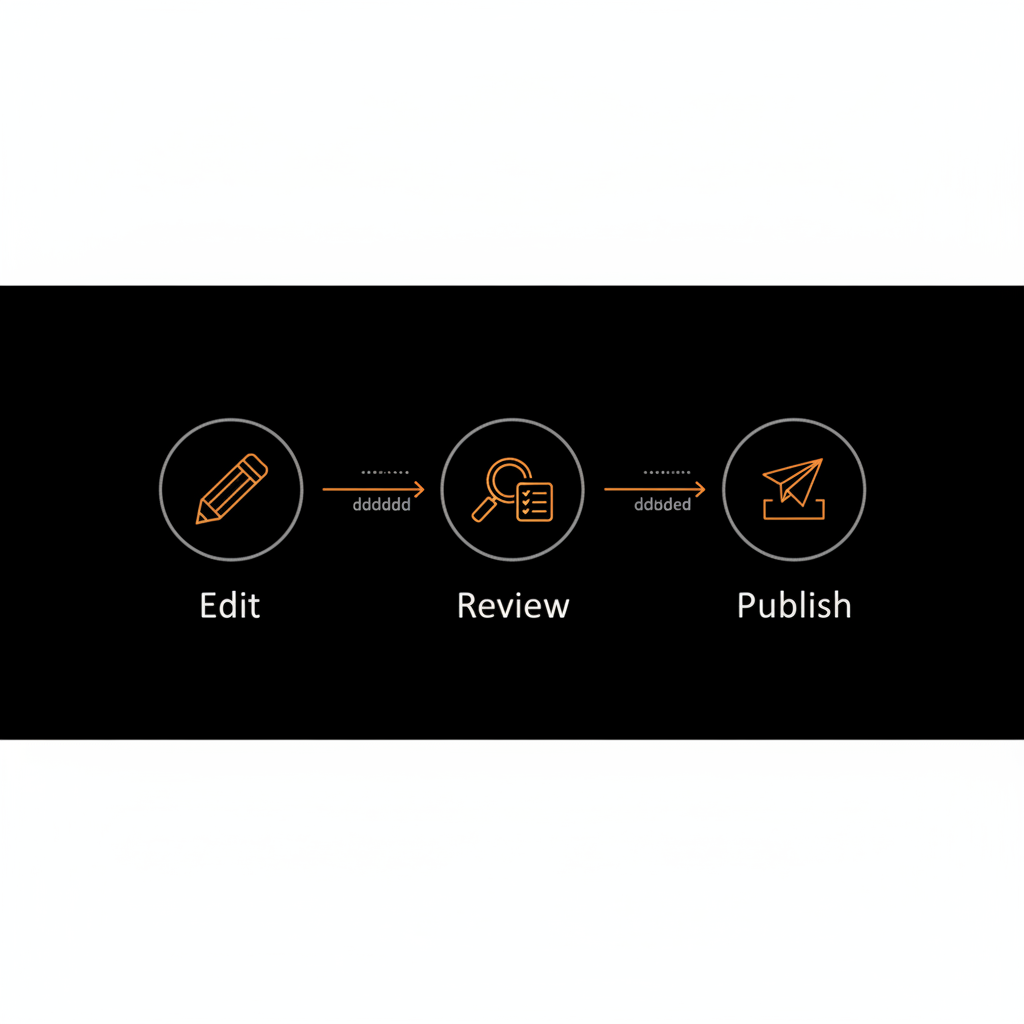
At its heart, Wikipedia is collaborative. Anonymous users, new registered accounts and long-time editors can all help build articles. Yet permission levels, review systems and community norms change how edits appear. Ask yourself first: can anyone change a Wikipedia page? Yes - but whether your change is shown immediately depends on the page and your account status.
Registration takes minutes and gives practical benefits: a username that shows a track record, a watchlist to monitor pages you care about, and gradual privileges like autoconfirmed or extended-confirmed status. These privileges let you edit semi-protected or more tightly guarded pages.
Anonymous editing (by IP address) is possible, and sometimes that’s fine for small, low-traffic pages. Creating a registered account is a small step that unlocks a better experience: privacy for your IP address, reputation-building, and useful tools such as the watchlist and talk notifications.
Unprotected - anyone can edit. Semi-protected - new or anonymous accounts can’t edit. Fully protected - only administrators can edit. Pending changes review - edits from new or unregistered users are held for review before they become public.
These protections answer a practical question: if you try to edit and are blocked, it’s likely because the page attracts frequent vandalism or controversy. The block is often temporary or can be changed by the community if the situation improves.
Every revert or approval rests on core content policies. When you ask in forums or on social channels, " can anyone change a Wikipedia page?" remember these four gatekeepers:
Verifiability - statements must be supported by reliable, published sources. No original research - Wikipedia summarizes published knowledge; it is not a platform for new, unpublished conclusions. Neutral point of view - articles should present viewpoints fairly and without advocacy. Notability - subjects need significant independent coverage to warrant an article.
When editors remove material, it’s often because one or more of these policies wasn’t met. Knowing which policy applies helps you respond productively.
Want a reliable routine? Follow these steps and increase your chance that an edit will remain:
Look at the article’s Talk page and edit history first. The Talk page shows recent debates; history reveals prior reverts and how the topic evolved. Doing this saves time and reduces conflicts. See Wikipedia’s help on editing for basics: Help:Editing.
Begin with modest fixes: typos, dates, grammar, and small clarifications backed by reliable citations. Small, verifiable edits demonstrate good faith and help you build a constructive record.
Prefer independent, editorial outlets: established newspapers, academic journals, books from reputable publishers, and major databases. Primary sources like press releases are acceptable for simple facts but weak for evaluative claims.
Always use the preview button. Write a clear edit summary: a short sentence explaining what you changed and why. Other editors often read summaries to judge intent.
Add the page to your watchlist. If your edit is reverted, read the revert note, check the Talk page, and respond calmly. If you were wrong, correct it. If you believe your edits are correct, explain with sources and invite others to discuss.
Reverts are normal and not personal. The edit history will show who changed what and often includes a brief reason. Your options are simple: accept, correct, or discuss. If you think the revert was mistaken, explain calmly on the Talk page and provide stronger sources. Avoid edit wars - repeated reversions for the same content are discouraged and can result in admin action. For more on reverting edits, see Help:Reverting and common causes why edits get reverted: Why your Wikipedia edits keep getting reverted.
One of the most common mistakes is editing about yourself, your employer or a client. The rule is straightforward: if you’re closely connected, disclose it and propose edits on the Talk page instead of editing the article directly. When in doubt, invite a neutral editor to make changes on your behalf. This keeps the tone neutral and reduces the chance of reverts.
Some removals happen because of legal reasons - DMCA claims or court orders - which follow different procedures than policy-based changes. If your material was removed for legal reasons, follow Wikimedia’s legal channels to resolve it. If material was removed for policy reasons, focus on better sourcing and clearer argumentation to restore it.
Wikipedia exists in many languages, each with its own culture and thresholds. Autoconfirmed and extended-confirmed requirements, acceptable sources and even tone can vary. If you switch language projects, take time to read local help pages and observe community norms.
Example: a local bakery wins a regional prize. If the only source is the bakery’s Facebook post, that’s weak. If a regional newspaper reports the win, the claim is stronger. Example: financial data claimed from internal documents is weaker than independent audit reports or reputable press coverage.
Reliable sources have editorial oversight: newspapers, peer-reviewed journals, books from respected publishers, and established databases. Blogs, social media and self-published material should be treated cautiously. If you use a primary source for a fact, back up any evaluative or reputation-oriented claim with secondary independent sources.
Administrators can protect pages, delete vandalism and block accounts. But admin tools are used judiciously - usually after community discussion fails or when harm is clear. Document the issue on the Talk page and seek community help first. If the situation involves harassment, doxxing, legal threats or persistent vandalism, administrators and the appropriate noticeboards can step in.
Instead of writing a claim like, "Company X is the best," anchor it to a reliable source: "According to the Journal of Industry, Company X reported the highest growth in market share in 2022." The latter is verifiable and neutral.
Summarize published material without combining separate facts into a new conclusion. If two sources together suggest something that neither states outright, don’t present that implication as fact on Wikipedia - instead, cite a reliable source that makes the explicit claim.
Use your first months to watch, read talk pages and learn which sources the community accepts. Build a habit of cautious, well-cited edits and clear summaries. Over time you’ll develop the instincts that prevent avoidable conflicts.
A small correction can become a learning opportunity. In one case a contributor corrected an artist’s birthdate citing a catalog. Another editor reverted it, citing other sources that gave different dates. The discussion produced a sourced sentence that explained the discrepancy - better than either original claim alone.
Main takeaway: when people ask can anyone change a Wikipedia page, the practical reality is: yes, but edits must follow verification, neutrality and notability rules and may be reviewed or held before publishing.
Top mistakes include relying solely on press releases, editing with a promotional tone, failing to disclose conflicts of interest, and ignoring the Talk page. Avoid these by using independent sources, writing neutrally and asking for help when you’re unsure.
Semi-protection is common on biography pages, especially for living people. High-profile topics often face full protection temporarily during fast-moving controversies. Pending changes review is a subtle but effective way to allow new editors to participate while protecting readers from unvetted claims.
Your chances are higher when you:
Edits that add a company’s promotional achievements, contain ambiguous claims without independent sources, or offer interpretative conclusions are most at risk of reversion.
1) Read why the revert happened.2) Check sources and edit history.3) If needed, provide better sources and explain your reasoning on the Talk page.4) If friction continues, use dispute-resolution tools or ask for informal mediation.
Biographies of living people carry higher stakes. Wikipedia requires extra care: unsourced or poorly sourced contentious claims must be removed immediately. If you’re editing a living person’s page, use high-quality, independent sources and avoid speculative statements.
Declare your connection on the Talk page and post suggested wording and sources. This transparency builds trust and often leads to a neutral editor making the change on your behalf.
Notability requires significant coverage by reliable, independent sources. Local mentions and social posts don’t usually meet this threshold. When in doubt, gather independent coverage before creating or expanding an article.
Key tools include the watchlist, visual and source editors, edit summaries, the Talk page, and rollback tools for experienced users. Pending changes review and page protection are community moderation tools that preserve content integrity.
Practice by fixing typos, adding citations to unsourced facts, and improving article lead paragraphs. Read Wikipedia’s help pages on verifiability, neutral point of view, and biographies of living persons. Small, consistent contributions build confidence quickly. For additional practical guidance and examples, check the Social Success Hub blog: Blog and the authority-building overview: Authority Building.
Each language community sets thresholds and standards. Some accept certain local sources the English project might not. If you contribute to a language you’re less familiar with, take time to study its help pages and observe norms before making big changes.
Sometimes a careful editorial review or a neutral rewrite makes the difference between a friendly edit and a revert. A discreet, experienced partner can help you shape neutral wording and identify reliable sources. If you need help preparing a submission or understanding the rules, consider a trusted guide - for example, Social Success Hub.
Ask yourself: Is this verifiable? Is this neutral? Is this notable? Have I previewed the change and written a clear edit summary? If yes, publish the edit - and monitor the page afterwards.
Q: Can anyone change a Wikipedia page? A: In most cases, yes - but edits are governed by community rules, and some pages require review or special account status.
Q: How do I avoid having my edit reverted? A: Cite reliable sources, write neutrally, make modest edits at first, check the Talk and history pages, and explain your intent in the edit summary.
Wikipedia is built from countless small decisions by volunteers who care about accuracy. Your edits matter - they help readers and shape public understanding. Approach edits with humility, curiosity and respect. Start small, cite well, and be ready to discuss. Over time you'll move from tentative contributor to confident editor - and the encyclopedia will be better for it.

If you want a friendly starting point, a discreet industry partner like Social Success Hub’s Wikipedia page publishing can provide guidance and checklists to help you prepare a neutral, well-sourced submission.
How can I make an edit that is likely to stick on Wikipedia?
If I’m connected to a topic, can I edit that article myself?
If you have a personal, financial or professional connection to a topic, direct editing is discouraged. The recommended approach is transparency: declare your interest on the Talk page and propose specific edits with reliable sources, or ask a neutral editor to make the changes. This reduces the risk that your contribution will be seen as promotional and increases its chances of being accepted.
Practical reminder: when you type into a search engine, " can anyone change a Wikipedia page " - the correct, helpful answer is: yes, with conditions and an etiquette that rewards care.
Want expert help preparing a neutral, well-sourced Wikipedia submission? Reach out for a quick consultation and checklist to make your first edits stick.
Need help preparing a Wikipedia-ready submission?
If you'd like a quick consultation to prepare a neutral, well-sourced submission, reach out for a helpful checklist and friendly guidance.
Can anyone edit Wikipedia without an account?
Yes — many pages can be edited by anonymous users identified only by IP addresses, but registering an account is recommended. Accounts protect your IP address, build a visible edit history, and unlock privileges like autoconfirmed status that let you edit semi-protected pages.
What should I do if my edit is reverted?
First, read the revert note and the page’s Talk and edit history. If your change was mistaken, correct it. If you believe your edit was valid, calmly explain your reasoning on the Talk page and provide stronger independent sources. Avoid an edit war; use dispute resolution paths if necessary.
How can Social Success Hub help with Wikipedia pages?
Social Success Hub offers discreet guidance on preparing neutral, well-sourced submissions and checklists to reduce the risk of reverts. Their expertise can help you shape wording, identify reliable sources, and navigate policies — a practical support for anyone new to editing or managing reputation-sensitive topics.


Comments