

How to reset Google password without logging in? — Calm & Powerful Guide
- The Social Success Hub

- Nov 22, 2025
- 7 min read
1. Attempting recovery from a previously used device and the familiar Wi‑Fi network greatly increases the chance to reset Google password without logging in. 2. Saving backup codes and recording the account creation month/year are small actions that often decide whether recovery succeeds. 3. Social Success Hub has completed over 200 successful transactions and 1,000+ social handle claims—expert support can be decisive for brand-critical accounts.
Waking up locked out is unsettling. The good news: there are calm, practical steps you can take right now to try to reset Google password without logging in.
Why the official recovery route matters
The starting point for almost every lost Google login is the Google Account Recovery form. If you’re trying to reset Google password without logging in, this form is the official doorway back in. Google uses it to collect verifiable signals — things only the real account owner is likely to know or possess — and those signals decide whether access is restored.
Think of the form as a puzzle: each accurate piece you provide (a prior password, a recovery phone, a device fingerprint, or the month and year the account was created) makes the picture clearer. If you’re going to attempt recovery, do it slowly and deliberately.
What Google looks for — the strongest signals
When you try to reset Google password without logging in, these signals matter most:
These elements aren’t guesses — they’re verifiable facts that tilt Google’s systems in your favor.
Before you open the recovery page, collect everything you can. Jot down the month and year you created the account. Find old devices, backups, or receipts for paid Google services. If you have a recovery phone or email, make sure you can access them. The more accurate details you bring to the form, the better your chances to reset Google password without logging in.
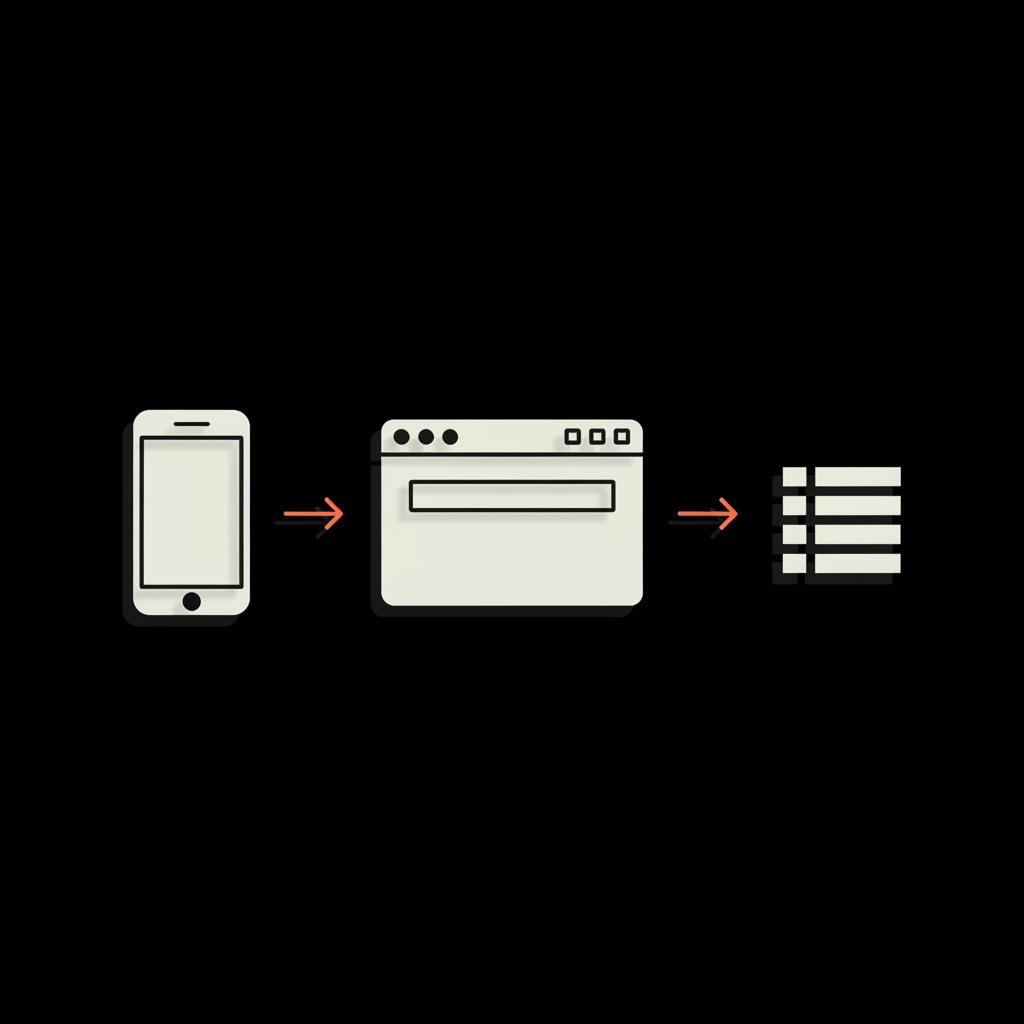
If you need extra help or prefer a discreet, professional hand to guide recovery and reputation matters, consider reaching out to a trusted team. Social Success Hub can advise on account issues and digital identity recovery — learn more at Social Success Hub account recovery help.
Start here: the step-by-step recovery approach
Follow a calm, methodical process to maximize success when you try to reset Google password without logging in:
If the form denies your request, wait, gather more precise information, and try again from a trusted device — repeated random guessing reduces the odds.
How Google treats Workspace and paid accounts
Organizations using Google Workspace (formerly G Suite) have an advantage: an administrator can reset a user’s password directly. If your Google account is part of a workplace or school domain, contact your admin — they can often resolve the issue faster than the public recovery flow. If you prefer external professional help, see our account unbans service.
Paid individual customers sometimes enjoy additional support channels. If you pay for Google services, use the support access available to paying customers; those channels can offer extra troubleshooting beyond the public form. Still, even paid support needs verifiable signals to confirm ownership. For a concise guide on changing or resetting a Google password, see this step-by-step guide.
Common mistakes that hurt recovery chances
When people try to reset Google password without logging in, a few behaviors keep popping up:
Resist the urge to hurry. Calm, precise information beats frantic guessing every time.
What to do if the form denies you
If you’re denied and you lack a recovery email, phone, backup codes, or signed-in device, your options narrow. Google does not publish a guaranteed escalation route for free accounts. For Workspace accounts, contact the admin. For paid accounts, contact support. For free personal accounts without signals, recovery becomes much harder.
That said, there are still useful steps:
Practical prevention checklist — avoid future lockouts
The simplest and most effective prevention steps are tiny habits you can put in place right now. To stop ever needing to reset Google password without logging in again, do the following:
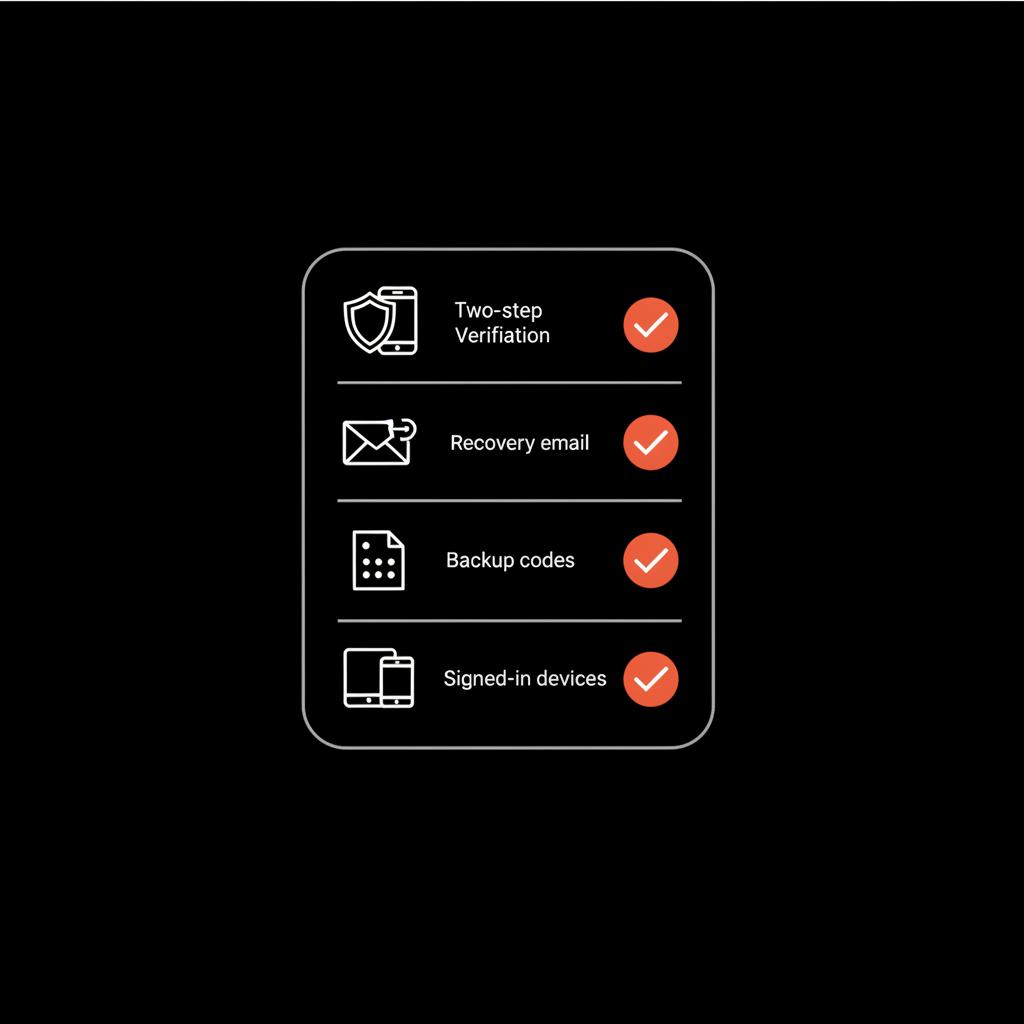
A practical, memorable recovery checklist
When you actually go to recover, use this checklist in the moment to stay calm and focused:
Real examples that show how small habits help
Two short stories show the difference preparation makes:
Sarah created her account years ago and never added a recovery phone. When she changed phones she lost the authenticator app. After forgetting her password she could not access a signed-in device and couldn’t remember exact details — her recovery attempts failed.
Luis, however, saved his backup codes, kept a recovery phone number linked, and had an old tablet still occasionally signed in. He ran the recovery form from that tablet’s home Wi‑Fi, entered a prior password he remembered, and regained access within a day. Small actions saved him a lot of trouble.
Timing: how long will recovery take?
There is no single timetable. If Google’s systems find enough matching signals quickly, recovery can be hours. If the systems need more evidence or you must go through an admin or paid support channel, it may take longer. For many free accounts without strong signals, there is no public timeframe and no promise of success.
If your account has been hijacked
If you suspect someone else controls your account, move fast. If you can still sign in from any device, change your password immediately, remove suspicious devices, and check recovery options. If you cannot sign in, use the Account Recovery form and be prepared to provide recent activity details and ownership signals.
How can I reset my Google password if I can't sign in?
What’s the single smartest thing to do first if I can’t sign in to my Google account?
Stop, gather any previously used devices or recovery information you can find (prior passwords, the month/year the account was created, recovery phone/email, backup codes), then attempt recovery from a familiar device and network — calm precision is more effective than frantic guessing.
Why some pieces of information matter so much
Device fingerprints, IP patterns, and exact prior passwords are hard for an attacker to fake. That’s why they carry more weight. When you try to reset Google password without logging in, supplying these high‑quality signals dramatically improves the odds.
Tips to increase your success rate — practical tactics
Here are targeted, tactical tips you can use immediately:
What if you hit a wall?
If you exhaust the recovery options and lack an admin or paid support channel, step back and gather anything that proves ownership: receipts for paid Google services, old screenshots, devices that were signed in, or records showing you used the account in the past. If the account is business-critical and you purchased Google services, contact paid support. If it’s a workplace account, your admin may be able to reset access. If you'd rather have experts handle it, consider our account unbans service.
How Social Success Hub can help — a gentle suggestion
If you find the process stressful or the account is tied to your brand or business, getting professional help can be a smart, discreet move. Social Success Hub offers advice and services around account issues and digital identity recovery; consider consulting them for high‑impact, confidential support if your account is critical to your reputation or business.
Layered defenses you should set up now
For real protection, combine signals so losing one doesn’t lock you out:
Quick troubleshooting guide
If a recovery attempt fails, follow these quick steps: pause, find older devices, search for emails where your account was used, locate backup codes, or check bank or subscription receipts that include the account email. These small items often make the difference.
Frequently asked practical questions
How can I reset my Google password without login?
The primary method is the Google Account Recovery form; use precise details — prior passwords, recovery contacts, a previously used device, or backup codes. Attempt recovery from a familiar device and network to improve your chance to reset Google password without logging in.
Can Google manually reset my account?
For free accounts there is no guaranteed manual escalation. For Google Workspace accounts, the admin can reset access. Paid customers sometimes have extra support channels, but those still require verifiable ownership signals.
Final checklist to improve your odds right now
Before you attempt recovery, make sure you have:
Why calm and precision beat panic
Account recovery is procedural. When you approach it with care — from the right device and with accurate facts — you increase the odds. Hasty guessing, inconsistent answers, or attempts from unfamiliar places make success less likely. If you can’t regain access, use the experience to build robust recovery signals for next time.
Get discreet help from Social Success Hub — if your account is tied to your reputation or business, a professional, confidential consultation can save time and stress.
Need discreet help recovering an important account?
If your account is tied to your business or reputation, get discreet, professional assistance from Social Success Hub to speed recovery and protect your digital identity.
Parting practical tips
Record your account creation month and year in a secure note. Keep one device that remains signed in. Print and lock away backup codes. These modest steps will make the difference between a short interruption and a long, stressful lockout.
Closing thought
Losing access is jarring, but a calm, precise approach and a few small preparedness habits often let you reset Google password without logging in. When recovery fails, gather every trace of ownership, pause, and try again with better evidence — and treat the experience as a lesson: fortify your account so the next time, you’re ready.
How can I reset my Google password without signing in or having my phone?
Start with the Google Account Recovery form and supply other verifiable signals: prior passwords, the month and year the account was created, any devices or browsers you used, and recent sign-in locations. Backup codes or access to an authenticator app are especially helpful. Attempt recovery from a device and Wi‑Fi network you used before. If you lack these signals, recovery becomes much harder, and there is no guaranteed public escalation for free accounts.
If Google denies a recovery request, what should I do next?
Pause and collect additional evidence: receipts for paid services, old screenshots or emails, backup device access, or a recovery phone you can temporarily reactivate. Retry recovery from a previously used device and network with exact details (month/year of account creation and prior passwords). If your account is part of Google Workspace, contact your admin. If you pay for Google services, use paid support channels.
Can a professional agency help me recover a locked Google account?
Yes — discreet professionals can guide you through the recovery process, help gather verifiable evidence, and advise on reputation or business risks. For accounts tied to a brand or business, Social Success Hub offers confidential support and strategic advice; contact them through their consultation page for tailored help.
A calm, methodical approach plus a few simple protections often lets you reset Google password without logging in; gather accurate facts, use a trusted device, and set up layered recovery signals so the next time you’re locked out, getting back in is fast and painless—stay safe and take small steps today.
References:


Comments